Book a Free Strategy Call
Skip the read: talk to Walid in 30 min.
Free strategy call. We map your AI engineering team, you keep the notes.
The best Claude Code GitHub repos right now: Ay-Skills for plug-and-play production skills, Superpowers for TDD-enforced development, Everything Claude Code for a full agent harness, and claude-code-action for CI/CD. Which one you install first depends on whether you need skills, a framework, or infrastructure.
The scale explains the problem. Claude Code has gone from a niche terminal tool to the backbone of how serious developers ship code in 2026, and the repos that get things done are buried under noise.
This guide covers the 10 best GitHub repositories for Claude Code, from plug-and-play skill packs and TDD frameworks to MCP servers and complete agent harnesses. We break down what each repo does, who it's for, and whether it's worth adding to your workflow.
Best Claude Code GitHub repos: a brief overview
If you want production-ready skills you can drop in today:
- Start with Ay-Skills for 10 battle-tested skills covering SEO, browser automation, video, and diagrams
- Add Superpowers when you want strict TDD enforcement across your entire dev workflow
If you want a complete agent framework:
- Go with Everything Claude Code for the most complete harness (135 agents, security scanning, memory)
- Choose awesome-claude-code-toolkit for a curated toolkit with 400K+ skills via SkillKit
The agent frameworks space moves fast. For an autonomous agent framework that crossed 250K GitHub stars in under 60 days, see our overview of OpenClaw.
If you need CI/CD and infrastructure integration:
- Start with claude-code-action for GitHub Actions automation on PRs and issues
- Add github-mcp-server to give Claude Code native access to repos, PRs, and CI workflows
If you want to learn and explore:
- Use awesome-claude-code as the definitive directory of plugins and skills (For a curated roundup instead of a raw directory, see our best Claude Code plugins guide.)
- Study claude-code-ultimate-guide for 225 templates and 22K+ lines of documentation
| Repo | Key strength | Stars | Category |
|---|---|---|---|
| Ay-Skills | 10 plug-and-play production skills (SEO, browser, video, diagrams) | 40+ | Skills pack |
| Superpowers | TDD-enforced 7-phase agentic dev workflow | 94K+ | Dev framework |
| Everything Claude Code | 135 agents, security scanning, memory optimization | 100K+ | Agent harness |
| claude-code-action | Official GitHub Actions integration for PRs and issues | Official | CI/CD |
| github-mcp-server | GitHub's official MCP server for repos, PRs, and Actions | Official | MCP server |
| awesome-claude-code-toolkit | 135 agents, 400K+ skills via SkillKit, 42 commands | 2.3K+ | Toolkit |
| awesome-claude-code | Curated directory of skills, hooks, plugins, and resources | 28.5K+ | Directory |
| claude-code-mcp | Run Claude Code as an MCP server (agent-in-agent) | ~1K | MCP server |
| claude-context | Semantic code search MCP for full codebase context | Active | MCP server |
| claude-code-ultimate-guide | 225 templates, 22K+ lines of docs, quizzes | Active | Learning |
1. Ay-Skills, best plug-and-play skill pack for Claude Code
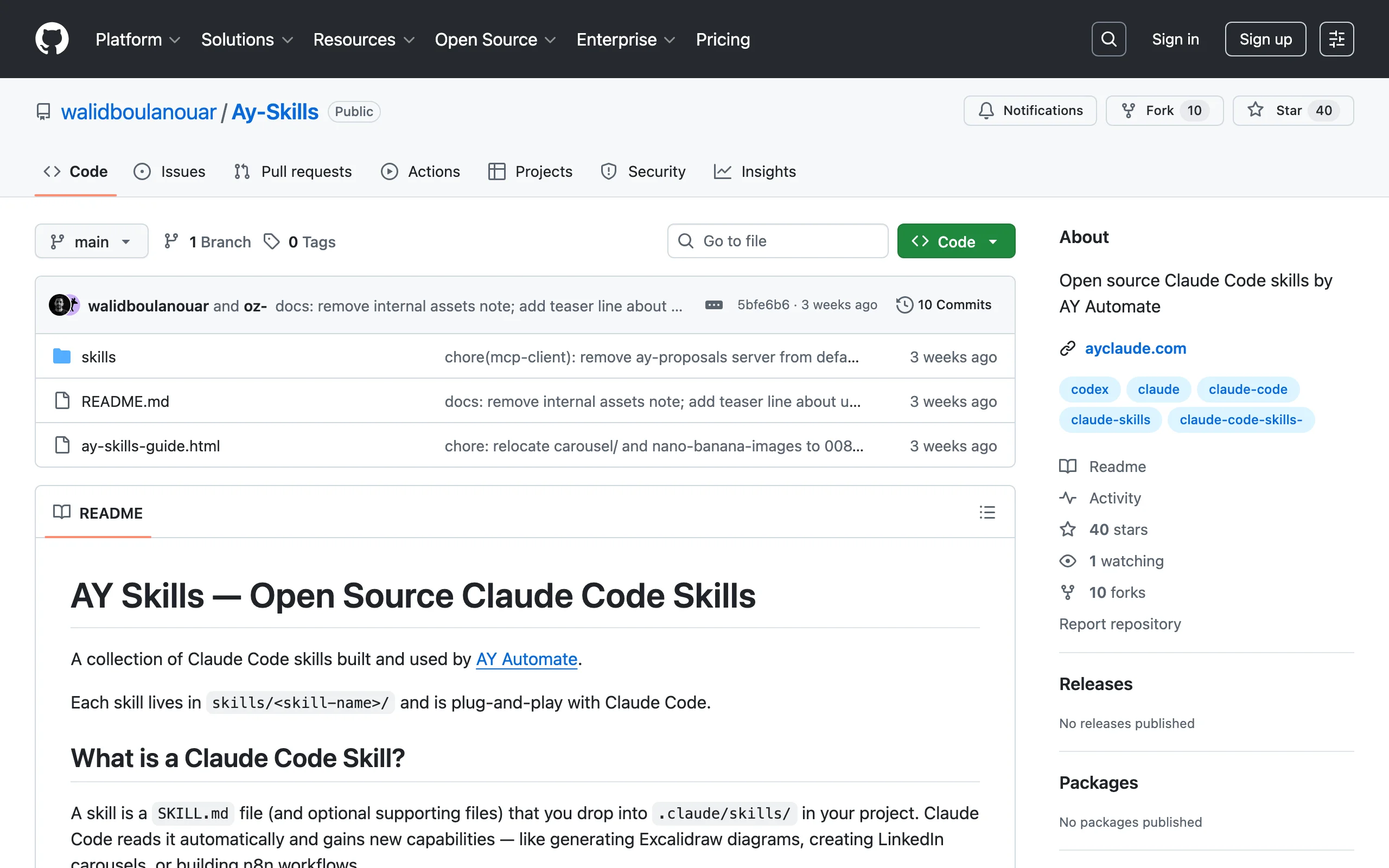
Ay-Skills is an open-source collection of Claude Code skills built by AY Automate. Note: Ay-Skills is an open-source project maintained by AY Automate, the team behind this site. Unlike most skill repos that offer a handful of narrow utilities, Ay-Skills ships 10 production-grade skills that cover a wide range of real workflows: SEO audits, headless browser automation, Remotion video creation, Excalidraw diagramming, MCP client connections, and more.
Each skill is a self-contained folder you drop into .claude/skills/. No configuration, no dependencies to manage. Claude Code auto-loads it and gains the capability immediately. The repo stands out because every skill was built for production use at an agency, not as a demo or proof of concept.
Key features
- 10 production-ready skills: SEO audits, browser automation, Remotion video, Excalidraw diagrams, MCP client, UI/UX design system, NotebookLM integration, artifact builder, skill creator, and Superpowers TDD
- True plug-and-play: copy a folder into
.claude/skills/and it works - Each skill includes supporting scripts, reference files, and detailed trigger conditions
- Skills cover both technical (code, MCP, browser) and creative (video, diagrams, UI) workflows
- Built and tested in production at a real AI automation agency
Best for
- Developers who want a curated set of high-quality skills rather than sifting through thousands of mediocre ones
- Teams running AI agent development workflows who need browser automation, SEO, and diagramming in their Claude Code setup
- Anyone who wants to see how well-structured Claude Code skills should be built
Pricing
- Free and open source (MIT-style)
- No paid tiers or premium features
Pros
- Every skill is production-tested, not a weekend experiment
- Covers an unusually wide range of use cases in a single repo (SEO, video, diagrams, browser, MCP)
- Clean folder structure makes it trivial to install one skill or all ten
- Includes a skill-creator skill for building your own skills following best practices
Cons
- Smaller community compared to repos with tens of thousands of stars (newer repo, launched March 2026)
- Limited to 10 skills (though each is deep and well-built)
2. Superpowers, best TDD-enforced dev framework
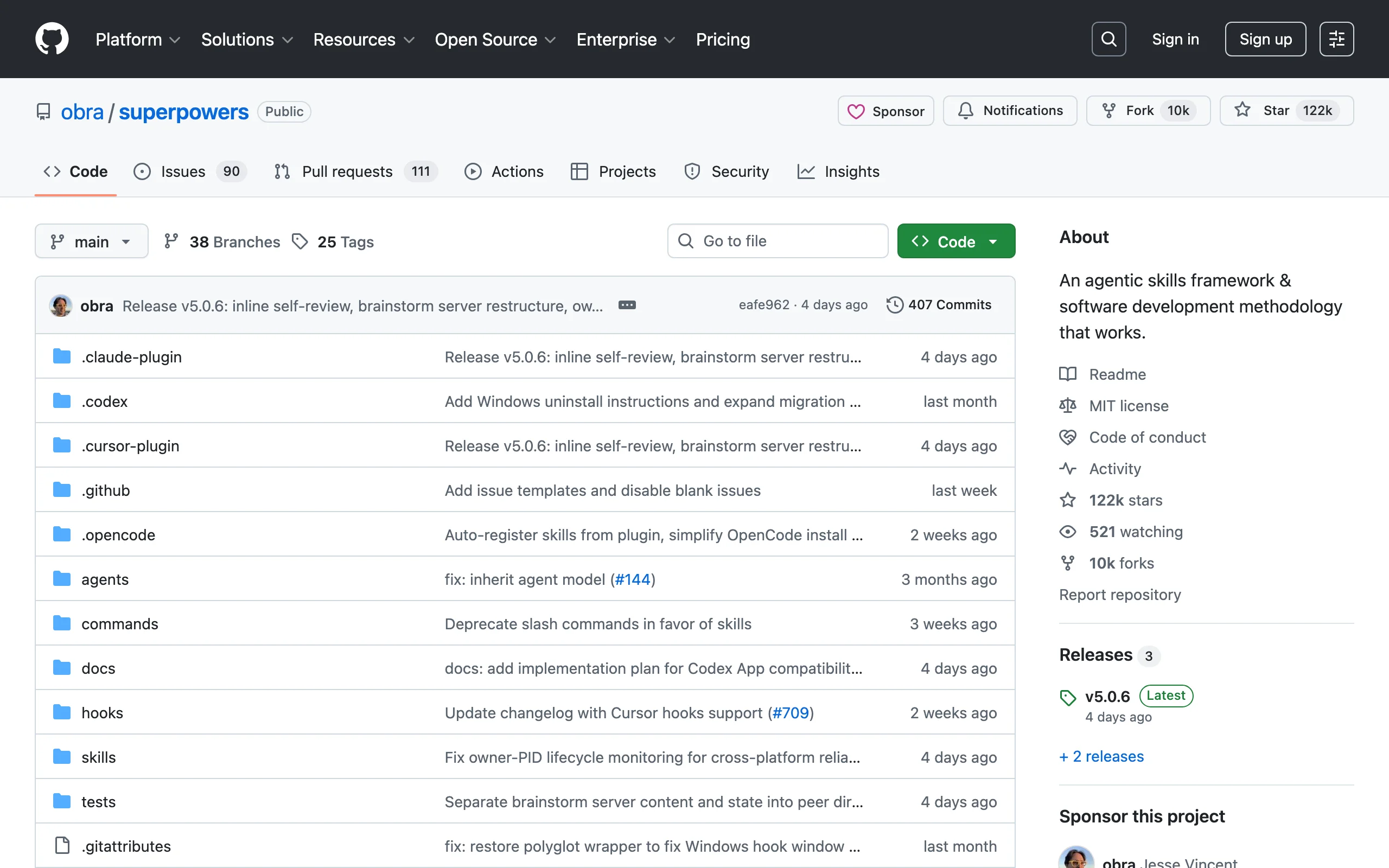
Superpowers is a development methodology encoded as a skills framework that turns Claude Code from a reactive code generator into something that behaves like a senior developer who follows test-driven development. With over 94,000 GitHub stars and official acceptance into the Anthropic marketplace, it's the most popular Claude Code skills repo by a wide margin.
The framework enforces a strict 7-phase workflow: Brainstorm, Spec, Plan, TDD, Subagent Development, Review, Finalize. For the sub-agents worth adding to that workflow, see the 10 best Claude Code sub-agents. The key differentiator is that Superpowers literally deletes code written before tests exist. TDD is not optional.
Key features
- 7-phase agentic workflow with mandatory TDD enforcement
- 20+ battle-tested skills including debugging, collaboration, and planning
- Slash commands: /brainstorm, /write-plan, /execute-plan, /skills-search
- YAGNI and DRY principles baked into every skill
- Socratic brainstorming phase forces requirement clarity before any code is written
Best for
- Engineering teams that want to enforce consistent development practices across all Claude Code usage
- Solo developers who want the discipline of a senior code reviewer built into their workflow
- Organizations adopting Claude Code at scale who need a shared methodology
Pricing
- Free and open source
- Available on the Anthropic marketplace
Pros
- TDD enforcement catches bugs before they ship and cuts debugging time
- The structured workflow prevents the common problem of Claude Code generating code before requirements are clear
- Massive community (94K+ stars) means active maintenance and rapid issue resolution
Cons
- The strict TDD enforcement can feel heavy for quick prototyping or exploratory coding
- Learning curve: the 7-phase workflow requires understanding before you see the benefit
- Opinionated methodology may conflict with teams that have their own established dev practices
3. Everything Claude Code, best complete agent harness system
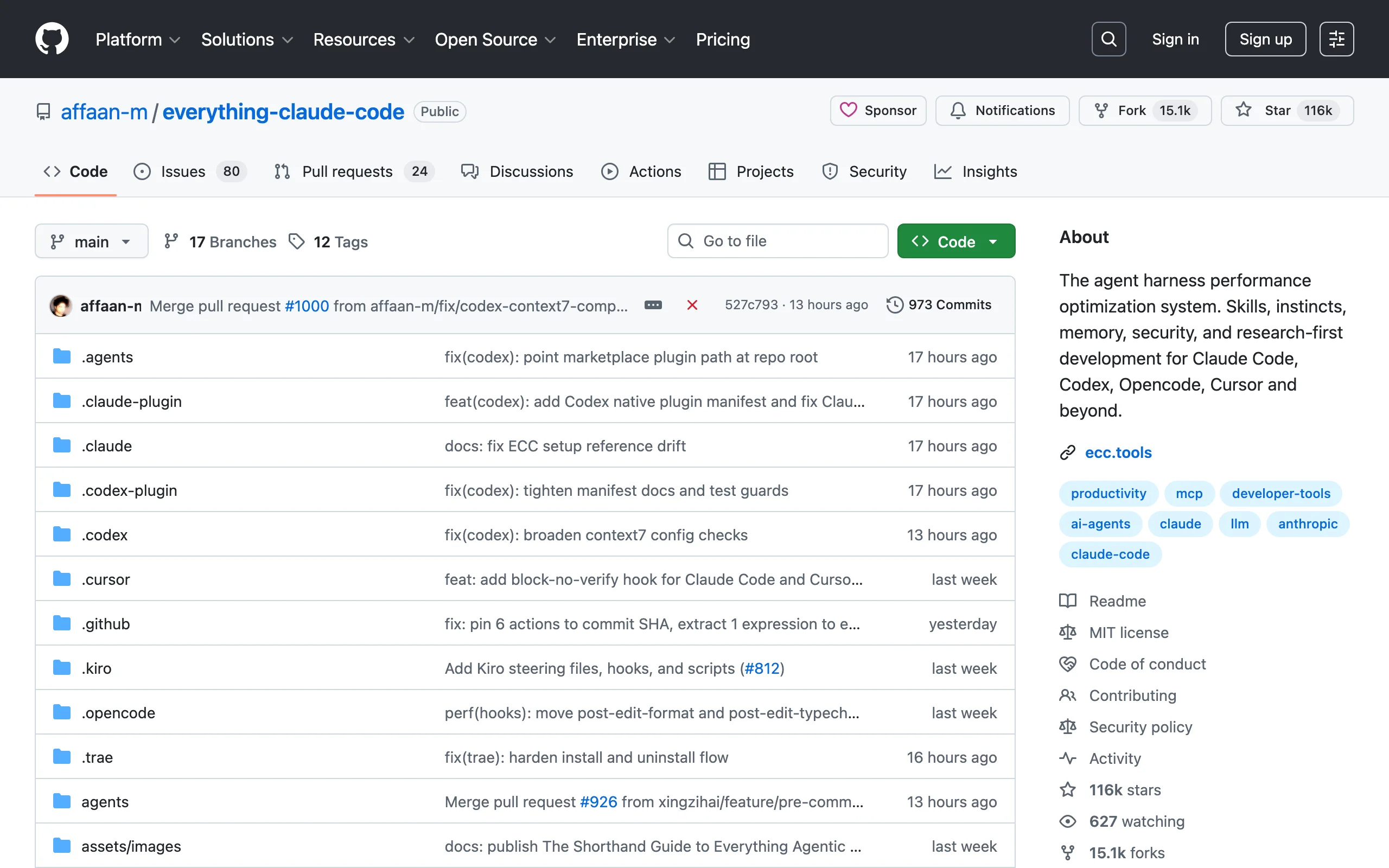
Everything Claude Code (ECC) is the most complete agent harness for Claude Code, with 100K+ stars and recognition as an Anthropic Hackathon winner. Where Superpowers focuses on TDD methodology, ECC provides a full operating system: 135 agents, security scanning, memory optimization, continuous learning, and production-ready configurations.
Version 1.9.0 (March 2026) introduced selective-install architecture, model routing via NanoClaw v2, and support for 12 language ecosystems. The scope is massive: it works across Claude Code, Codex, OpenCode, and Cursor from a single repo.
Key features
- 135 specialized agents, 119 skills, 60 commands
- AgentShield security: 102 rules covering OWASP Top 10, validated by 912 tests
- 1,282 tests with 98% code coverage
- Cross-platform: works with Claude Code, Codex, OpenCode, and Cursor
- Harness commands: /harness-audit, /loop-start, /quality-gate, /model-route
- NanoClaw v2 for model routing, skill hot-loading, and session management
Best for
- Enterprise teams deploying Claude Code across multiple projects who need security scanning and quality gates
- Developers who want a single harness that works across multiple AI coding tools beyond Claude Code
- Teams that need production-grade agent orchestration with monitoring and metrics
Pricing
- Free and open source
- No paid tiers
Pros
- The most complete agent system available, covering security, testing, memory, and multi-model routing
- Cross-platform support means you don't have to choose between Claude Code and Cursor
- AgentShield's OWASP coverage provides real security value for production deployments
Cons
- The sheer scope can be overwhelming for developers who just want a few skills
- Heavy setup compared to simpler repos like Ay-Skills or Superpowers
- Rapid iteration (frequent breaking changes between versions)
4. claude-code-action, best GitHub Actions CI/CD integration
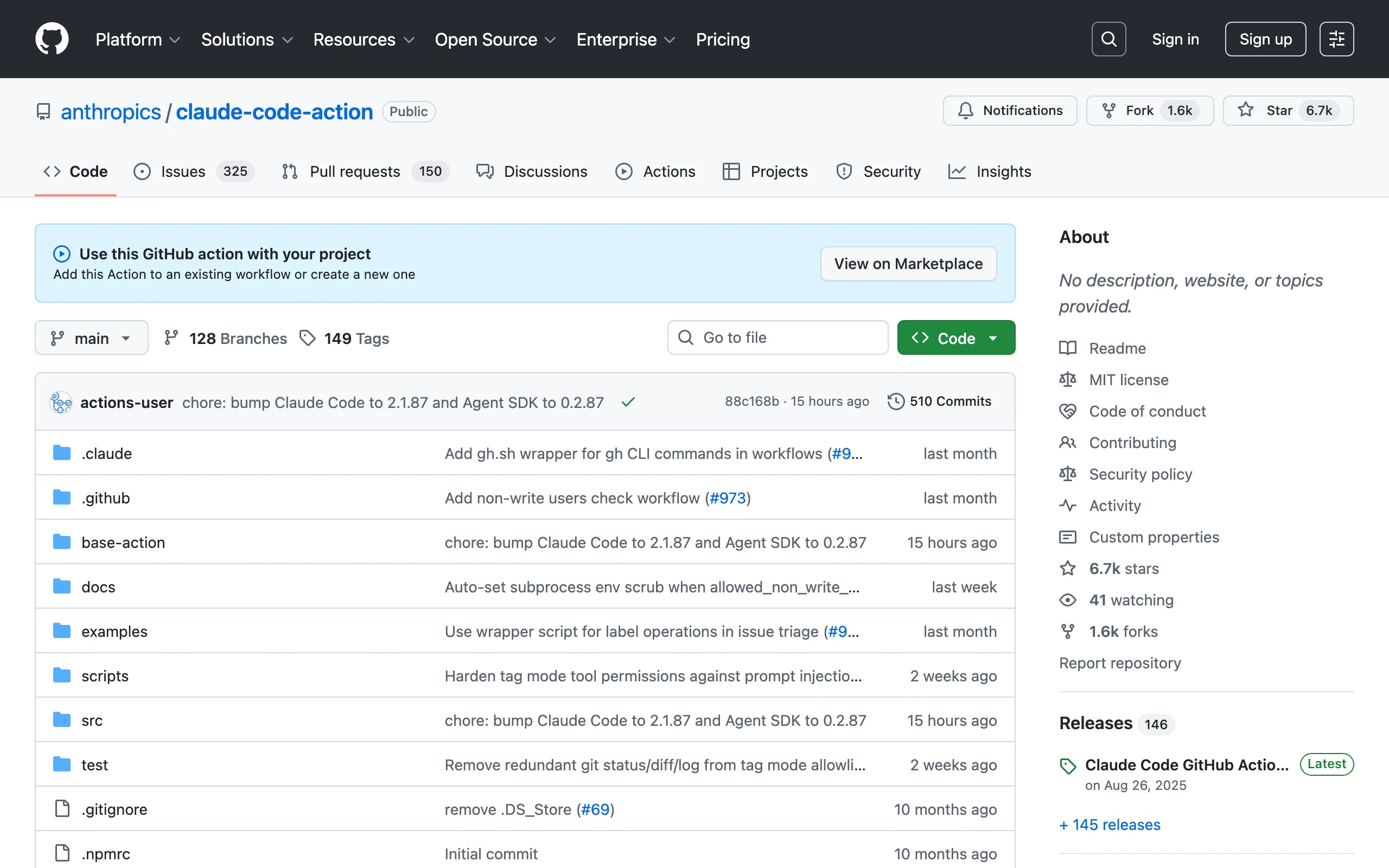
claude-code-action is Anthropic's official GitHub Action that runs Claude Code directly in your CI/CD pipeline. It detects @claude mentions in PR comments, responds to issue assignments, and can implement code changes autonomously. This is the bridge between Claude Code on your laptop and Claude Code in your team's automation pipeline.
The action runs the full Claude Code runtime in a GitHub Actions runner, reading your repo, analyzing diffs, and posting findings directly to pull requests. It supports Anthropic API, Amazon Bedrock, Google Vertex AI, and Microsoft Foundry for authentication.
Key features
- Official Anthropic-maintained GitHub Action
- Responds to @claude mentions in PR comments and issue assignments
- Implements code changes and opens PRs autonomously
- Multi-provider auth: Anthropic API, Bedrock, Vertex AI, Foundry
- Configurable triggers: PR comments, issue assignments, push events, manual dispatch
Best for
- Teams that want Claude Code reviewing every PR automatically
- Organizations needing AI-assisted code review and implementation in CI/CD
- Developers who want to delegate routine PR work (docs updates, test writing, bug fixes) to Claude
Pricing
- Free and open source
- You pay only for Claude API usage
Pros
- Official Anthropic support means reliability and long-term maintenance
- Multi-provider auth gives flexibility for enterprise deployments with existing cloud contracts
- Integrates naturally with existing GitHub workflows without changing developer habits
Cons
- API costs can add up on high-volume repos with many PRs
- Limited to GitHub (no GitLab or Bitbucket support)
- Requires careful prompt engineering in workflow configs to get consistent results
5. github-mcp-server, best official MCP server for GitHub workflows
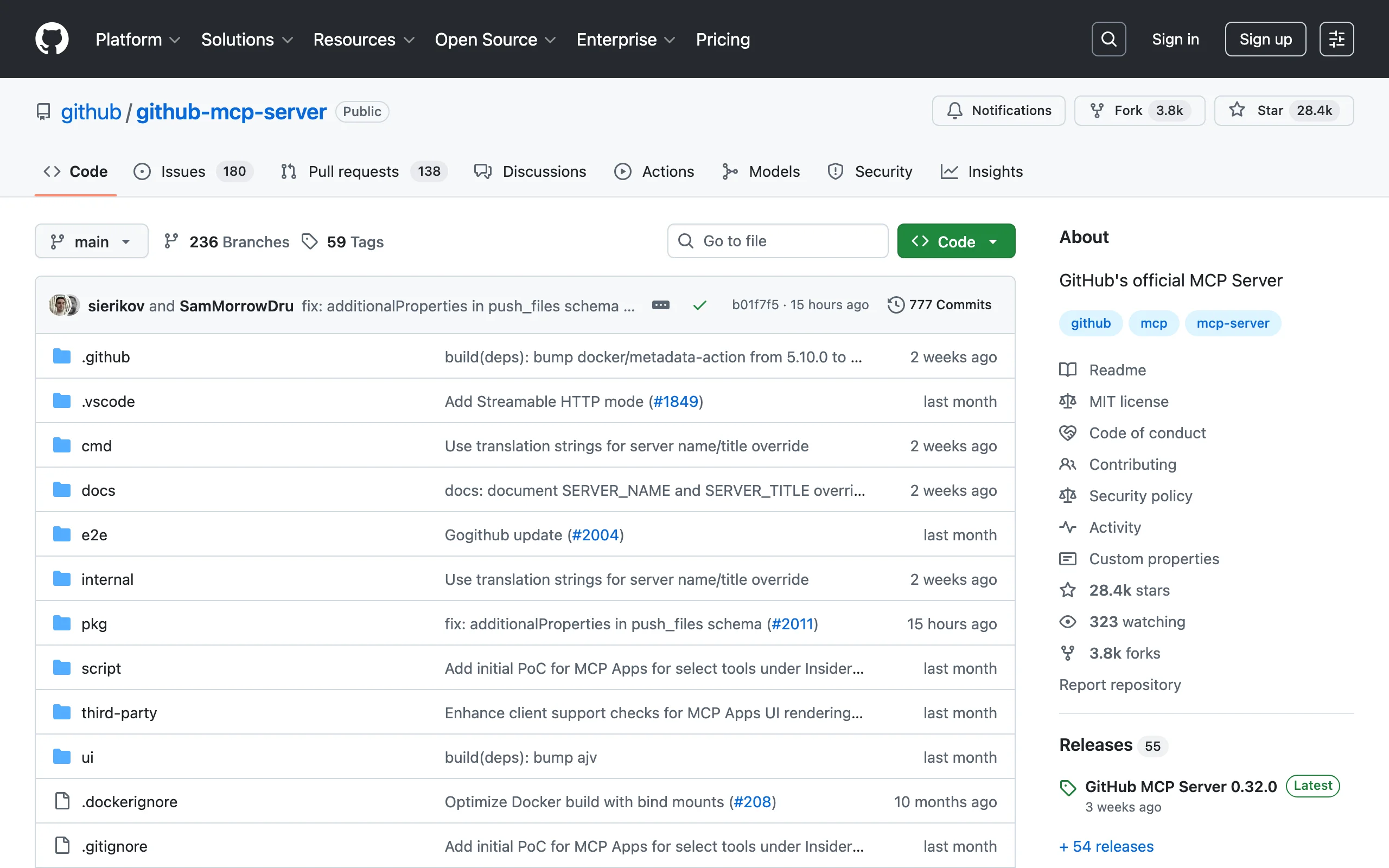
github-mcp-server is GitHub's official MCP (Model Context Protocol) server that gives Claude Code native access to repositories, pull requests, issues, branches, Actions workflows, and code search. Instead of Claude Code guessing about your repo state, it can query GitHub's API directly through a standardized protocol.
This is the most practical MCP server for any developer who works with GitHub daily. Compatible with VS Code 1.101+, Claude Desktop, Cursor, and Windsurf.
Key features
- Official GitHub-maintained MCP server
- Full access to repos, PRs, issues, branches, commits, and Actions
- Code search across your entire organization
- Compatible with Claude Code, VS Code, Claude Desktop, Cursor, Windsurf
- Supports GitHub Enterprise and fine-grained personal access tokens
Best for
- Any developer using Claude Code with GitHub repositories (which is almost everyone)
- Teams that want Claude Code to create PRs, manage issues, and trigger CI workflows
- Organizations on GitHub Enterprise that need custom workflow automation with proper access controls
Pricing
- Free and open source
- Requires a GitHub personal access token (free to create)
Pros
- Official GitHub support guarantees compatibility and security
- Turns Claude Code into a full GitHub collaborator instead of a code generator
- Works across multiple AI coding tools, not locked to Claude Code
Cons
- Requires initial MCP configuration setup (not zero-config)
- Token permissions need careful scoping for team environments
- Some advanced GitHub features (Projects, Discussions) have limited MCP coverage
6. awesome-claude-code-toolkit, best all-in-one skills and agent collection
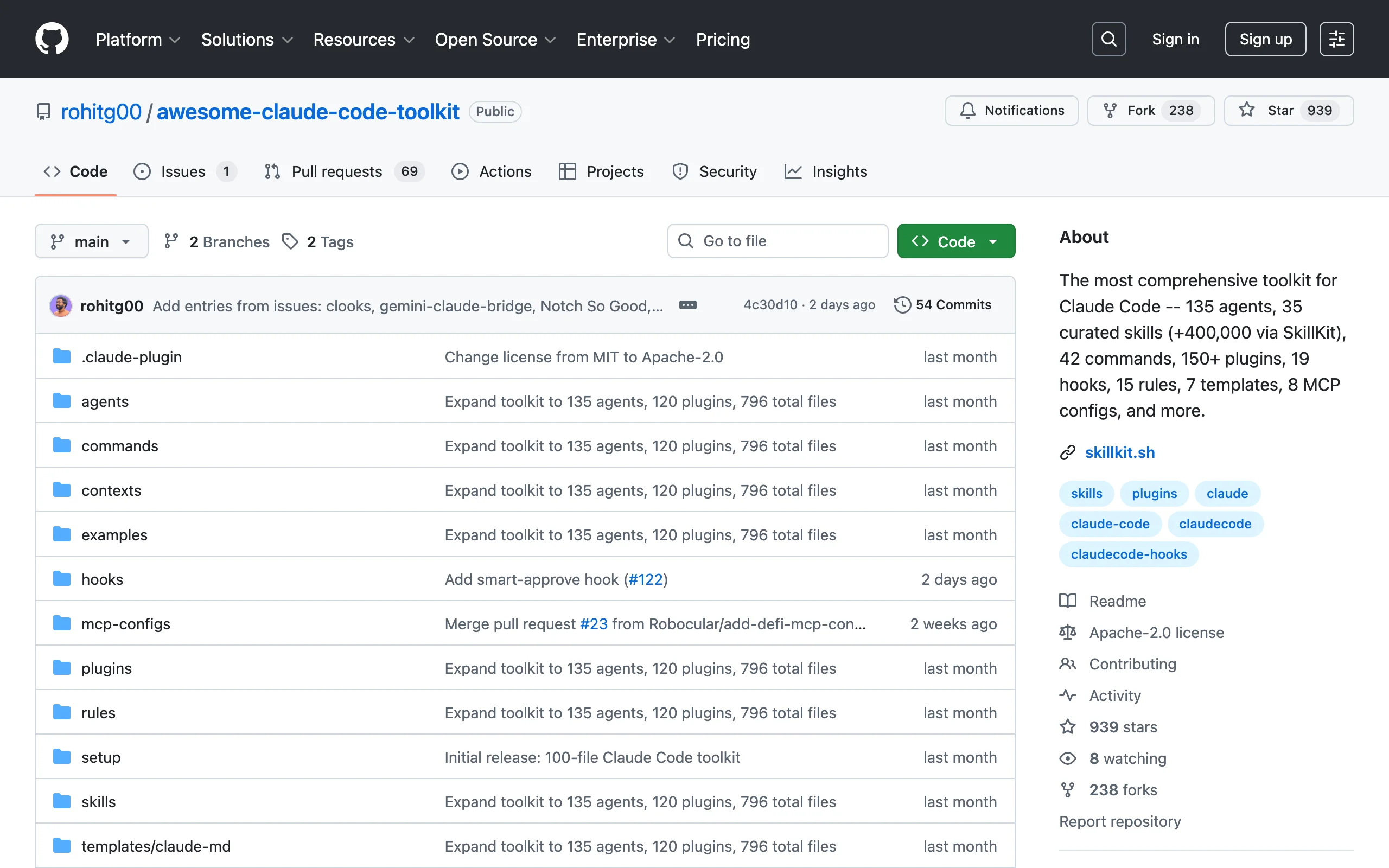
awesome-claude-code-toolkit is the biggest pre-packaged toolkit for Claude Code, bundling 135 agents, 35 curated skills (plus access to 400,000+ via SkillKit), 42 commands, 150+ plugins, 19 hooks, 15 rules, 7 templates, and 8 MCP configurations into a single installable package.
Where awesome-claude-code (entry #7) is a directory of links, this toolkit is a working installation. You clone it and run it. The SkillKit integration is particularly useful: it connects to a marketplace of over 400,000 community skills, searchable from within Claude Code.
Key features
- 135 pre-built agents for specialized tasks
- SkillKit integration: access 400,000+ community skills from within Claude Code
- 42 ready-to-use commands and 19 hooks
- 8 MCP server configurations pre-wired
- 7 project templates for common setups
Best for
- Developers who want a large collection of agents and skills without curating their own
- Teams exploring what's possible with Claude Code and want maximum surface area
- Anyone who wants SkillKit marketplace access integrated into their setup
Pricing
- Free and open source
- SkillKit marketplace may have paid skills from third parties
Pros
- Largest pre-bundled collection of agents, skills, and configs in a single repo
- SkillKit integration provides a practically unlimited skill library
- Well-organized with clear categories and documentation
Cons
- Quantity over quality: not every skill or agent is production-grade
- Large installation footprint may include tools you never use
- SkillKit dependency means some skills rely on external marketplace availability
7. awesome-claude-code, best curated directory of plugins and resources
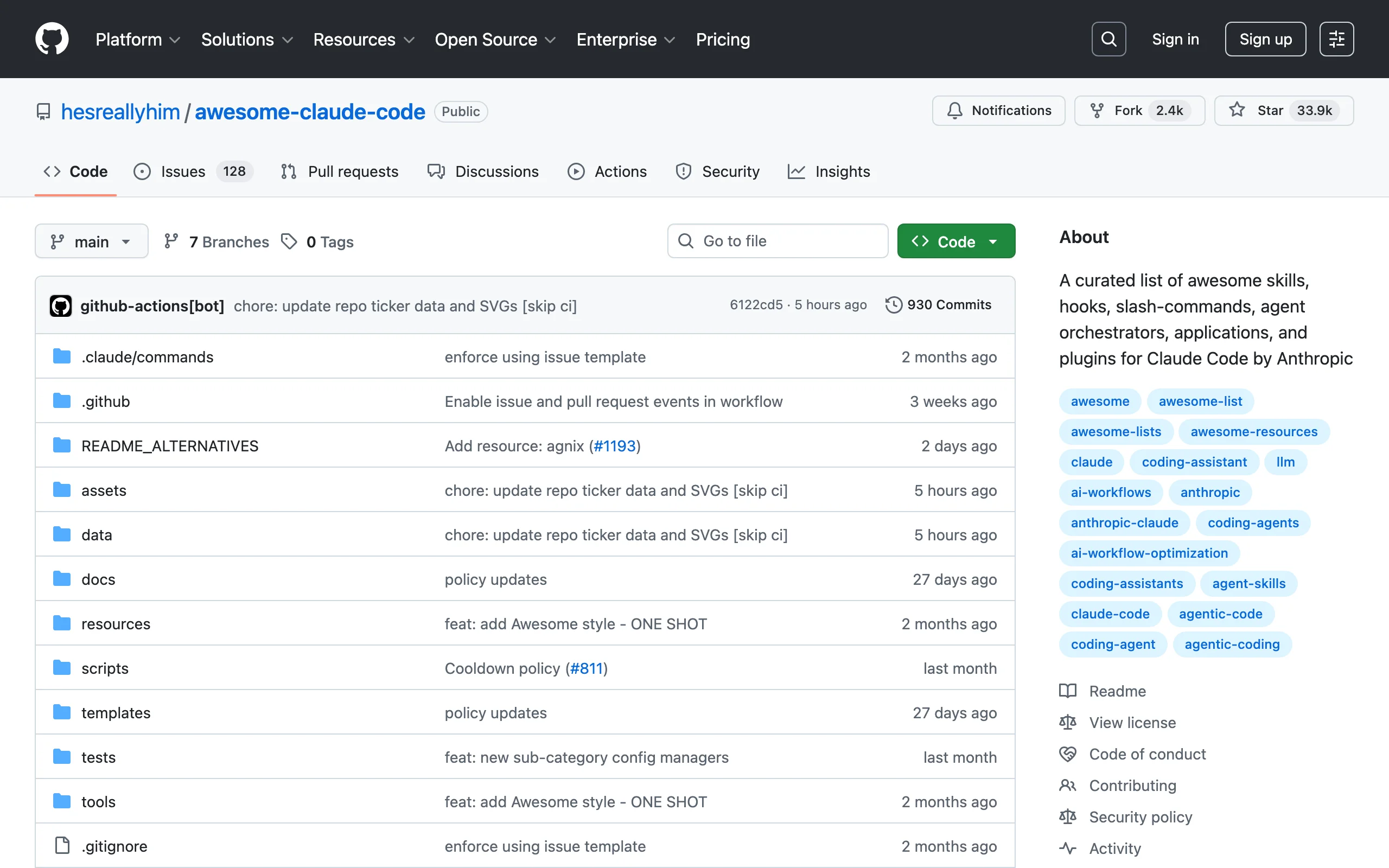
awesome-claude-code is the definitive curated list of Claude Code skills, hooks, slash commands, agent orchestrators, applications, and plugins. With 28,500+ stars, it is the community's central index for discovering Claude Code extensions.
This is not a toolkit you install. It's a reference directory organized by category, linking to individual repos with descriptions and quality indicators. Think of it as the "awesome list" pattern applied to Claude Code.
Key features
- Categorized directory: skills, hooks, slash commands, MCP servers, IDE integrations
- Quality indicators and community ratings for listed repos
- Regular updates tracking the fast-moving Claude Code ecosystem
- Contribution guidelines ensure listed repos meet quality standards
- Cross-references related repos within categories
Best for
- Developers browsing for specific skills or plugins for a particular use case
- Anyone new to the Claude Code ecosystem who wants a structured overview
- Contributors looking to promote their own Claude Code tools to a large audience
Pricing
- Free (it's a directory, not software)
Pros
- The widest single-page overview of the Claude Code ecosystem
- Saves hours of searching GitHub Topics and forums
- Community-driven curation filters out abandoned or low-quality repos
Cons
- Not installable: you still need to visit, evaluate, and install individual repos yourself
- Can lag behind newly released repos (curation takes time)
- No quality guarantee for linked repos beyond basic community vetting
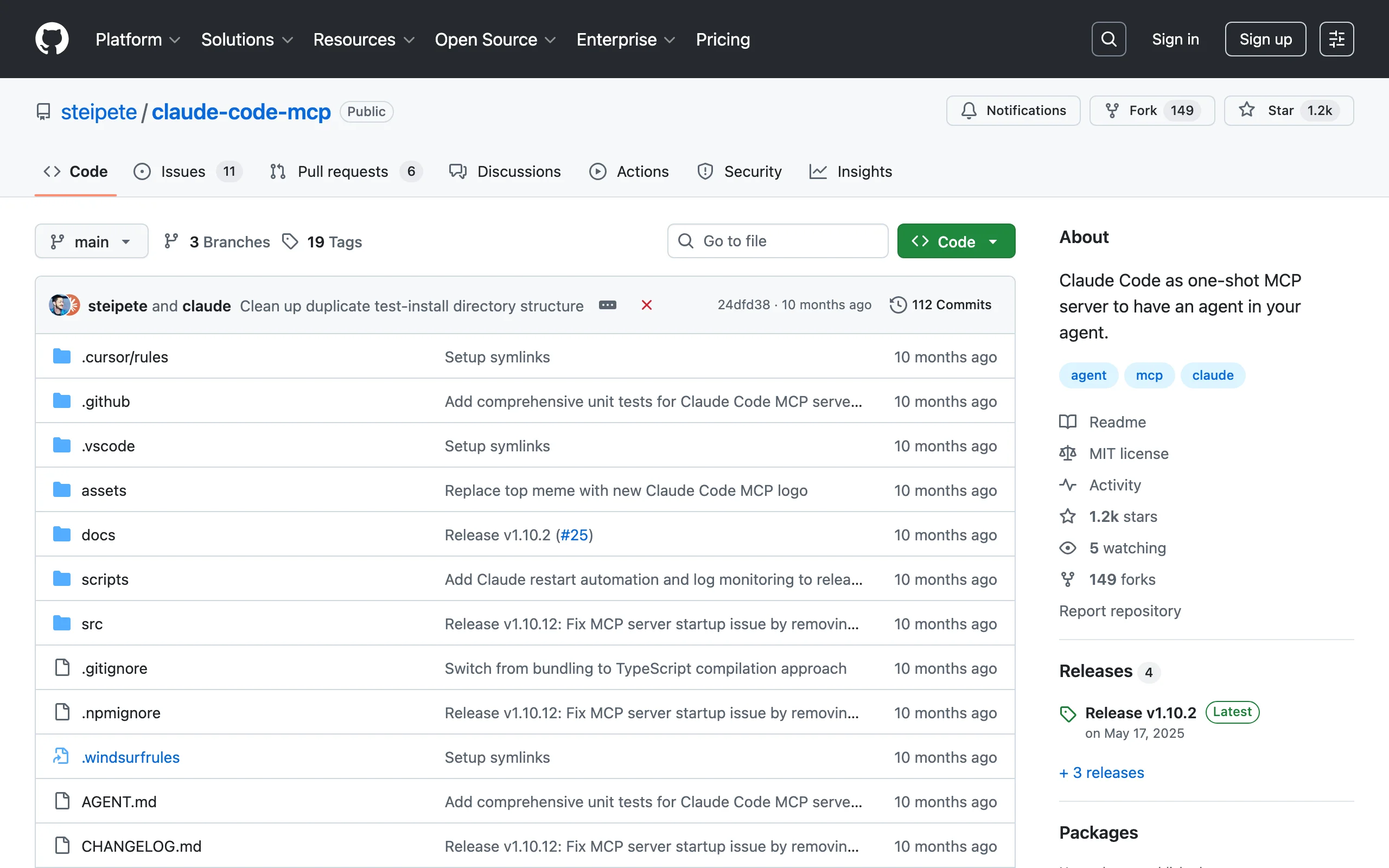
8. claude-code-mcp, best agent-in-agent MCP server
claude-code-mcp lets you run Claude Code itself as an MCP server, the "agent-in-agent" pattern. Your primary Claude Code session can spawn secondary Claude Code instances to handle subtasks: research, code generation, testing, or file analysis, all running in parallel with permissions automatically handled.
This is an advanced tool for developers who want to orchestrate multiple Claude Code agents from a single session. It's particularly powerful for complex multi-step workflows where different subtasks benefit from isolated contexts.
Key features
- Runs Claude Code as a one-shot MCP server
- Automatic permission bypassing for headless execution
- Parallel agent execution from a single session
- Configurable context isolation between agent instances
- Works with any MCP-compatible host (Claude Code, Claude Desktop, Cursor)
Best for
- Advanced developers building multi-agent workflows in Claude Code
- Teams orchestrating complex tasks that benefit from parallel processing
- Anyone who wants to use Claude Code to control other Claude Code instances
Pricing
- Free and open source
- API costs scale with the number of agent instances spawned
Pros
- Gives you genuine multi-agent orchestration without external frameworks
- Clean MCP integration means it works within Claude Code's native tool system
- Permission handling removes the friction of running headless agent instances
Cons
- API costs multiply with each spawned agent (can get expensive fast)
- Debugging nested agent interactions is harder than single-session debugging
- Niche use case: most developers won't need agent-in-agent orchestration
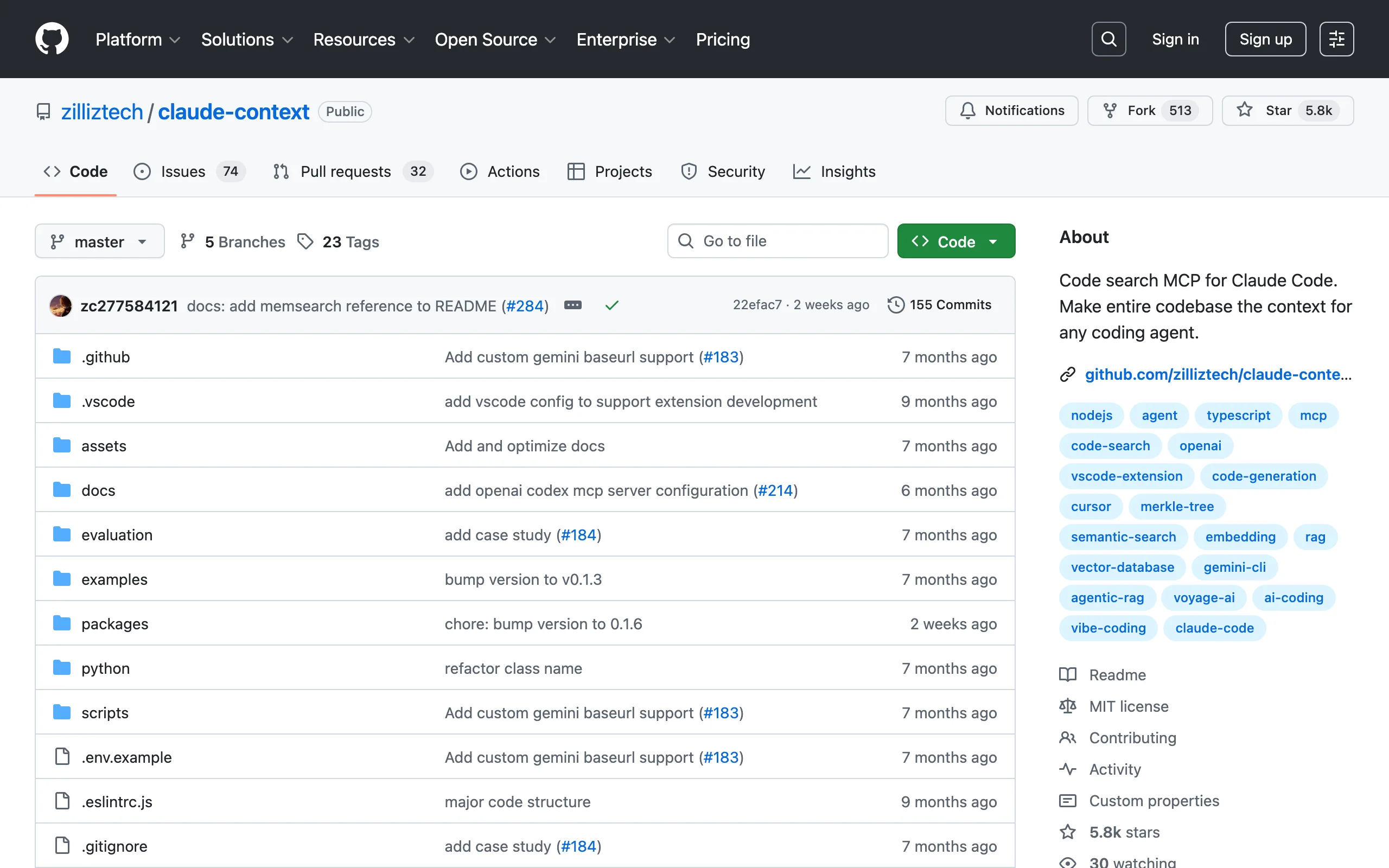
9. claude-context, best semantic code search for large codebases
claude-context is an MCP plugin that adds semantic code search to Claude Code. Instead of relying on Claude Code's built-in file reading (which processes files sequentially), claude-context indexes your entire codebase and lets Claude Code query it semantically. It finds relevant code by meaning rather than exact string matching.
For large codebases where Claude Code's default context window isn't enough, this is the fix. It gives Claude Code deep awareness of your entire project without hitting token limits. For the underlying discipline of managing what actually goes into that window, see our context engineering guide.
Key features
- Semantic code search across entire codebases using vector embeddings
- MCP integration: works natively within Claude Code's tool system
- Indexes code on first run, then updates incrementally
- Finds relevant code by meaning even when keywords don't match
- Supports multiple programming languages and file types
Best for
- Teams working on large monorepos or codebases with 100K+ lines of code
- Developers who find Claude Code loses context on big projects
- Anyone who needs Claude Code to understand cross-file relationships in complex architectures
Pricing
- Free and open source
- Requires local compute for indexing (no cloud costs)
Pros
- Dramatically improves Claude Code's understanding of large codebases
- Semantic search finds relevant code that keyword search would miss
- Incremental indexing means fast updates after initial setup
Cons
- Initial indexing takes time on very large codebases
- Requires local resources (RAM, disk) for the vector index
- Adds complexity to the Claude Code setup compared to using it standalone
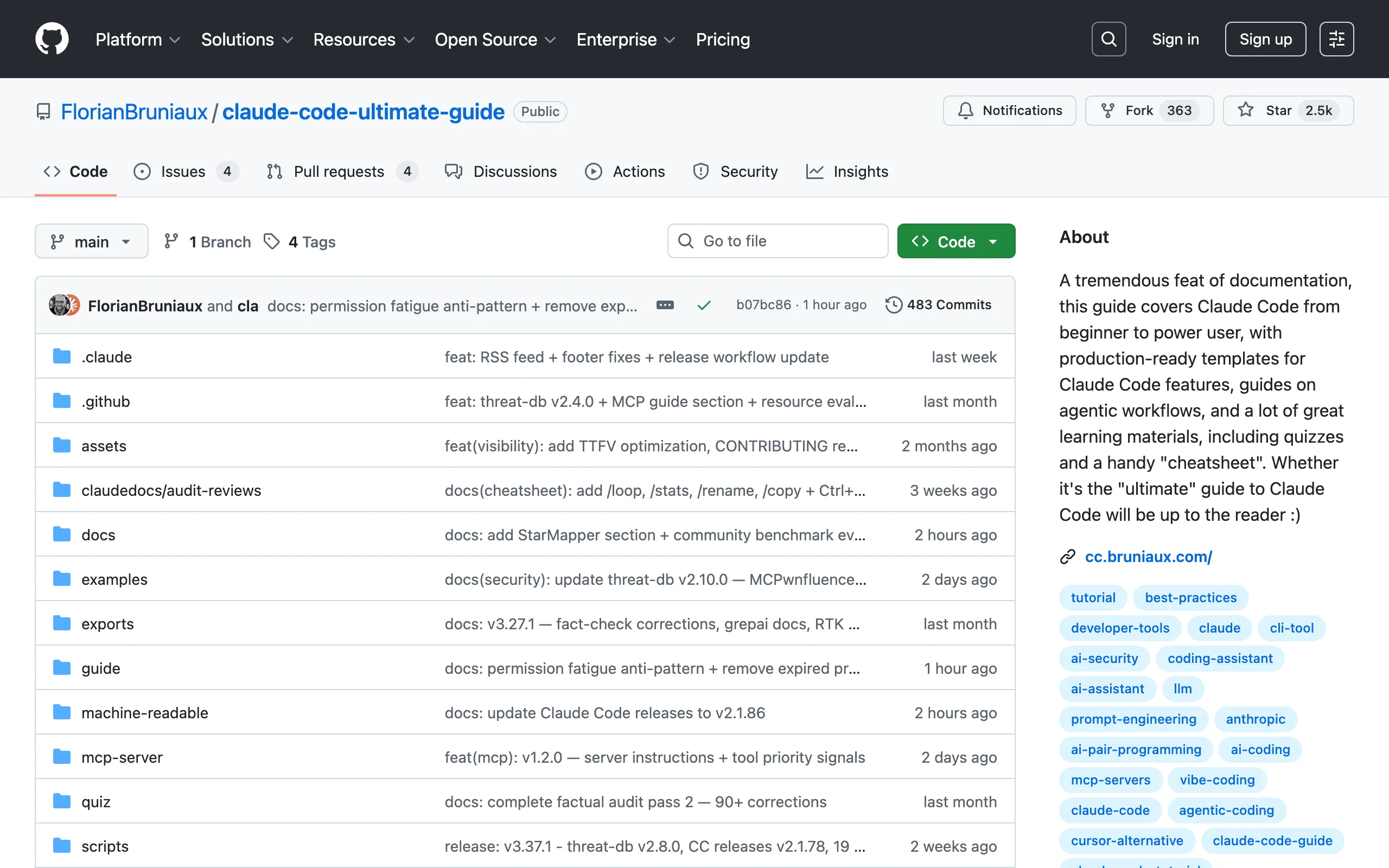
10. claude-code-ultimate-guide, best learning resource and template library
claude-code-ultimate-guide is a massive documentation project covering Claude Code from beginner to power user. With 225 production-ready templates, 9 custom AI personas, 26 slash commands, 31 hooks, 14 skills, and 271 quiz questions across 22,000+ lines of documentation, it's the single most thorough learning resource for Claude Code outside of Anthropic's official docs.
This is not a tool or framework. It's a reference library. If you're serious about mastering Claude Code (or onboarding your team), this is where you start.
Key features
- 225 production-ready templates covering common development patterns
- 22,000+ lines of structured documentation with examples
- 271 quiz questions for self-assessment and team training
- 9 custom AI personas for different development styles
- 26 slash commands, 31 hooks, and 14 skills included as installable examples
Best for
- Developers new to Claude Code who want a structured learning path
- Team leads onboarding their engineering team onto Claude Code
- Anyone who wants copy-paste templates for common AI automation patterns
Pricing
- Free and open source
Pros
- The most thorough Claude Code learning resource available on GitHub
- Quiz questions make it useful for team training and certification
- Templates are production-ready, no toy examples
Cons
- Documentation-heavy: not something you install and run
- Can become outdated as Claude Code evolves rapidly (check last commit date)
- Overwhelming volume for developers who just want quick answers
How to choose the best Claude Code GitHub repo
1) Do you need skills, a framework, or infrastructure?
If you want plug-and-play capabilities you can use immediately, start with a skills repo. Ay-Skills gives you 10 diverse, production-tested skills. Superpowers gives you a complete TDD methodology. For infrastructure (CI/CD, GitHub integration, code search), look at claude-code-action, github-mcp-server, and claude-context.
- If you want skills: start with Ay-Skills or Superpowers
- If you want infrastructure: start with github-mcp-server and claude-code-action
- If you want everything: start with Everything Claude Code or awesome-claude-code-toolkit
2) How experienced is your team with Claude Code?
For teams just getting started, claude-code-ultimate-guide provides the learning foundation, and awesome-claude-code gives you a map of the ecosystem. For experienced teams, Superpowers and Everything Claude Code provide the kind of structured workflows and agent orchestration that justify their complexity.
- If your team is new to Claude Code: start with the ultimate guide and awesome-claude-code
- If your team is experienced: go straight to Superpowers or ECC
- If you need to hire developers who already know the Claude Code ecosystem, engineer placement services can connect you with pre-vetted engineers familiar with these tools
3) What's your risk tolerance for dependencies?
Official repos (claude-code-action, github-mcp-server) have institutional backing and will be maintained long-term. Community repos with massive star counts (Superpowers, ECC) have strong community support but could shift direction. Smaller repos (Ay-Skills, claude-context) are more focused but depend on individual maintainers.
- If you need stability: prioritize official Anthropic and GitHub repos
- If you want the newest features: community repos move faster than official ones
- If you want quality over quantity: Ay-Skills and Superpowers are opinionated and well-tested
If you're building custom Claude Code skills or workflows for your team and want expert guidance, AY Automate's AI agent development team specializes in building production-grade AI tooling. Book a free discovery call to discuss your Claude Code setup.
FAQ
What are the best GitHub repos for Claude Code in 2026?
The top repos are Ay-Skills (10 plug-and-play production skills), Superpowers (TDD-enforced dev framework with 94K+ stars), Everything Claude Code (complete agent harness with 100K+ stars), and claude-code-action (Anthropic's official GitHub Actions integration). The best choice depends on whether you need skills, a framework, or CI/CD integration.
What is a Claude Code skill?
A Claude Code skill is a SKILL.md file (with optional supporting scripts and assets) that you place in your project's .claude/skills/ directory. Claude Code auto-loads it and gains the capabilities described in the skill file. Skills can add slash commands, enforce development methodologies, connect to external services, or automate complex workflows.
Are Claude Code GitHub repos free to use?
Yes. All 10 repos in this list are free and open source. The only costs come from Claude API usage, which depends on how much you use Claude Code itself. Some repos like claude-code-mcp can increase API costs since they spawn multiple agent instances in parallel.
How do I install a Claude Code skill from GitHub?
Clone or download the repo, then copy the skill folder into your project's .claude/skills/ directory. Claude Code automatically detects and loads any SKILL.md file in that directory. No additional configuration is needed for most skills.
What is an MCP server for Claude Code?
MCP (Model Context Protocol) is the standard that lets Claude Code connect to external tools and data sources. An MCP server exposes capabilities (like GitHub API access or semantic code search) through a standardized interface. You configure MCP servers in your Claude Code settings, and Claude Code can then use their tools during conversations. For the servers worth installing first, see the 12 best Claude Code MCP servers.
Which Claude Code GitHub repo should I install first?
Start with github-mcp-server if you work with GitHub (most developers do), as it gives Claude Code native access to your repos and PRs. Then add Ay-Skills for a curated set of production skills. If you want to enforce better development practices, add Superpowers for TDD methodology.
How do I get my team up to speed on Claude Code tools?
Start with claude-code-ultimate-guide for self-paced learning, then have your team experiment with one or two repos from this list. For a faster ramp-up, custom AI training programs can teach your team how to evaluate, install, and build on these tools effectively. For Claude Code-specific onboarding that covers setup, CLAUDE.md conventions, and hands-on workflow sessions on your actual codebase, our Claude Code training workshops run in one to three days.
Can I use multiple Claude Code repos together?
Yes. Skills, MCP servers, and frameworks are designed to coexist. You can run Superpowers for development methodology, github-mcp-server for GitHub access, and Ay-Skills for specialized capabilities all in the same project. The only constraint is that conflicting skills (two skills that handle the same trigger differently) may need manual resolution.
What is the difference between Superpowers and Everything Claude Code?
Superpowers focuses on development methodology: it enforces TDD, structured planning, and code review practices. Everything Claude Code is a full agent harness: it includes agents, security scanning, memory optimization, model routing, and cross-platform support. Superpowers makes you a better developer. ECC gives you more infrastructure. Many teams use both.
Once you have found the repos that fit your stack, see the best Claude Code project templates guide for pre-configured starters that wire these repos into a working codebase with CLAUDE.md, agents, hooks, and MCP servers already set up.
If you would rather have these workflows built and run for you instead of wiring the repos together yourself, that is what an AI automation agency does end to end.
Running several of these repos concurrently at scale also means watching your usage against Claude Code rate limits.

Continue Reading
10 Best Claude Code Skills to Install in 2026
The 10 best Claude Code skills ranked by power users. Covers TDD frameworks, SEO audits, browser automation, video creation, diagrams, and more.
10 Best Claude Code Hooks to Add in 2026
The 10 best Claude Code hooks to automate your workflow. Pre-commit linting, auto-testing, security scanning, and more with full code examples.
Book a Free Strategy Call
Building this in production?
Walid runs a 30-min call to map your AI engineering team. Free, no slides.
Free weekly brief
Steal our production automations
The exact n8n flows, Claude Code setups, and prompts we ship for clients, broken down step by step. No spam, unsubscribe anytime.

Robel engineers production-grade automation pipelines at AY Automate, focused on integrations, reliability, and the systems that keep client workflows running.