Book a Free Strategy Call
Skip the read: talk to Walid in 30 min.
Free strategy call. We map your AI engineering team, you keep the notes.
The best business process automation tools in 2026 are n8n for open-source workflow orchestration, Zapier for fast SaaS integration routing, Microsoft Power Automate for M365 environments, and Monday.com for teams that want work management and automation together. The right tool depends on your stack complexity and whether you need a no-code builder or a production-grade agent.
Repetitive business processes are eating into your team's productive hours. From manual data entry and approval routing to report generation and customer onboarding, the average operations team spends 40-60% of their week on work that could be automated. The right business process automation (BPA) tool changes that equation.
The challenge is that "BPA tool" covers everything from no-code Zapier workflows to enterprise RPA platforms to fully custom AI automation built for your specific stack. Picking the wrong category costs you months of rework. This guide breaks down the 9 best business process automation tools in 2026, covering pricing, strengths, honest trade-offs, and a decision framework to help you choose the right fit for your team.
Best business process automation tools: a brief overview
If you need a no-code or low-code automation platform:
- Go with n8n for maximum flexibility and self-hosting control
- Choose Make for a visual workflow builder with strong value at mid-market pricing
- Use Zapier for the fastest time-to-first-automation with the largest integration library
If you need enterprise-grade process automation with deep Microsoft integration:
- Start with Microsoft Power Automate for organizations already in the M365/Azure ecosystem
If you need structured work management plus automation:
- Go with Monday.com for teams that want project visibility and process automation in one platform
- Choose Pipefy for professional services teams with complex, multi-stage approval workflows
If you need purpose-built BPA with governance and compliance controls:
- Use Kissflow for HR, procurement, and operations workflows with built-in role permissions
- Consider ProcessMaker for low-code workflow design with compliance audit trails
If you need enterprise RPA with intelligent document processing:
- Go with UiPath for UI-layer automation across legacy systems that lack APIs
| Tool | Key strength | Pricing | Platforms |
|---|---|---|---|
| n8n | Self-hostable open-source workflow automation with code escape hatches | Free self-hosted; Cloud from $20/month | Web, self-hosted, API |
| Make | Visual drag-and-drop workflow builder with 2,000+ app integrations | Free tier; paid from $9/month | Web, API |
| Zapier | Largest integration library (7,000+ apps) with zero-code setup | Free tier (5 Zaps); paid from $19.99/month | Web, Chrome extension, API |
| Microsoft Power Automate | Deep M365 and Azure integration with attended/unattended RPA | From $15/user/month; RPA add-on from $40/user | Web, desktop, mobile |
| Monday.com | Work OS with built-in automations, boards, and no-code recipes | Free tier (2 seats); paid from $9/seat/month | Web, mobile, API |
| Kissflow | Purpose-built BPA with form-based workflows, roles, and governance | From $1,500/month (enterprise) | Web, API |
| Pipefy | Structured process management with approval chains and SLA tracking | Free tier; paid from $24/user/month | Web, API, mobile |
| ProcessMaker | Low-code BPA with BPMN-compliant workflow design and audit trails | From $1,495/month | Web, API, self-hosted |
| UiPath | Market-leading RPA with AI computer vision and document understanding | From $420/month; enterprise custom | Web, desktop, cloud |
Related Reads
1. n8n, best open-source workflow automation for technical teams
n8n is an open-source workflow automation platform that lets technical teams build complex, multi-step automations with a visual node editor and the option to drop into JavaScript or Python when built-in nodes fall short. It connects APIs, databases, webhooks, and custom code in a single workflow canvas.
What makes n8n stand out among best business process automation tools is its self-hosting option: you run it on your own infrastructure, keeping sensitive business data out of third-party clouds. It has grown rapidly in enterprise environments where data residency or compliance requirements make fully hosted SaaS tools impractical.
Key features
- 400+ native integrations (Slack, Salesforce, HubSpot, PostgreSQL, Google Workspace, and more)
- Self-hostable on any cloud or on-premises infrastructure
- JavaScript and Python code nodes for custom logic beyond built-in nodes
- AI workflow support: LLM nodes, vector store connections, and agent orchestration
- Sub-workflow and module reuse for maintaining large automation libraries
- Webhook triggers, cron schedules, and event-driven execution
Best for
- Technical operations teams and backend engineers who want full control over workflow logic and data flow
- Organizations with data residency requirements that rule out fully hosted SaaS platforms
- Teams running 50+ automation workflows who need reusable sub-workflow modules
Pricing
- Free when self-hosted (open-source Community Edition)
- Cloud plans from $20/month (2,500 workflow executions/month)
- Enterprise cloud and self-hosted licenses available with SSO, audit logs, and SLA
Pros
- Self-hosting eliminates per-execution pricing at scale, which dramatically cuts costs for high-volume workflows
- Code nodes let developers handle any edge case without waiting for a vendor to build a new integration
- Active open-source community with frequent updates and a large node library
Cons
- Self-hosting requires DevOps capacity for setup, updates, and uptime management
- The visual editor has a steeper learning curve than Zapier or Make for non-technical users
- Some advanced features (SSO, audit logs) are locked behind enterprise licensing
Free weekly brief
Steal our production automations
The exact n8n flows, Claude Code setups, and prompts we ship for clients, broken down step by step. No spam, unsubscribe anytime.
2. Make, best visual workflow builder for mid-market teams
Make (formerly Integromat) is a cloud-hosted workflow automation platform built around a visual, drag-and-drop "scenario" builder. Each scenario maps data between apps using a module-based interface that makes complex multi-step workflows easier to read and debug than traditional step-by-step editors.
Make sits between Zapier's simplicity and n8n's technical depth, making it the right tool for operations managers and marketing ops teams that need workflow logic beyond basic triggers-and-actions but don't want to write code. It has over 2,000 app integrations and a data transformer layer for reformatting, filtering, and routing data mid-flow.
Key features
- Visual scenario builder with branching, filters, and data transformers
- 2,000+ app integrations covering CRM, ecommerce, marketing, finance, and HR tools
- Webhooks, API calls, and custom HTTP modules for connecting tools without native integrations
- Error handling with automatic retries and scenario run history
- Built-in data store for lightweight structured data storage within workflows
- AI tools for content generation and data extraction within scenarios
Best for
- Operations, marketing ops, and RevOps teams that need conditional logic and data mapping without writing code
- Mid-market companies (50-500 employees) processing hundreds to thousands of workflow runs per month
- Teams migrating from Zapier who need more branching logic and lower per-operation pricing
Pricing
- Free tier: 1,000 operations/month
- Core: from $9/month (10,000 ops/month)
- Pro and Teams: from $16/month and $29/month with higher limits and team features
Pros
- Visual scenario view makes it easier to audit, document, and hand off automations between team members
- Operations-based pricing is more cost-effective than per-task pricing for high-frequency, low-complexity workflows
- Strong data transformation capabilities reduce the need for custom code in most mid-market use cases
Cons
- Not self-hostable, which can be a blocker for regulated industries or enterprises with strict data residency policies
- Advanced features like on-premises connectors and custom functions require Team or Enterprise plans
- Debugging complex scenarios with many modules can become slow when execution logs are long
3. Zapier, best for non-technical teams needing fast integrations
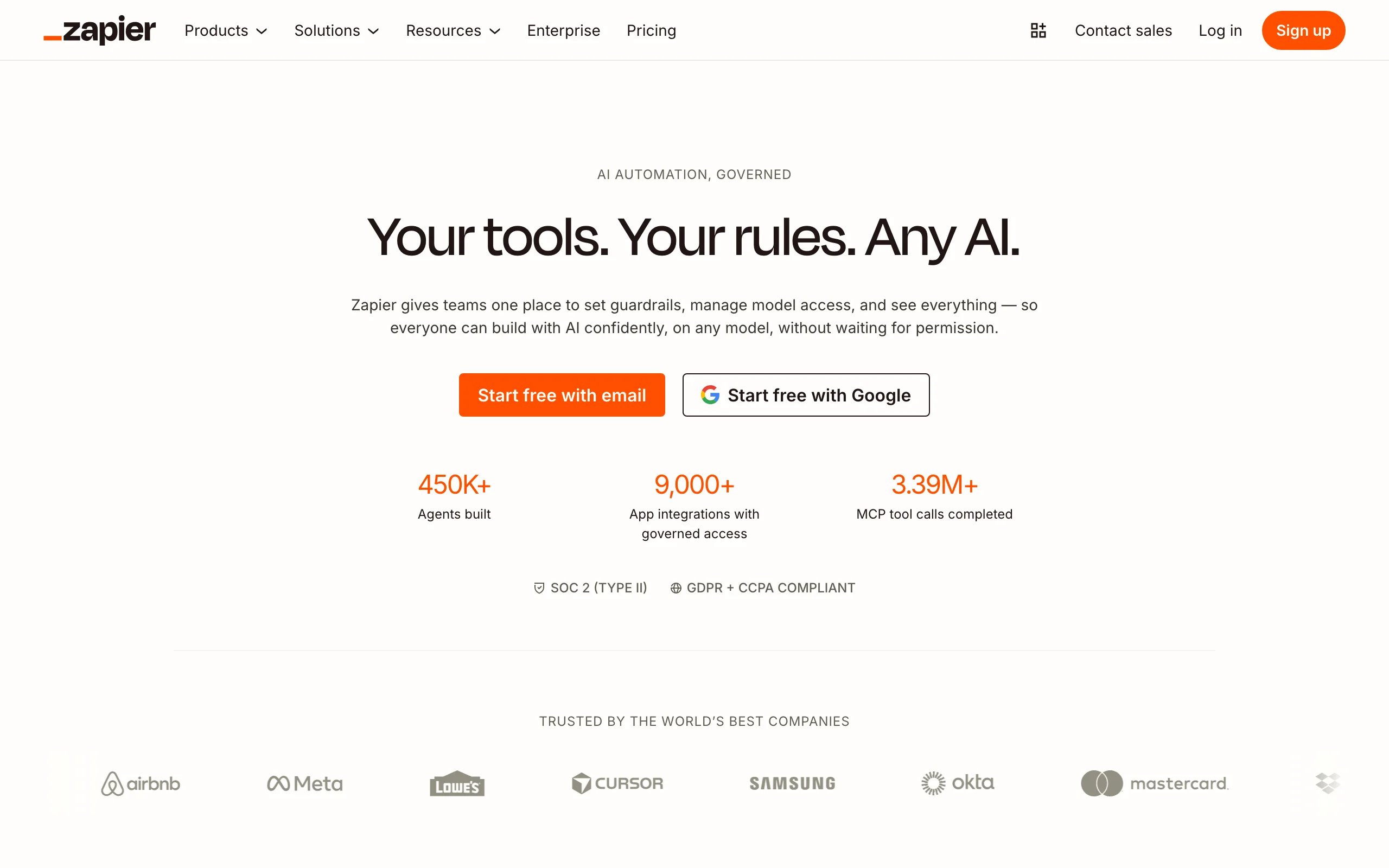
Zapier is the largest no-code automation platform by integration count, with over 7,000 app connections available. Its "Zap" model (trigger + one or more actions) is simple enough for anyone on a business team to build automations in minutes, without involving engineering.
For teams that need to connect popular SaaS tools, such as syncing a new HubSpot contact to Salesforce, sending Slack alerts from Jira updates, or routing form submissions to the right team, Zapier is often the fastest path from zero to working automation. Its 2024 launch of "Zap steps with AI" brings basic LLM actions into the no-code workflow builder.
Key features
- 7,000+ app integrations, the largest library of any BPA platform
- No-code Zap editor with trigger, filter, and multi-step action chains
- Paths (conditional branching) on paid plans
- AI-powered Zap steps for text generation, classification, and extraction
- Zapier Tables for lightweight data management within workflows
- Zapier Interfaces for simple form-and-workflow front-ends
Best for
- Non-technical business users who need to automate repetitive tasks between popular SaaS tools without engineering support
- Small teams (under 50 people) running fewer than 1,000 automation tasks per month
- Organizations that prioritize breadth of integrations over custom logic depth
Pricing
- Free: 5 Zaps, 100 tasks/month
- Professional: from $19.99/month (750 tasks/month)
- Team: from $69/month with shared Zaps and user management
- Enterprise: custom pricing with SSO and admin controls
Pros
- Fastest time-to-automation for common SaaS integrations, often under 10 minutes
- No engineering involvement needed for most use cases, reducing IT backlog
- Largest integration library means almost any tool your team uses is already supported
Cons
- Task-based pricing becomes expensive quickly at scale (thousands of automation runs per month)
- Limited support for complex conditional logic, custom API calls, or self-hosted deployments
- Not suited for automations that require custom code, multi-step error handling, or sensitive data processing
4. Microsoft Power Automate, best for M365 and Azure-integrated enterprises
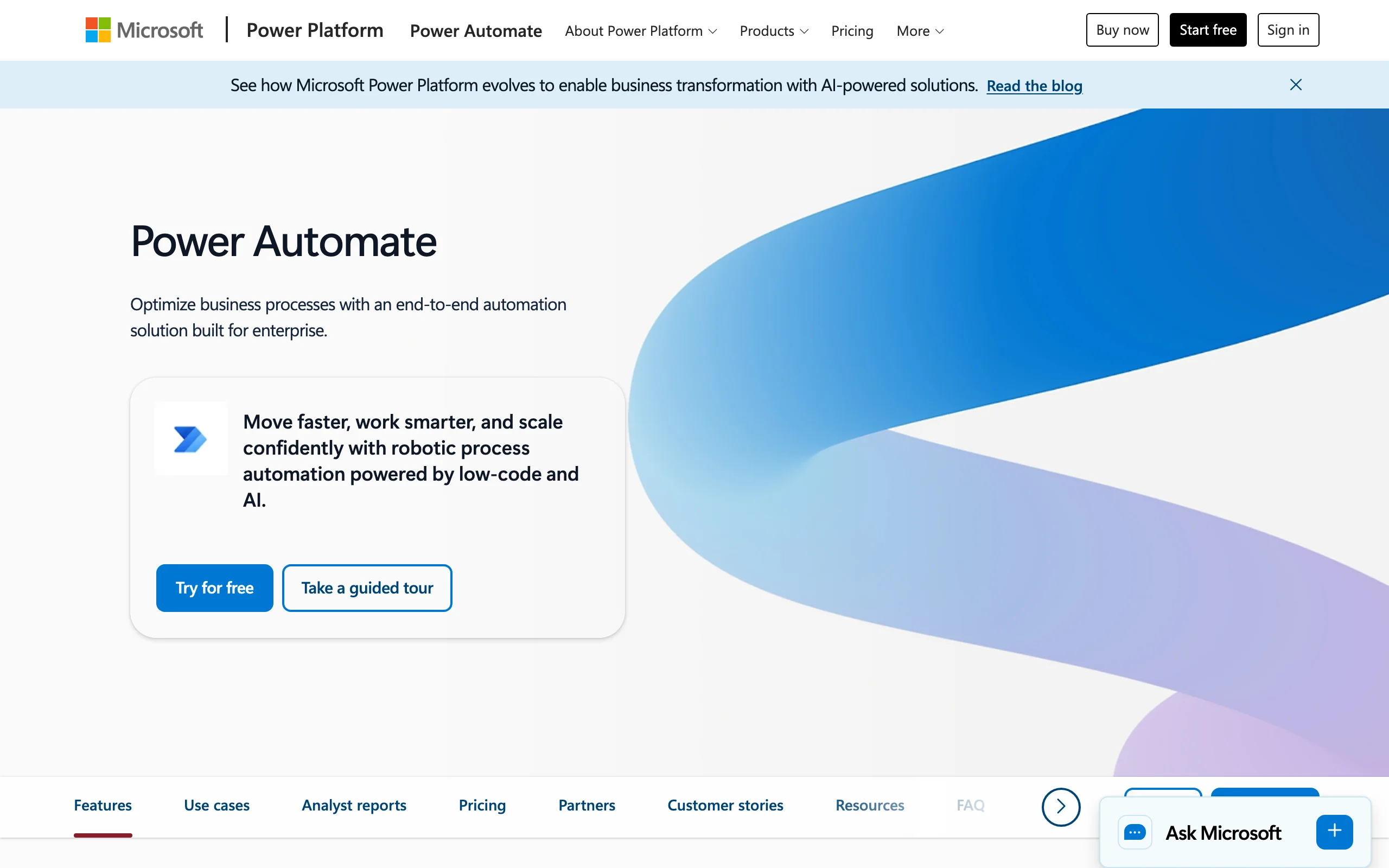
Microsoft Power Automate is the workflow automation component of the Microsoft Power Platform, tightly integrated with M365 applications (Teams, SharePoint, Outlook, Excel) and Azure services. It supports both cloud flows (API-based, similar to Zapier) and desktop flows (UI-layer RPA for automating Windows applications).
For enterprises already running Microsoft 365, Power Automate is often the lowest-friction BPA starting point because it's included in many M365 licensing tiers and connects to SharePoint lists, Teams channels, and Outlook mailboxes without additional configuration. The AI Builder add-on extends it to document processing and form recognition, one of several approaches covered in our roundup of the best document automation software.
Key features
- Pre-built connectors for all M365 apps plus 1,000+ external SaaS services
- Desktop flows (RPA) for automating UI-layer tasks on Windows applications
- Process Advisor for mapping and analyzing existing business processes
- AI Builder for document processing, form recognition, and text extraction
- Dataverse integration for structured data storage tied to Power Platform
- Approval workflows with built-in Teams and Outlook routing
Best for
- Enterprise IT teams standardizing automation on the Microsoft ecosystem
- Operations teams automating SharePoint, Teams, and Outlook-based processes without third-party tools
- Organizations with Windows-based legacy systems that need UI automation (desktop flows / RPA)
Pricing
- Per-user plan: from $15/user/month (includes cloud flows)
- Per-user with RPA: from $40/user/month
- Per-flow plan: from $100/month for unlimited runs on specific flows
- Enterprise plans negotiated through Microsoft volume licensing
Pros
- Already included in many M365 Business and Enterprise licensing tiers, making it cost-effective for existing Microsoft customers
- Tight Teams and SharePoint integration means approval and notification workflows deploy without cross-platform configuration
- Attended and unattended RPA in a single platform handles both API-based and UI-layer automation
Cons
- Outside the Microsoft ecosystem, connectors and data handling are less competitive than purpose-built BPA platforms
- Desktop flow (RPA) setup requires Windows machines and can be brittle when UIs change
- Complex multi-system workflows involving non-Microsoft APIs often require workarounds or premium connectors
5. Monday.com, best work OS for teams combining project management with automation
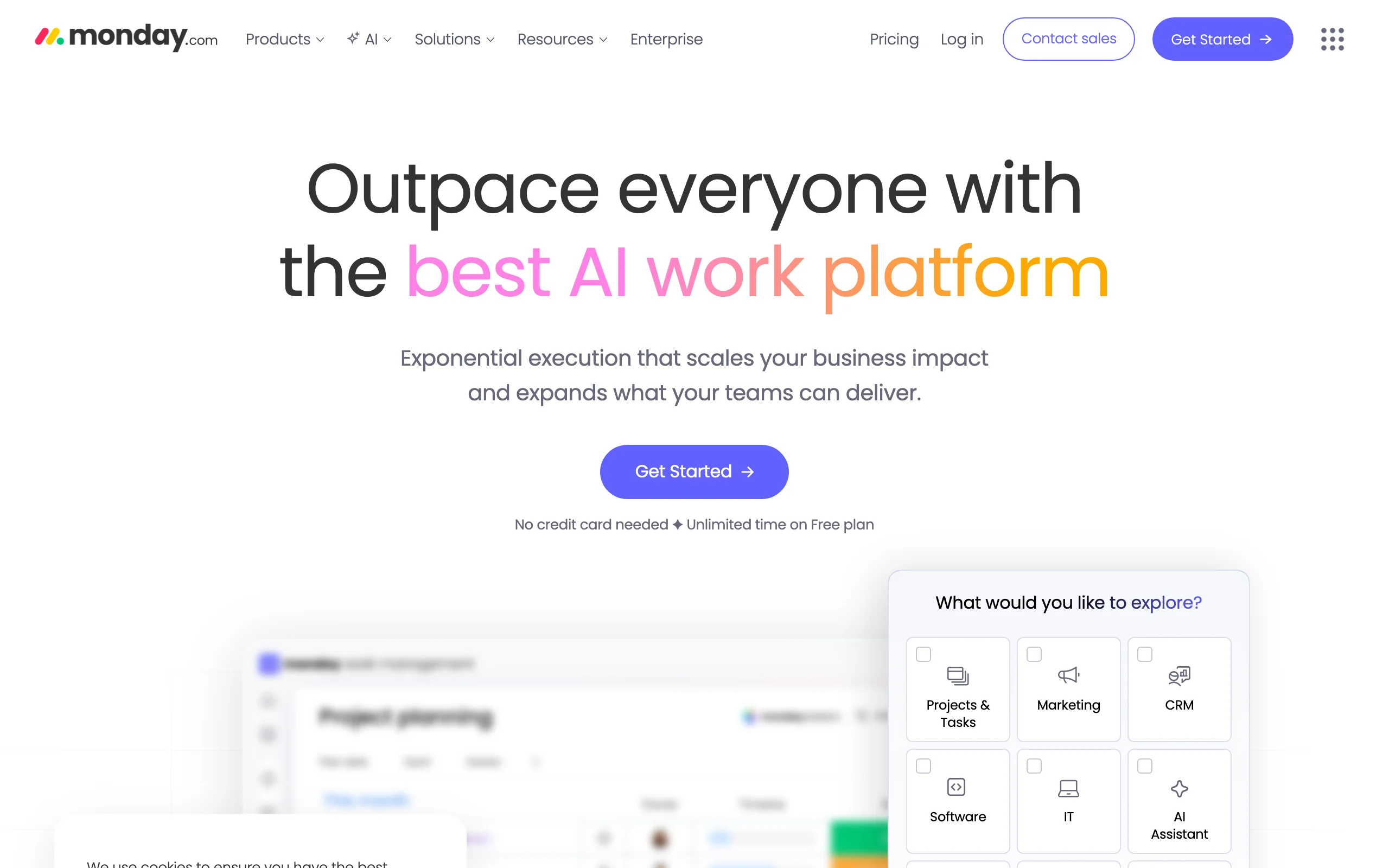
Monday.com is a work operating system that combines project and task management with built-in automation recipes and integrations. Unlike pure BPA platforms, Monday.com starts with boards (structured data tables for tracking work) and layers automations on top, such as automatically moving items between boards, assigning tasks based on status changes, or notifying stakeholders at milestones.
This makes it the right tool for operations and project management teams that want a single platform for tracking work and automating the handoffs between stages, without maintaining separate project management and automation tools.
Key features
- No-code automation recipes (when/then conditions) for board updates, notifications, and integrations
- 200+ integrations with Salesforce, HubSpot, Slack, Google Workspace, Jira, and more
- Dashboards for cross-board reporting and KPI tracking
- Workdocs for collaborative documentation linked to board items
- AI-generated content and summaries within boards
- Monday CRM and Monday Service as specialized vertical products
Best for
- Operations and project management teams that want process automation tied directly to work tracking in a single interface
- Mid-market organizations (50-500 employees) replacing spreadsheet-based process tracking with a structured work OS
- Teams with cross-departmental workflows that need visibility and accountability at each stage
Pricing
- Free: 2 seats, limited features
- Basic: from $9/seat/month (3 seats minimum)
- Standard: from $12/seat/month (automations and integrations included)
- Pro: from $19/seat/month (advanced automations and time tracking)
- Enterprise: custom pricing
Pros
- Combines work tracking and automation in one interface, reducing the tool sprawl common in operations stacks
- No-code automation recipes are fast to configure and easy for non-technical team leads to manage
- Strong reporting and dashboard layer gives operations leaders visibility into process performance
Cons
- Automation capabilities are less powerful than dedicated BPA platforms for complex, multi-system workflows outside Monday.com
- Per-seat pricing grows quickly for large teams, making it expensive at scale compared to per-execution pricing models
- Deep integrations with non-supported tools require workarounds via Zapier or Make, adding platform dependency
6. Kissflow, best purpose-built BPA platform for HR and operations governance
Kissflow is a purpose-built business process automation platform designed around form-based workflows, role-based access, and governance controls. It is particularly well-suited for HR, procurement, finance, and operations teams that need structured approval chains with audit trails built in, not bolted on.
Unlike general-purpose integration tools, Kissflow treats each business process as a structured app with defined stages, actors, and SLAs. Process owners can build and modify workflows without code, while IT maintains governance controls over data access and permissions.
Key features
- Visual process builder for multi-stage approval and routing workflows
- Role-based access controls and field-level permissions within each process
- Built-in forms with conditional logic and field validation
- SLA and deadline tracking with automated escalation
- Analytics and process performance dashboards
- Integration with Salesforce, SAP, Oracle, and major HRIS platforms
Best for
- HR, procurement, and finance teams that need governed, audit-ready approval workflows without custom development
- Mid-to-large enterprises (500+ employees) standardizing operational processes across departments
- Operations managers who own process design but need governance controls they can administer without IT involvement
Pricing
- Basic: from $1,500/month (up to 50 users)
- Enterprise: custom pricing with SSO, advanced analytics, and API access
- No free tier; 14-day trial available
Pros
- Purpose-built for business process governance, making audit trails, SLAs, and role permissions first-class features rather than add-ons
- Non-technical process owners can build and modify workflows without IT involvement
- Strong fit for regulated workflows (procurement approvals, HR onboarding, expense management) that require compliance documentation
Cons
- Higher starting price than general-purpose automation tools, making it difficult to justify for smaller teams
- Less flexible for workflows that span external APIs, custom databases, or non-standard integrations
- UI can feel rigid for teams that want the customization depth of n8n or Make
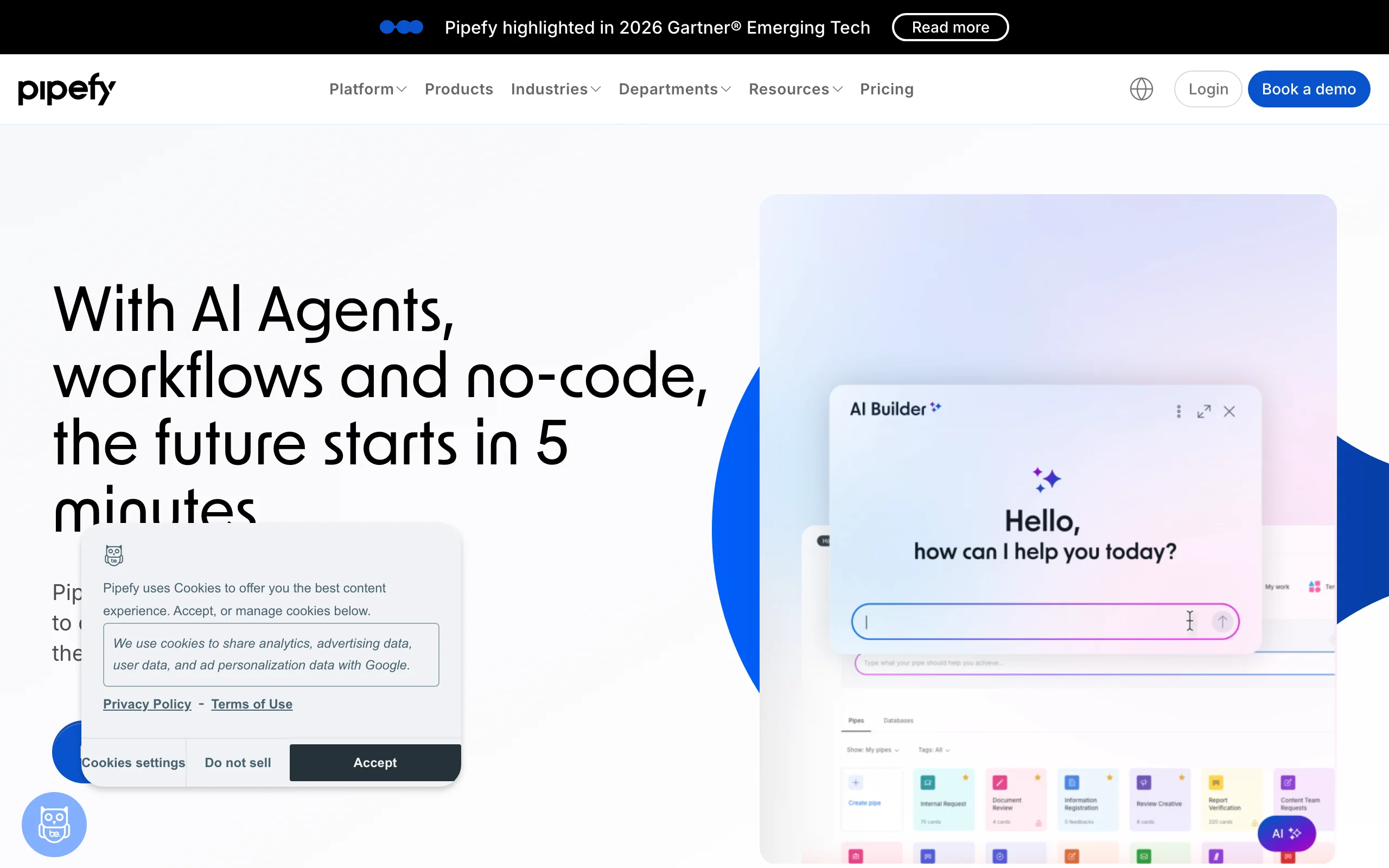
7. Pipefy, best for professional services teams with structured approval workflows
Pipefy is a workflow management and automation platform built around "pipes" (structured process stages) with approval chains, SLA controls, and conditional form logic. It is designed for professional services, HR, procurement, and operations teams that need repeatable, documented processes with clear ownership at each stage.
Pipefy's strength over general project management tools is its combination of structured process templates, client-facing portals for external participants, and native automation for intra-stage transitions and notifications.
Key features
- Pipe-based process builder with drag-and-drop stage configuration
- Conditional form logic and multi-level approval routing
- Client and external participant portals (no login required for external users)
- SLA tracking with automated alerts for overdue stages
- Native integrations with Slack, Salesforce, SAP, and Jira
- AI-powered card creation and workflow suggestions
Best for
- Professional services and consulting firms managing repeatable client delivery workflows
- HR and procurement teams handling multi-stage approvals with external stakeholder involvement
- Operations teams with structured processes that need client-facing self-service portals
Pricing
- Free tier: 5 users, 10 active pipes
- Starter: from $24/user/month
- Business: from $32/user/month with advanced automations and integrations
- Enterprise: custom pricing with SSO, audit logs, and dedicated support
Pros
- External participant portals let clients and vendors interact with workflows without needing Pipefy accounts
- SLA tracking and automated escalation are built into the core platform, not add-ons
- Template library covers common professional services workflows (client onboarding, contract review, vendor management) out of the box
Cons
- Per-user pricing adds up quickly for large teams; enterprise pricing is negotiated but starts high
- Automation depth is limited compared to dedicated BPA platforms like n8n or Make for complex, multi-system logic
- Reporting and analytics are less mature than purpose-built BI tools, requiring export to external dashboards for deep analysis
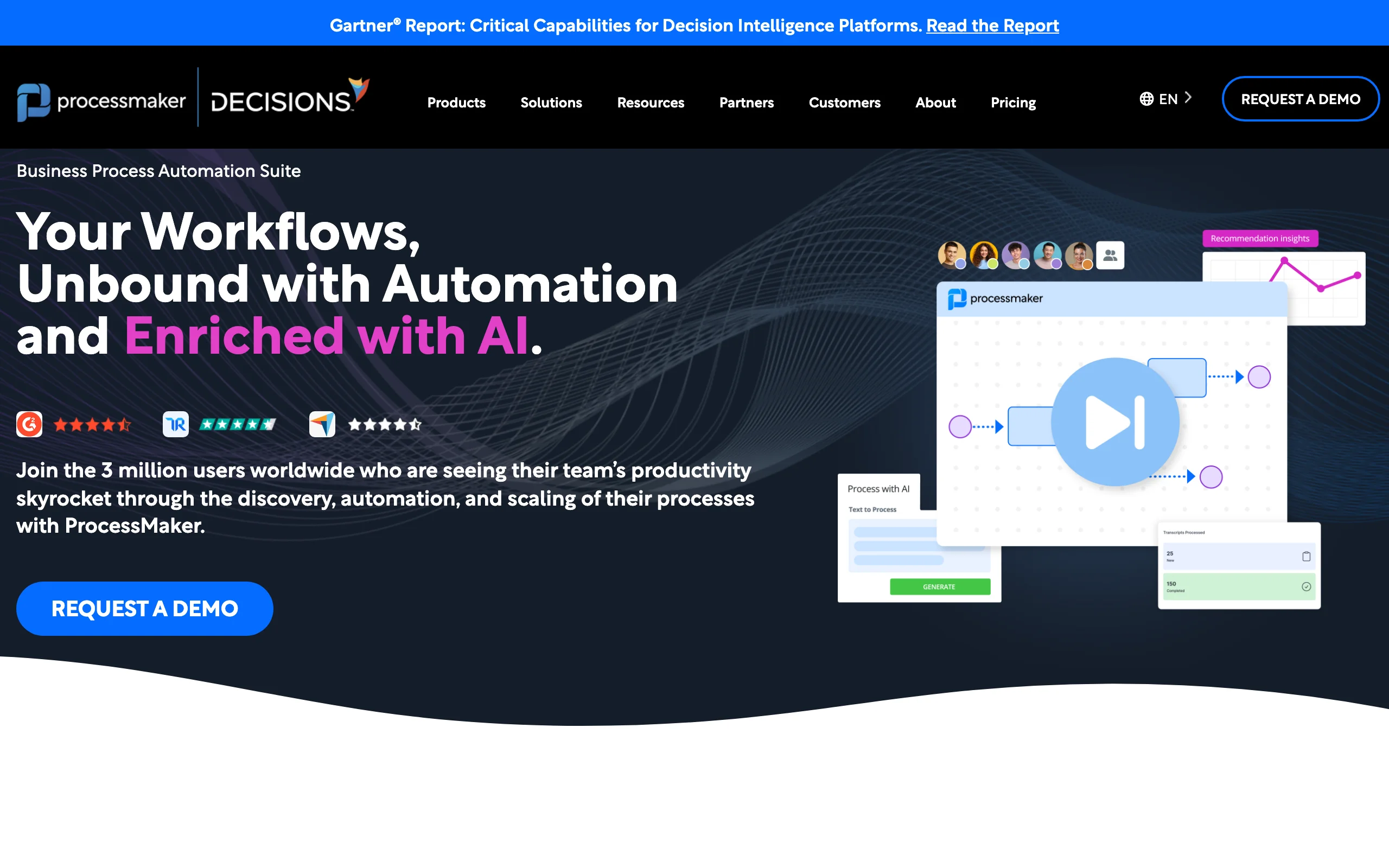
8. ProcessMaker, best low-code BPA for compliance-heavy industries
ProcessMaker is a low-code business process management (BPM) and automation platform built around BPMN 2.0 (Business Process Model and Notation) workflow design. It targets regulated industries (financial services, healthcare, government, manufacturing) where process compliance, audit trails, and standardized workflow notation are requirements, not nice-to-haves.
Unlike modern no-code tools, ProcessMaker uses industry-standard BPMN diagrams to model processes, making it compatible with compliance frameworks and process documentation requirements that regulated enterprises operate under.
Key features
- BPMN 2.0-compliant workflow designer for standardized process modeling
- Low-code form builder with conditional logic, validation, and file attachments
- Role-based access control and process-level permission management
- Audit trails with full process history and decision tracking
- REST API integrations and webhook support for connecting external systems
- Self-hosted and cloud deployment options
Best for
- Regulated industries (financial services, healthcare, government) where BPMN compliance and audit trails are required
- Enterprise IT and BPM teams replacing legacy workflow software with modern low-code tooling
- Organizations that need both cloud-hosted and on-premises deployment flexibility
Pricing
- Cloud platform: from $1,495/month
- Enterprise and on-premises: custom pricing
- Free Community Edition for self-hosted deployments (limited features)
Pros
- BPMN-native design means process models are portable, auditable, and understandable by business analysts and compliance teams alike
- Both cloud and self-hosted deployment options serve regulated industries with strict data residency requirements
- Strong audit trail and access control features satisfy compliance documentation requirements out of the box
Cons
- Higher learning curve than modern no-code tools due to BPMN notation and platform complexity
- Starting price of $1,495/month is high for smaller organizations or teams with simpler automation needs
- UI and user experience lag behind newer platforms like Pipefy or Make in terms of modern design
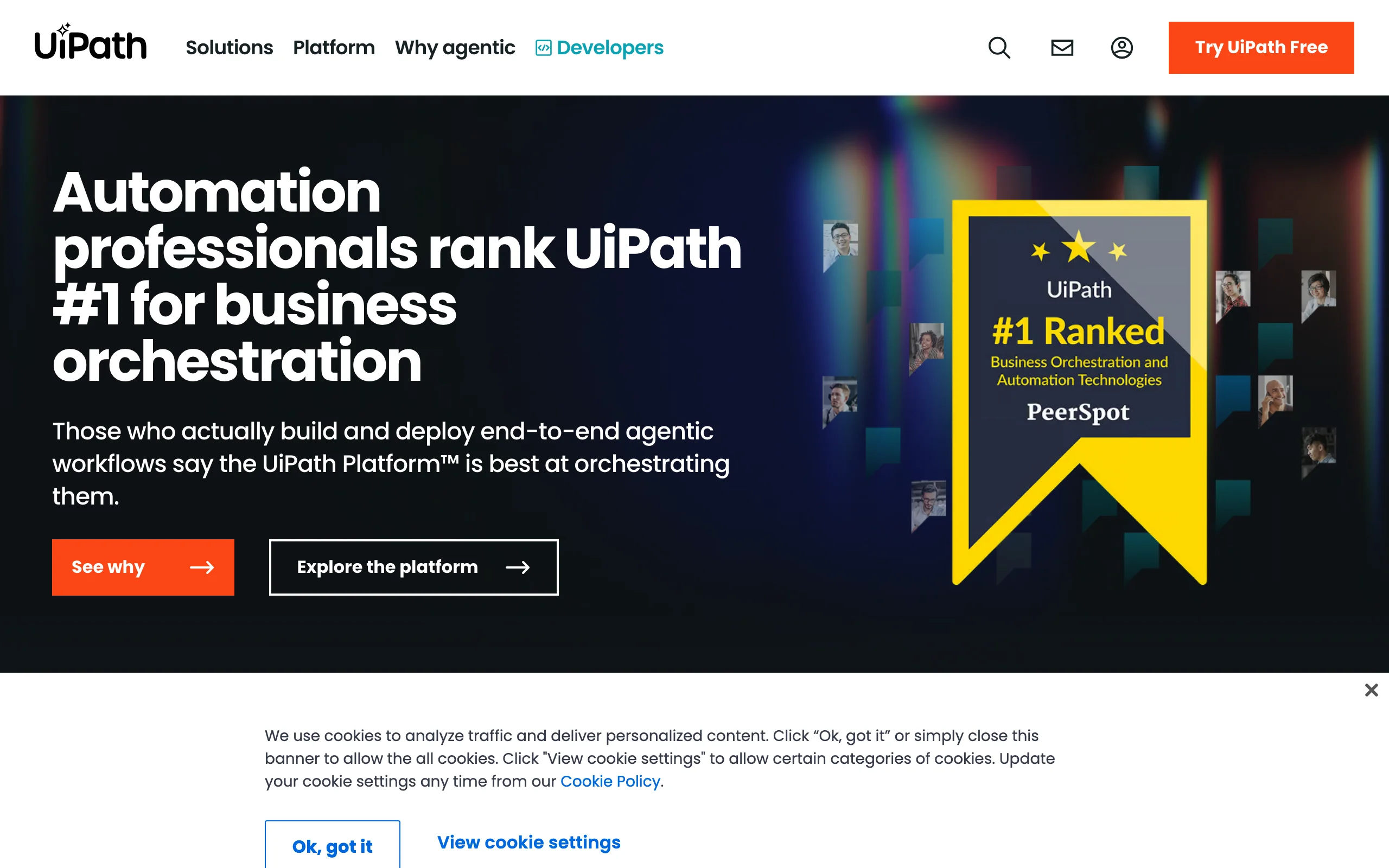
9. UiPath, best enterprise RPA for automating legacy systems without APIs
UiPath is the market-leading robotic process automation (RPA) platform, designed to automate repetitive tasks in desktop and web applications by mimicking human UI interactions: clicking buttons, reading screens, filling forms, and extracting data from applications that have no API. It is the dominant choice for enterprises with legacy ERP, mainframe, or on-premises systems where direct API integration is not possible.
Beyond classic RPA, UiPath has expanded into agentic automation with AI-powered document understanding, process mining, and integration with LLMs for cognitive automation tasks.
Key features
- UI-layer RPA bots for automating legacy desktop and web applications without APIs
- Document Understanding for AI-powered data extraction from invoices, contracts, and forms
- Process Mining to discover and map automation opportunities from system logs
- Orchestrator for deploying, scheduling, and monitoring bots at enterprise scale
- Agentic automation with LLM integration for cognitive workflow tasks
- Attended and unattended bot execution models
Best for
- Large enterprises with legacy ERP, mainframe, or on-premises systems that cannot be integrated via API
- Finance, accounting, and supply chain teams processing high volumes of structured documents (invoices, purchase orders, statements)
- Organizations running large-scale automation programs that need centralized bot orchestration and governance
Supply chain and logistics teams with more complex operational needs, such as TMS integration, route optimization, and last-mile tracking, should see AI in logistics for an industry-specific implementation approach.
Pricing
- Automation Developer: from $420/month per license
- Attended and Unattended Robot licenses: separate pricing
- Enterprise: custom pricing with volume discounts, SSO, and SLA
Pros
- Industry-leading RPA capability for legacy system automation where APIs do not exist
- Largest RPA ecosystem with an extensive library of pre-built automation components (activities)
- Document Understanding AI reduces manual data entry for document-heavy workflows at enterprise scale
Cons
- Steep per-license pricing makes it cost-prohibitive for smaller automation programs or mid-market teams
- Bots that rely on UI interactions are brittle when application interfaces change, requiring ongoing maintenance
- Implementation complexity is high; most enterprises engage UiPath-certified partners for large deployments
How to choose the best business process automation tool for your needs
If you'd rather hire a team to run the tool than run it yourself, our full agency-by-agency comparison covers that option too.
1) Start with your integration surface: APIs available or UI-only?
The first filter in any BPA tool selection is whether your systems have APIs. If your core systems (ERP, CRM, internal databases, SaaS tools) expose REST or webhook APIs, you can use any modern BPA platform. If you're working with legacy on-premises software, Windows desktop applications, or mainframes with no API layer, you need RPA. UiPath or Microsoft Power Automate desktop flows are the right starting points.
For teams where some systems have APIs and others do not, a hybrid approach works: use an API-based platform like n8n or Make for the majority of workflows, and introduce RPA only for the legacy system touchpoints.
2) Assess your team's technical depth
The technical capability of the team maintaining automations determines which platform tier fits:
- Non-technical business users: Zapier, Monday.com, Kissflow, Pipefy. These platforms are designed for process owners to configure and maintain without engineering involvement.
- Ops or RevOps teams with moderate technical skills: Make or Microsoft Power Automate. These platforms support conditional logic, data mapping, and integrations without requiring code, but benefit from someone comfortable with APIs.
- Technical teams (developers or data engineers): n8n. Code escape hatches, self-hosting, and sub-workflow reuse make it the most capable platform for complex automations.
- Complex, custom, or AI-integrated BPA: AY Automate. When no platform covers your full stack or when AI agents and RAG pipelines are part of the workflow, a custom-built solution from an agency that does this full time, built on custom workflow automation, removes all platform constraints.
3) Evaluate data privacy and hosting requirements
For regulated industries or enterprises with strict data residency policies, hosting matters. Fully cloud-hosted SaaS tools (Zapier, Make, Monday.com, Kissflow) process your business data on third-party infrastructure. If this creates compliance issues:
- Self-hosted: n8n (open-source, self-hostable) or ProcessMaker (Community Edition) are the options with full on-premises control.
- Hybrid cloud / private deployment: Microsoft Power Automate with Azure private networking, or UiPath in a private cloud setup.
- Fully custom: A custom BPA stack built by AY Automate gives you complete control over where data lives, what services touch it, and how it is logged, making it the strongest option for financial services, healthcare, and legal tech firms that need documented data handling.
4) Model the full cost of ownership, not the subscription price alone
Subscription pricing is rarely the full cost of a BPA platform. Factor in:
- Implementation and setup: Most enterprise BPA platforms (UiPath, ProcessMaker, Kissflow) require weeks of professional services to deploy and configure properly.
- Per-execution pricing at scale: Zapier and Make charge per task or operation. At thousands of automation runs per day, these costs compound quickly. n8n self-hosted eliminates per-execution costs entirely.
- Maintenance overhead: Zaps break when SaaS tools change APIs. RPA bots break when UIs change. Custom BPA solutions from AY Automate include automation maintenance and support, making the total cost predictable over time.
- Internal time cost: A platform that requires a developer to build and maintain every workflow has a hidden cost in engineering hours. Platforms like Monday.com or Pipefy let process owners manage their own automations, freeing engineering for higher-value work.
If you are evaluating business process automation tools and need help choosing the right stack, or want a custom solution built around your existing workflows and data model, AY Automate specializes in custom workflow automation for enterprises and professional services firms. Book a free discovery call to map out your automation strategy.
Where AY Automate fits
We are not one of the tools on this list. We place AI engineers who use tools like these to generate revenue for your business, that is the offer. For business process automation, that means an engineer who picks the right platform for each process (n8n, Power Automate, UiPath, or a custom build) and owns the rollout instead of leaving your ops team to configure it alone. See AI engineer placement or explore custom automation.
FAQ
What is business process automation? Business process automation (BPA) uses software to execute repetitive, rule-based tasks within a business workflow without manual intervention. Examples include routing approval requests, syncing data between systems, generating and distributing reports, and triggering notifications based on defined conditions. BPA ranges from simple trigger-action integrations (like Zapier Zaps) to complex AI-driven orchestration across multiple systems.
What is the difference between BPA and RPA? Business process automation (BPA) typically refers to workflow automation that uses APIs and structured integrations to move data between systems. Robotic process automation (RPA) automates at the UI layer, mimicking human interactions with desktop or web interfaces, and is used when the target system has no API. UiPath and Microsoft Power Automate desktop flows are RPA platforms. n8n, Make, and Zapier are BPA platforms. Many modern automation programs combine both.
What is the best free business process automation tool? n8n is the strongest free option for technical teams: its Community Edition is fully open-source and self-hostable with no execution limits. Zapier's free tier allows 5 Zaps and 100 tasks per month, suitable for very light personal automation. Monday.com and Pipefy both have free tiers for small teams. For any serious operational automation, paid plans or a custom solution are typically necessary.
Which BPA tool is best for small businesses? Zapier is the most accessible for small businesses with non-technical teams and mainstream SaaS tools. Make offers more power at a lower price point for teams willing to invest a few hours in setup. Monday.com works well for small teams that want project management and automation combined. As process complexity grows, small businesses often find that investing in a custom workflow automation solution outperforms configuring and maintaining multiple SaaS subscriptions.
Can I use AI with business process automation tools? Yes. Most modern BPA platforms have added AI capabilities. Zapier and Make include AI action steps for text generation and classification. n8n has LLM nodes and vector store integrations. Microsoft Power Automate includes AI Builder for document processing. For more sophisticated AI integration, such as autonomous AI agents, RAG pipelines, or custom LLM orchestration built into your business workflows, platforms have their limits. This is where AI agent development from an agency like AY Automate fills the gap.
How long does it take to implement a BPA solution? For simple integrations using Zapier or Make, most teams have working automations in hours. For platforms like Kissflow, ProcessMaker, or UiPath, implementation typically takes 4-12 weeks depending on process complexity and integration surface. Custom BPA solutions, depending on scope, typically take 4-12 weeks from discovery to deployment. AY Automate's 30-day SaaS MVP delivery timeline applies to focused automation scopes with a defined integration surface.
Should I build my own automation or use an existing platform? Use an existing platform when your workflows map cleanly to its capabilities and your data residency requirements allow cloud hosting. Build custom when your processes involve proprietary business logic that platforms cannot model, when you need AI agents or RAG pipelines integrated into the workflow, or when platform licensing costs at your scale exceed a one-time custom build. For a structured analysis of your specific situation, an AI strategy consulting engagement can map the build-vs-buy decision against your actual workflow complexity and infrastructure.
Which business process automation tool is best for enterprises? The right enterprise BPA tool depends on your stack. Microsoft Power Automate is the natural choice for M365-heavy organizations. UiPath leads for legacy system automation via RPA. n8n works well for technical teams needing self-hosted, flexible orchestration. For enterprises with complex, cross-system workflows or AI-integration requirements that no single platform handles end-to-end, AY Automate's custom approach delivers purpose-built automation without platform compromises. Explore the AY Automate automation playbooks for real-world automation blueprints across industries.
For a broader comparison of AI-powered workflow tools, see the best AI workflow automation tools 2026 guide.
For a guide on tracking and benchmarking your automation ROI across processes, see how to measure operational efficiency.
For a deeper look at how intelligent automation differs from simple rule-based workflow tools, see what is intelligent automation.
For how this fits into a broader change effort, see our guide to digital transformation for businesses.
Continue Reading
Multi-Agent System Architecture: Patterns That Actually Work in Production (2026)
Orchestrator-worker, hierarchical delegation, blackboard, and event-driven coordination: four named multi-agent architecture patterns, where each one breaks in production, and how to handle state, failure, and observability once agents stop being a demo.
Agentic Commerce Protocol (ACP) Explained: How It Works and What Actually Shipped
ACP is the open source checkout standard OpenAI and Stripe built so AI agents can buy from any merchant without a custom integration per retailer. The spec is real and still shipping. The flagship product it launched with, ChatGPT's Instant Checkout, is mostly gone five months later. Here's what's real, what's governance theater, and what changed.
Vector Databases for AI Agents: When You Actually Need One (2026)
What a vector database does differently from a traditional database, when an AI agent genuinely needs one, and what to consider when choosing between options.
Book a Free Strategy Call
Building this in production?
Walid runs a 30-min call to map your AI engineering team. Free, no slides.
Free weekly brief
Steal our production automations
The exact n8n flows, Claude Code setups, and prompts we ship for clients, broken down step by step. No spam, unsubscribe anytime.

Robel engineers production-grade automation pipelines at AY Automate, focused on integrations, reliability, and the systems that keep client workflows running.