Book a Free Strategy Call
Skip the read: talk to Walid in 30 min.
Free strategy call. We map your AI engineering team, you keep the notes.
A still photo tells shoppers what a garment looks like; a short clip shows how it moves, drapes, and catches light. That's why motion converts better on product pages and stops the scroll on Reels and TikTok. The tools below turn your model shots, flat-lays, or text prompts into those clips. Some are tuned for apparel; others are general-purpose video engines you can bend toward fashion.
I looked at what each tool does in 2026, where it fits an ecommerce or DTC workflow, and what it costs, so you can pick one without burning a month of credits to find out. For the wider toolkit beyond video, see our roundup of the best AI tools for ecommerce.
Quick overview
- WearView: Best for animating on-model and product shots into short fashion clips that keep the garment accurate.
- Runway: Best for high-control, cinematic image-to-video with access to several video models in one plan.
- Kling: Best for realistic human motion and native 4K output.
- Google Veo: Best for cinematic quality with synced native audio.
- Luma Dream Machine: Best for smooth looping motion and fast, cheap iteration.
- Pika: Best for stylized, playful effects aimed at social feeds.
- CapCut: Best for an end-to-end editor that takes a clip from generation to publish.
Related Reads
Comparison table
| Tool | Best for | Standout feature | Pricing |
|---|---|---|---|
| WearView | Fashion/product motion from your own shots | Garment-accurate model video from a product photo | From ~$24/mo Lite, ~$40/mo Pro (720p video), ~$82/mo Advanced (1080p), billed annually; no free tier |
| Runway | Cinematic image-to-video with control | Bundles multiple video models (Gen-4.5, Veo, Kling) in one subscription | Free 125 credits; paid from ~$12/mo billed annually |
| Kling | Realistic human motion | Kling 3.0 with native 4K and cinematic motion control | Free daily credits with watermark; paid roughly $7-$60/mo |
| Google Veo | Cinematic clips with audio | Native synced audio inside the video (Veo 3.1) | Google AI Pro from about $19.99/mo (lighter Veo 3.1 tiers); flagship Veo 3.1 on higher AI Ultra tiers (~$250/mo); API via Vertex AI |
| Luma Dream Machine | Loops and quick iteration | Loop and Extend, plus Ray 3.14 at native 1080p | Dream Machine Lite from about $9.99/mo; Plus ~$30/mo |
| Pika | Stylized social clips | Pikaframes and Pikaffects creative effects | Free tier; Standard ~$8/mo (annual); Pro from about $28/mo for commercial rights |
| CapCut | Editing and publishing workflow | Full timeline editor with an AI toolkit | Free tier; Standard from about $10/mo; Pro from about $20/mo |
1. WearView
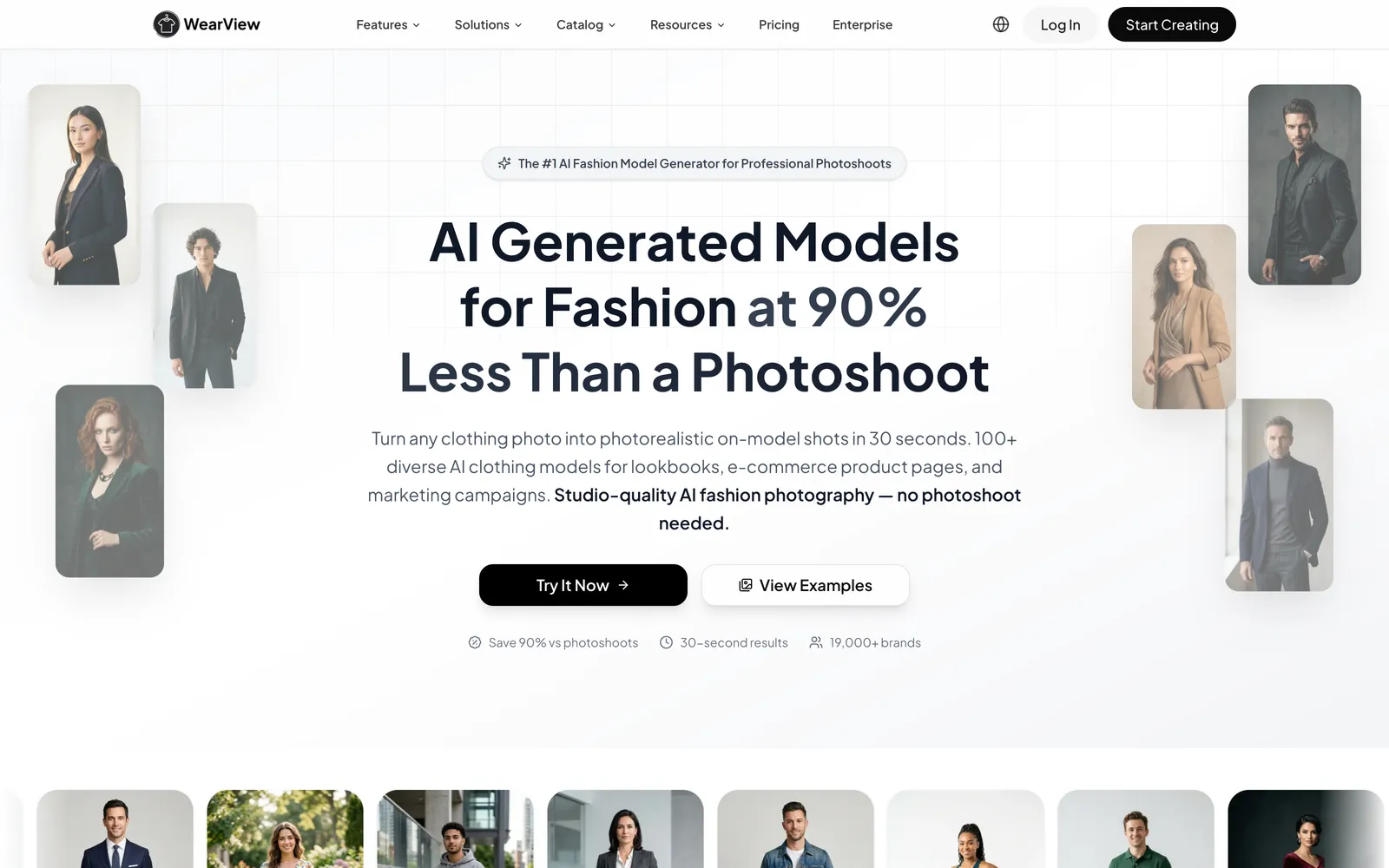
WearView comes at AI video from a fashion angle rather than a filmmaking one, and for apparel sellers that difference is everything. The problem it solves is specific: you have a good on-model or product photo and you want it to move, a little turn, a walk, some life for a Reel or a paid ad, without the garment morphing into something that no longer matches what you actually ship. It takes that still and turns it into a short model video that keeps the outfit faithful to the source, which is exactly where general-purpose video models tend to drift.
The video tool sits inside a wider fashion stack: Try-On Studio for putting garments on AI models, Product-to-Model for turning flat-lays into on-model shots, Pose Control, Consistent Models for keeping one face across a catalog, and an AI ghost-mannequin tool. So you can generate the on-model still and animate it in the same place instead of exporting into a separate app. Commercial rights come with the output, which matters if the clip is going into ads. For the still-image side of this same workflow, see our guide to AI fashion model generators.
Best for: apparel and DTC teams who want on-model or product clips that stay true to the actual garment.
Key features:
- Image-to-video that animates your existing model and product shots for social and product pages
- Built for apparel motion, with garment consistency as the priority
- 720p video on the Pro plan and 1080p on Advanced
- Part of a fashion suite (try-on, product-to-model, pose control, consistent models, ghost mannequin)
- Full commercial usage rights on generated content
Pricing: billed annually, roughly $24/mo Lite, $40/mo Pro (includes 720p video), and $82/mo Advanced (1080p video); month-to-month plans run a little higher. No free tier. Video generation is gated to the Pro plan and up.
Pros:
- Keeps the garment accurate, which most general models struggle with
- One workflow for both the still and the video, plus commercial rights included
Cons:
- Specialized for fashion and product motion, not open-ended creative video
- General cinematic scenes (invented locations, complex camera work, characters doing things) are better handled by the general video models further down this list
Free weekly brief
Steal our production automations
The exact n8n flows, Claude Code setups, and prompts we ship for clients, broken down step by step. No spam, unsubscribe anytime.
2. Runway
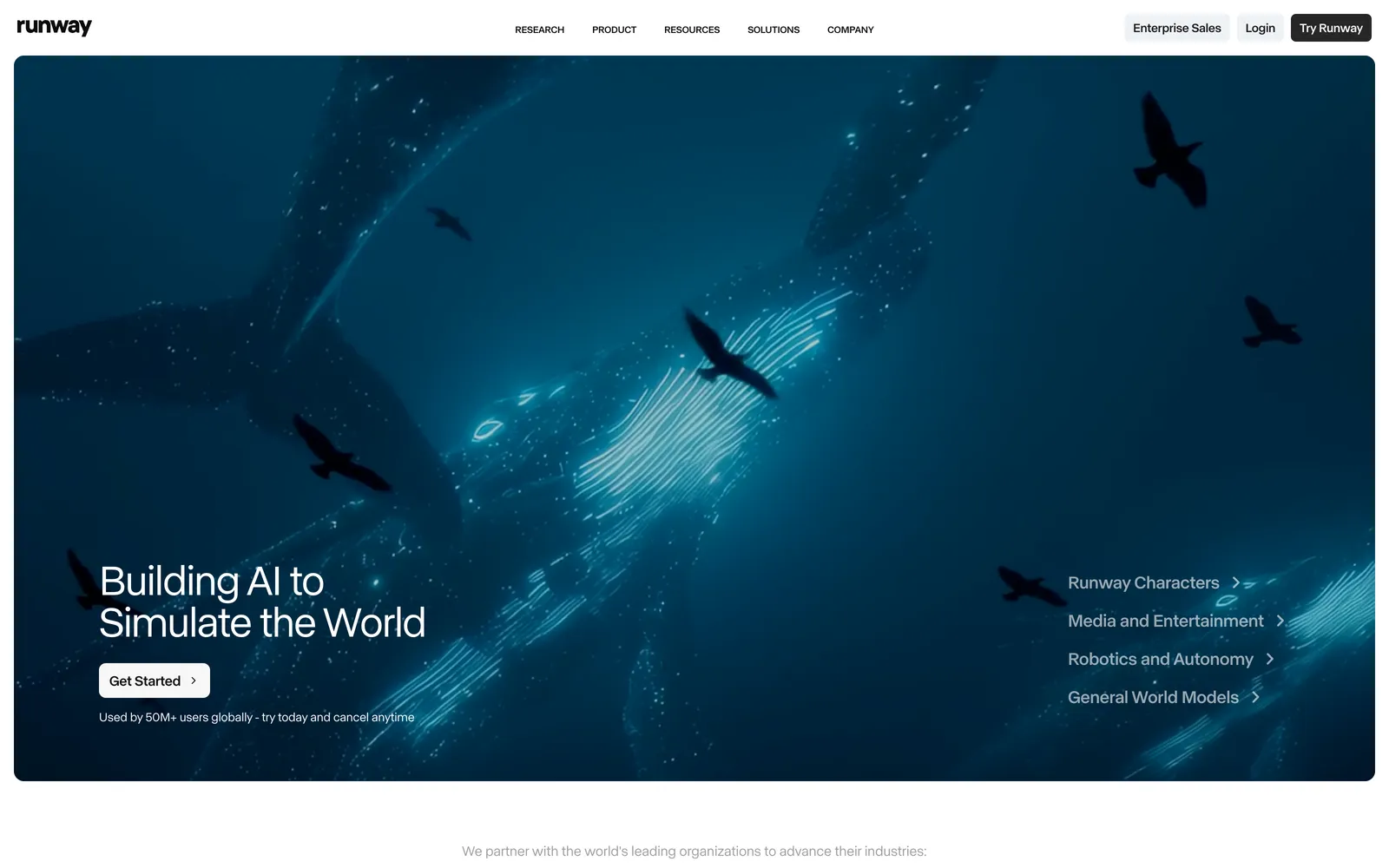
Runway is the closest thing to an industry default for AI video, and in 2026 its Gen-4.5 model produces image-to-video with strong character consistency and believable motion. For fashion, the useful part is control: you can push a static shot into a clip and steer the camera and movement rather than accepting whatever the model invents. Character and object consistency hold up well across a clip, so a model or garment doesn't morph halfway through.
The other draw is bundling. A single Runway subscription now gives in-dashboard access to several models, including its own Gen-4.5, Google Veo, Kling, and Seedance, so you can compare outputs without juggling accounts. The tradeoff is that Runway is a general filmmaking tool. Nothing in it understands "this is a knit sweater that must keep its texture," so you'll spend prompt effort keeping apparel on-model.
Best for: teams that want cinematic control and several video models under one login.
Key features:
- Gen-4.5 image-to-video with strong subject consistency
- In-dashboard access to multiple third-party models (Veo, Kling, Seedance)
- Credit system priced per second of video
- A full editor with additional image and audio tools
Pricing: Free plan with 125 one-time credits; paid plans start around $12/mo billed annually (Standard, roughly 625 credits/month), scaling up through Pro and Max.
Pros:
- Reliable motion quality and camera control
- Multi-model access is genuinely convenient for comparison
Cons:
- No fashion-specific garment handling
- Credits disappear quickly at higher resolutions and newer models
3. Kling
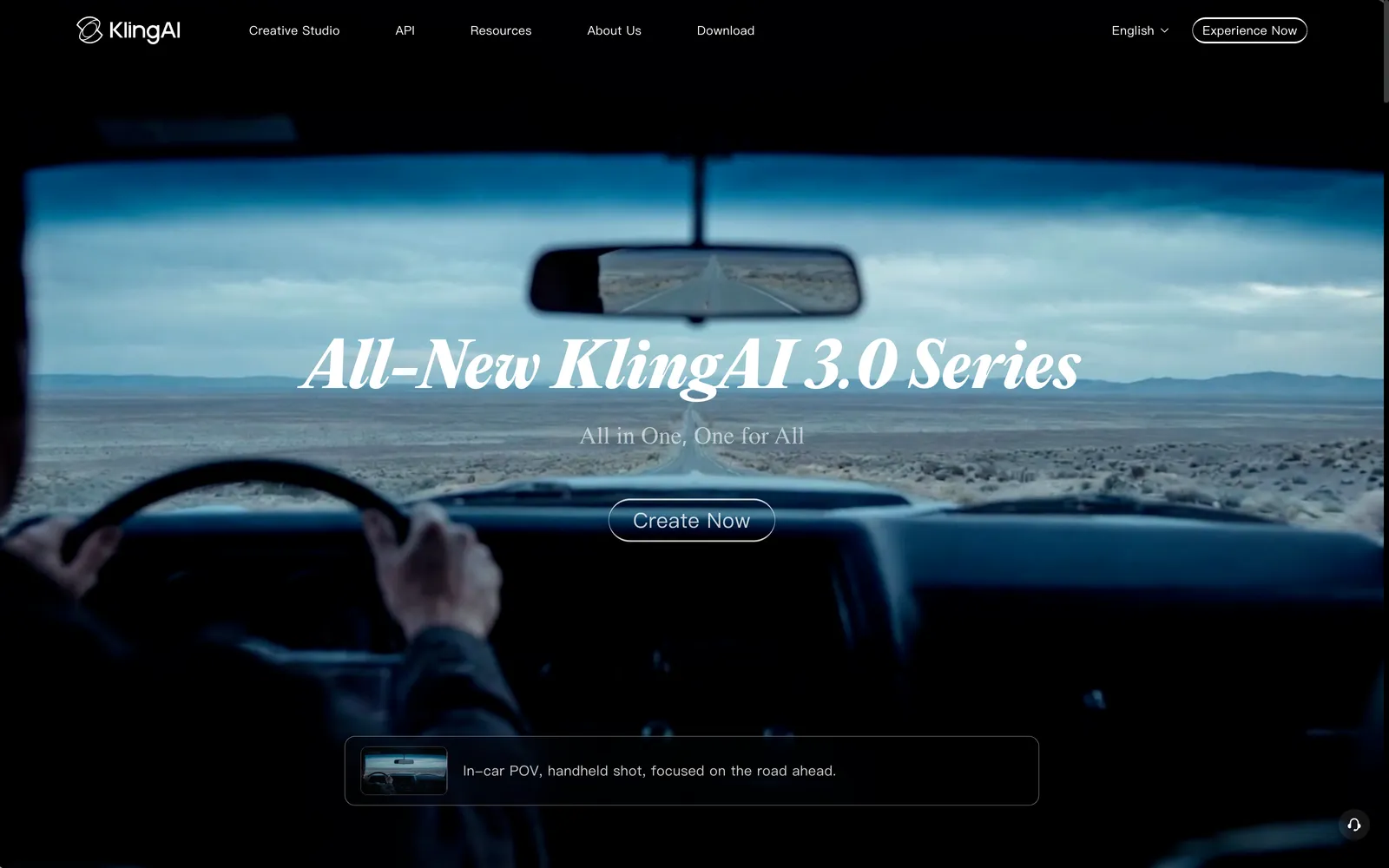
Kling has built a reputation on realistic human movement, which is exactly what you want when a model needs to walk, turn, or shift weight without looking like a puppet. Its current Kling 3.0 generation added native 4K output in 2026 and offers cinematic camera moves and motion control, so you can get closer to the feel of a real lookbook video from a single reference image. It also includes its own virtual try-on and digital-human features, which overlap loosely with fashion use even though they aren't tailored to garment accuracy the way a dedicated fashion tool is.
Image-to-video is a first-class mode here, and the human motion is a real strength for on-model content. Just budget for it: image-to-video costs more credits than text-to-video, and the free tier watermarks output and caps clip length.
Best for: on-model clips where natural human motion matters most.
Key features:
- Realistic human motion and cinematic camera control
- Kling 3.0 with native 4K generation (2026)
- Image-to-video with reference-image consistency
- Native audio generation and a developer API
Pricing: Free tier with daily credits, a watermark, and the standard model; paid plans run from roughly $7/mo at the entry tier up to about $60/mo at the top, with annual billing discounted.
Pros:
- Among the best at lifelike body movement
- 4K output and strong motion control
Cons:
- Image-to-video eats credits faster than text-to-video
- Not garment-aware, so fine apparel details can drift
4. Google Veo
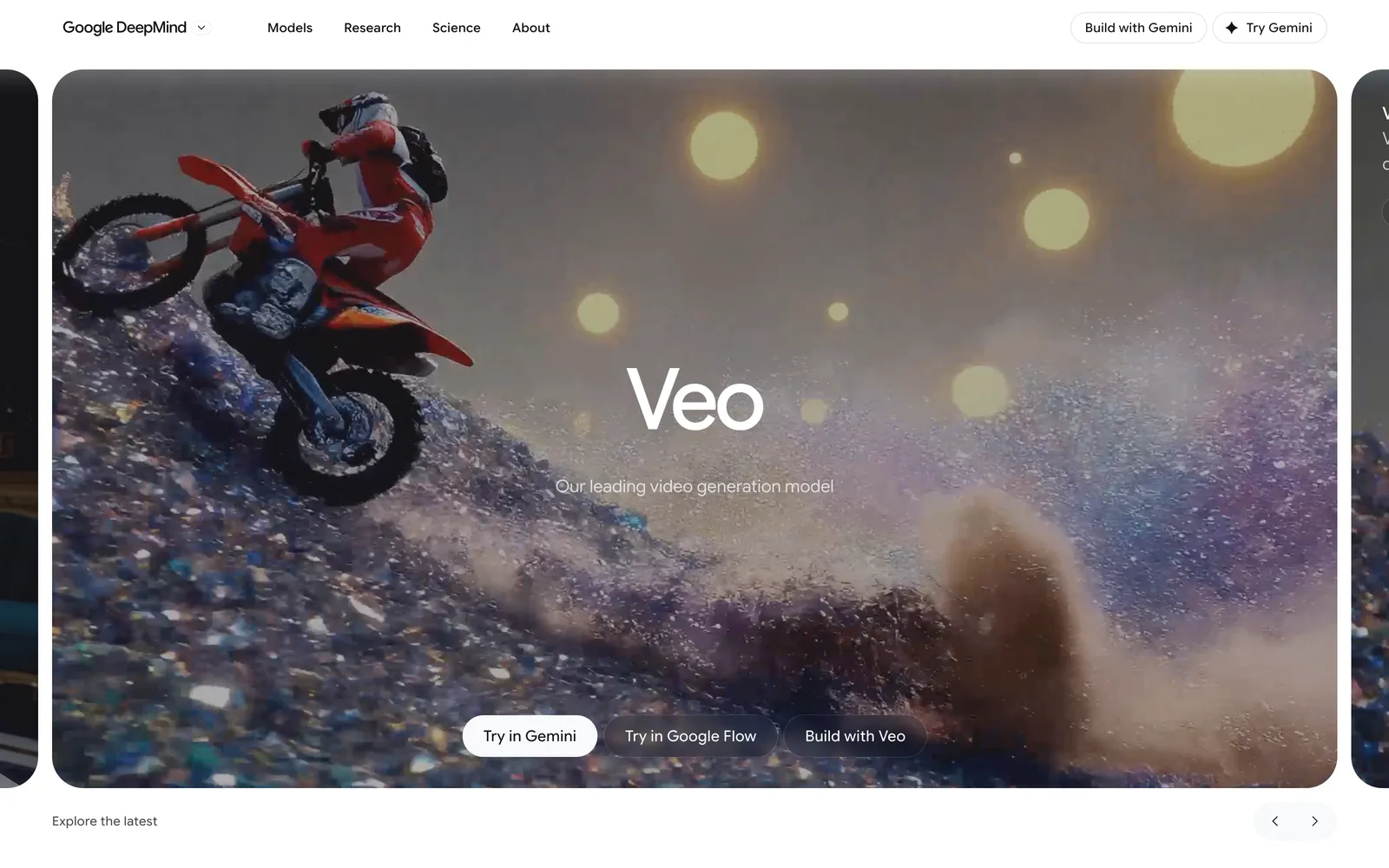
Veo is Google's flagship video model, and its headline advantage over most competitors is native audio: Veo 3.1 generates synced sound with the video instead of leaving you to add it later. For fashion, that's less about dialogue and more about producing a finished-feeling short with ambient motion and sound in one pass. Quality is high and the clips look cinematic, though each generation tops out around eight seconds, so longer pieces mean chaining generations together.
Access is the catch. The Google AI Pro plan, at about $19.99/mo, now includes the lighter Veo 3.1 tiers (Lite and Fast), but the flagship Veo 3.1 sits behind the higher Google AI Ultra tiers or the pay-as-you-go API through Vertex AI. For a small store, that pricing gap is steep unless you go the API route and pay per second.
Best for: polished, cinematic clips where synced audio saves an editing step.
Key features:
- Veo 3.1 generates native, synced audio with the video
- High cinematic image quality, with 1080p and 4K output
- Available through the Gemini app, the Flow tool, and the Vertex AI API
- Roughly 8-second clips per generation
Pricing: Google AI Pro at about $19.99/mo includes the lighter Veo 3.1 (Lite/Fast) tiers; the flagship Veo 3.1 sits on the higher Google AI Ultra tiers (restructured in 2026, roughly $250/mo), or usage-based API pricing via Vertex AI (roughly $0.03-$0.40 per second depending on model and audio).
Pros:
- Native audio and strong cinematic quality
- API access scales for developers who don't want a subscription
Cons:
- Flagship Veo 3.1 is expensive through the consumer subscription
- Short per-clip length and no fashion-specific controls
5. Luma Dream Machine
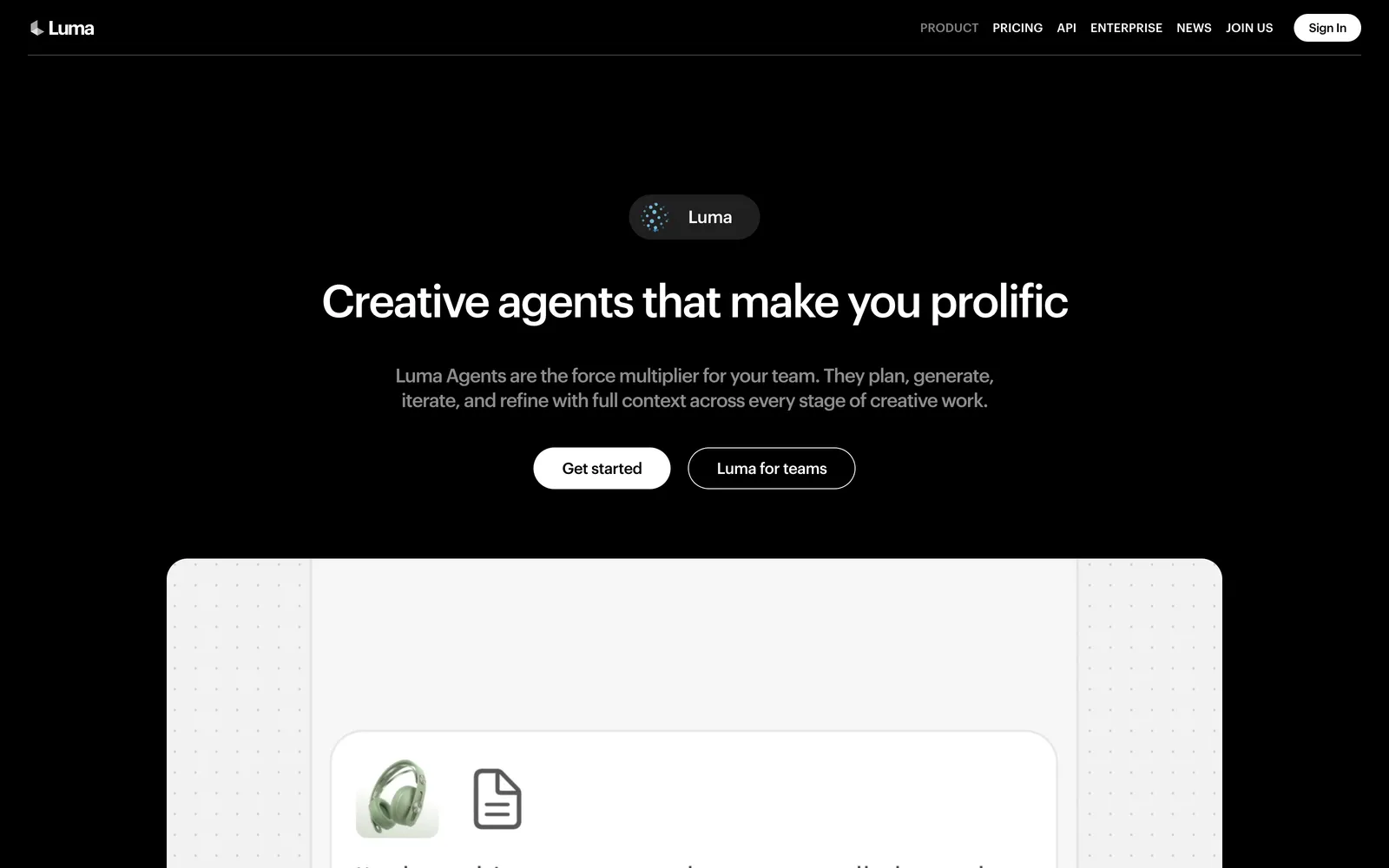
Luma's Dream Machine, running the Ray 3.14 model in 2026, is the pick when you want to iterate fast and cheap. Ray 3.14 does native 1080p and is quicker and less expensive than earlier versions, so testing several variations of a clip doesn't wipe out your credits. Its Loop feature is genuinely handy for ecommerce: a clean, unbroken loop of a garment moving works well as a product-page hero or a short social asset. Extend and Modify Video let you push a clip out to around 18 seconds or restyle existing footage.
Like the other general models, it doesn't know or care that your subject is a specific product, so apparel accuracy is on you. Note that failed generations still spend credits and monthly credits don't roll over, so plan your batches.
Best for: quick iteration and looping product motion.
Key features:
- Ray 3.14 at native 1080p, faster and cheaper than prior versions
- Loop for clean repeating clips
- Extend and Modify Video (up to about 18 seconds)
- Image-to-video mode that uses fewer credits than text-to-video
Pricing: Dream Machine Lite at about $9.99/mo; Plus around $30/mo, with higher tiers above that. Annual billing discounts apply.
Pros:
- Low cost per iteration and fast turnaround
- Loop output fits product pages neatly
Cons:
- Credits are consumed even on failed generations and don't roll over
- No garment-level consistency controls
6. Pika
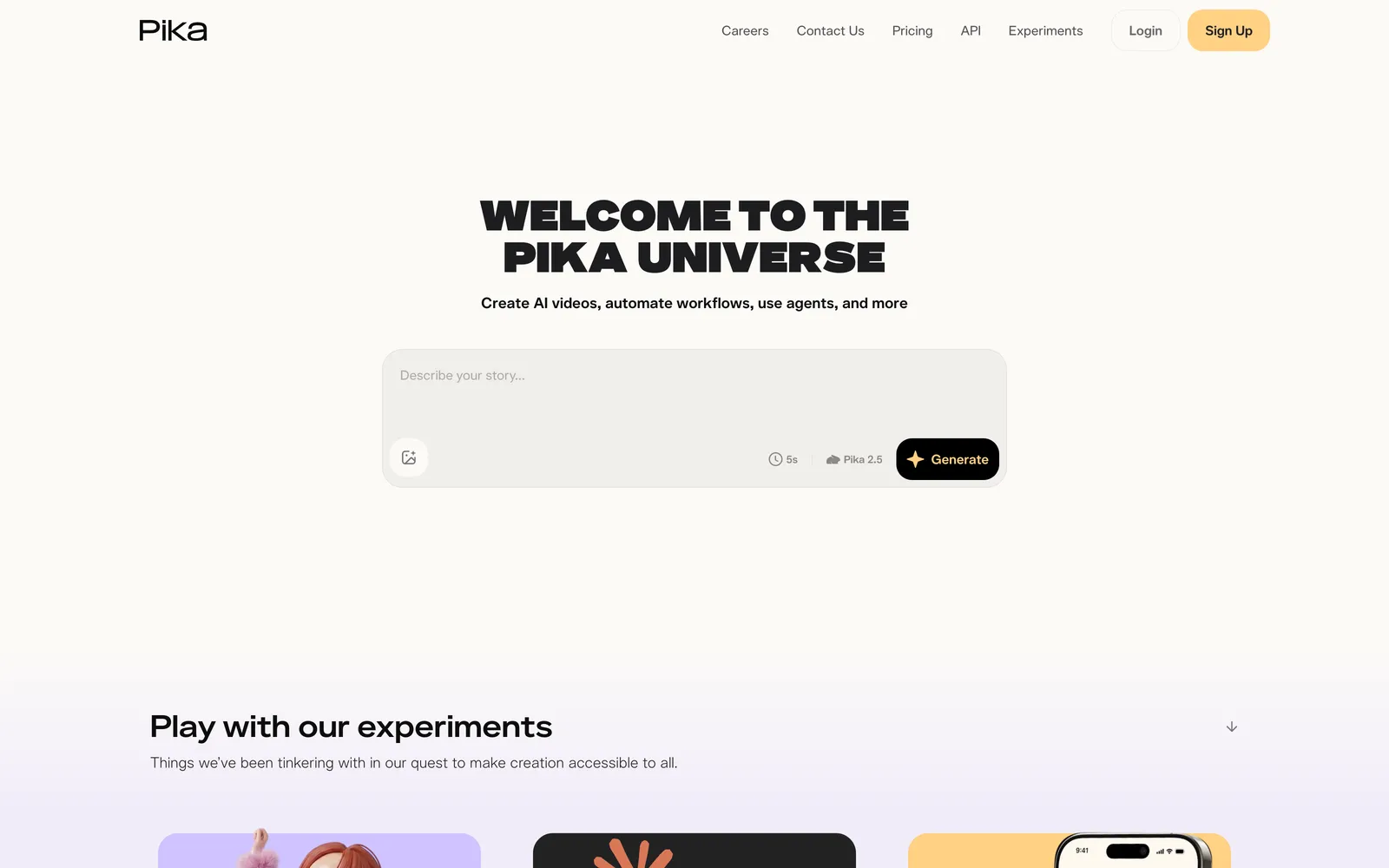
Pika leans creative and playful, which makes it a fit for social content that wants personality rather than catalog realism. Its current Pika 2.5 model interpolates between keyframes with Pikaframes, and Pikaffects applies playful, physics-defying transformations, so you can turn a product image into something eye-catching for a feed rather than a straight studio clip. Image-to-video is supported alongside text-to-video and video-to-video editing.
The thing to watch is licensing. Commercial rights and watermark-free downloads require the Pro plan; the cheaper Standard tier still watermarks output and locks out commercial use, which rules it out for real store content. Pika is best treated as a source of stylized social clips, not your primary on-model video engine.
Best for: stylized, attention-grabbing social clips.
Key features:
- Pikaframes keyframe interpolation and Pikaffects style transforms
- Image-to-video, text-to-video, and video-to-video
- Credit top-ups that roll over indefinitely
- Fast, feed-friendly output
Pricing: Free (Basic) tier; Standard around $8/mo billed annually (watermarked, non-commercial); Pro at about $28/mo for commercial rights and clean exports; Fancy at about $76/mo.
Pros:
- Fun, distinctive effects for social
- Rollover top-up credits are flexible
Cons:
- Commercial use and no-watermark output only on Pro and up
- Stylized bias makes it weaker for clean, accurate product video
7. CapCut
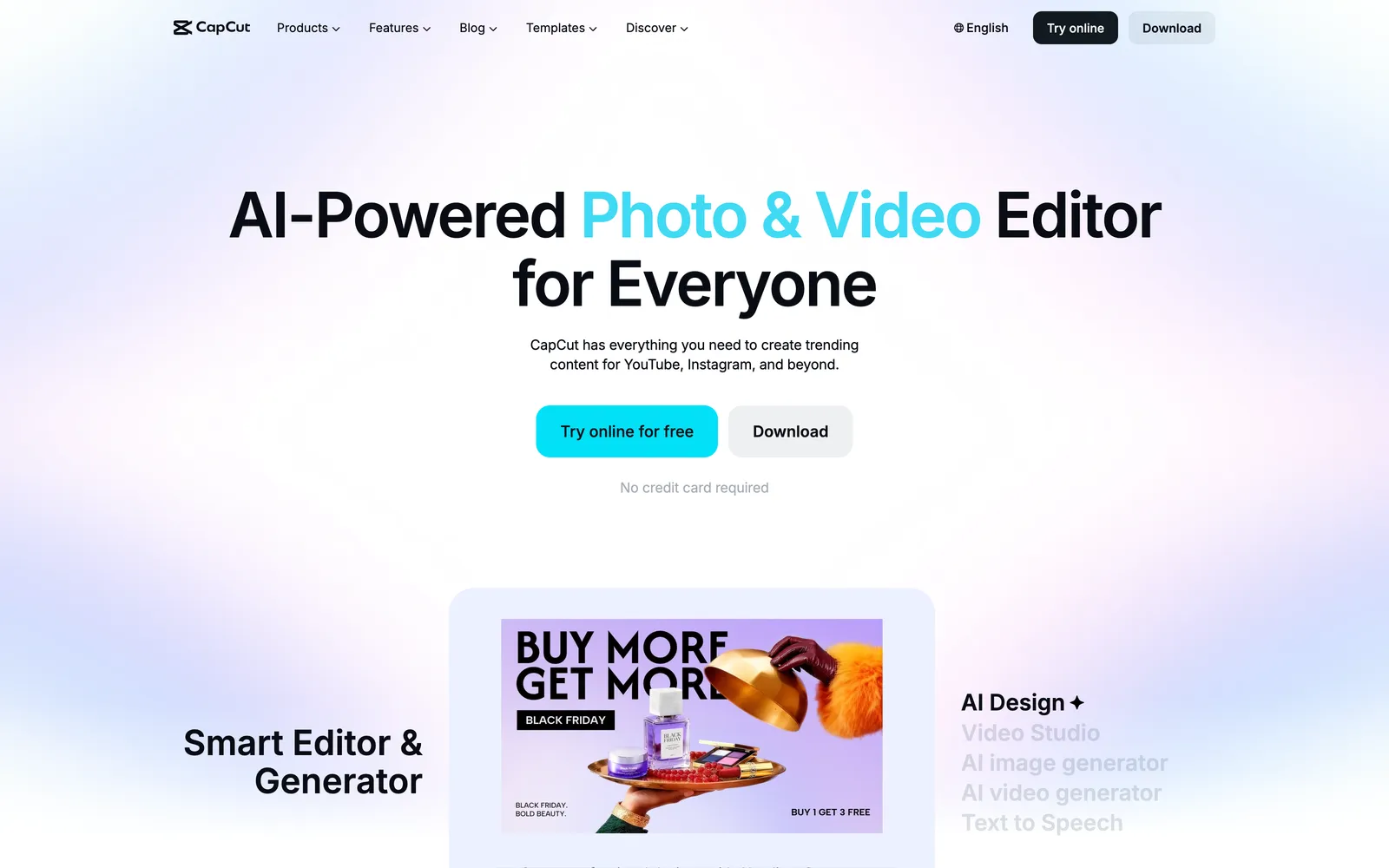
CapCut isn't just a generator, and that's its value here. It pairs image-to-video generation (via its Seedance model) with a full timeline editor, so you can generate a clip, cut it, add captions and music, and export straight to a social platform in one place. For a small team that wants motion plus the editing and publishing steps handled together, that consolidation saves real time. The AI toolkit on the Pro plan adds camera tracking, background removal, captions, and more.
The generation quality is fine rather than best-in-class, and, as with every general tool here, it has no concept of your specific garment. Treat CapCut as the workflow layer: it's often where a clip generated elsewhere gets finished, and it can generate simple clips itself when you don't need the sharpest output.
Best for: taking a clip from generation to a finished, published post.
Key features:
- Image-to-video generation plus a complete editor
- Auto-captions, templates, transitions, and effects
- AI toolkit (camera tracking, background removal, more) on Pro
- 1080p export on the free tier; 4K on Pro
Pricing: Free tier with editing and 1080p export; Standard at about $10/mo (removes watermarks, more templates); Pro at about $20/mo (4K, full AI toolkit, monthly AI credits).
Pros:
- One place to generate, edit, caption, and export
- Genuinely capable free tier for editing
Cons:
- Generation quality trails the dedicated video models
- No fashion or garment-specific handling
How to choose
Start with the source of your content. If you're animating shots of real products you sell, garment accuracy is the deciding factor, and a fashion-specific tool like WearView saves you the constant fight to keep the outfit on-model. For broader brand or campaign video with invented scenes and camera work, a general model gives you more range: Runway for control and multi-model access, Kling for lifelike human motion, Veo when synced audio earns its keep. For cheap testing and clean loops, Luma is hard to beat, and CapCut is the natural home for editing and publishing whatever you generate. Run a short paid trial on your own product images before you commit, since credit costs and garment fidelity vary more than the marketing suggests.
Where AY Automate fits
We are not a tool: we place AI engineers who use tools like these to generate revenue for your brand, that is the offer. An engineer on your team can connect a video generator like WearView or Runway to your product feed so every new listing gets a short clip without anyone opening an app by hand. Look at AI engineer placement or custom workflow automation for the setup. The right pick from this list matters less than having someone wire it into your catalog, pricing rules, and publishing calendar so it actually ships every week.
FAQ
Can AI fashion video generators keep my actual garment accurate? It depends on the tool. Fashion-specific platforms are built to preserve the garment from your source image, so prints, cut, and drape stay close to what you sell. General video models (Runway, Kling, Veo, Luma, Pika, CapCut) produce great motion but have no concept of your specific product, so details can drift and you'll spend more effort prompting and re-rolling to keep the outfit right.
Do I need a still on-model shot first, or can I start from a prompt? Both paths exist. Most of these tools support image-to-video, which usually gives cleaner, more controllable results for product content because the model has a real reference to animate. Text-to-video is better for concept and mood pieces. For ecommerce, starting from a good still (or generating one first) tends to produce the most usable clips.
Can I use these videos in paid ads and on product pages commercially? Usually yes, but check the plan. Several tools gate commercial rights and watermark removal behind a specific tier (Pika requires Pro; CapCut Standard removes watermarks). WearView includes commercial rights on generated content. Always confirm the license on your exact plan before running a clip in an ad.
How long are the clips, and is that enough for social? Most generations land in the few-seconds range per pass (Veo caps around eight seconds, for example), and tools like Luma can extend to roughly 18 seconds. That's plenty for Reels, TikTok, and product-page loops, which perform well short. For longer pieces you chain or stitch multiple generations in an editor like CapCut.
Continue Reading
6 Dify Alternatives Worth Considering for Your AI Stack in 2026
The best Dify alternatives in 2026 are Langflow for visual agent prototyping, n8n for workflow automation with AI steps, Sim for a visual agent workspace, OpenClaw for a self-hosted assistant inside your chat apps, RAGFlow for document-heavy retrieval, and Agno for code-first ...
AI Invoice Automation: What It Catches and Where Humans Still Matter (2026)
What AI invoice automation actually does (extraction, three-way matching, anomaly detection), where a human still needs to be involved, and how to evaluate a system.
7 Best AI Code Review Tools for Development Teams (2026)
A comparison of GitHub Copilot code review, CodeRabbit, Qodo, Greptile, Graphite Diamond, Sourcegraph Cody, and Gitar, what each is built for, and how to pick one.
Book a Free Strategy Call
Building this in production?
Walid runs a 30-min call to map your AI engineering team. Free, no slides.
Free weekly brief
Steal our production automations
The exact n8n flows, Claude Code setups, and prompts we ship for clients, broken down step by step. No spam, unsubscribe anytime.

Taha builds and ships custom AI agents and workflow automations for AY Automate clients across SaaS, finance, and professional services.