Book a Free Strategy Call
Skip the read: talk to Walid in 30 min.
Free strategy call. We map your AI engineering team, you keep the notes.
Product photoshoots eat time and budget most online stores don't have. Booking a model, a photographer, and a studio for every drop is slow, and reshooting when a new colorway lands is worse. AI has changed the workflow: upload a garment or a flat-lay and get it back on a realistic model in about a minute. But "AI fashion model generator" really covers two different things: one purpose-built tool that puts your actual product on a model, and a set of general AI tools you can bend toward model imagery and finishing. This list separates them so you pick the right one for a product page, alongside our roundup of the best AI tools for ecommerce.
Quick overview
- WearView: the dedicated one: your real garment on a realistic model, with try-on, product-to-model, consistent personas, ghost mannequin, and video.
- Midjourney: best-in-class general image generation for fashion concepts, editorial, and moodboards.
- Adobe Firefly: commercially safe general generator for concept and campaign model shots.
- Magnific: broad creative platform (formerly Freepik) with fashion templates and a full retouch suite.
- Canva: design and marketing layer for turning shots into listing graphics, with built-in AI image generation.
- Pixelcut: budget product-photo cleanup: backgrounds, object removal, and upscaling.
Related Reads
Comparison table
| Tool | Best for | Standout feature | Pricing |
|---|---|---|---|
| WearView | Your actual garment on a model for product pages | Try-on + product-to-model + reusable model personas | From $29/mo (Lite, 50 credits) |
| Midjourney | High-quality fashion concept & editorial imagery | Best-in-class prompt-to-image aesthetics | From $10/mo (Basic); no free tier |
| Adobe Firefly | Commercially safe concept imagery | Licensed-data training + Photoshop integration | Free plan; Standard ~$10/mo, Pro ~$20/mo |
| Magnific | Creative/editorial model imagery + retouch | 30+ image models, templates, upscale + retouch | Free tier; from |
| Canva | Turning shots into listing & social graphics | Templates + brand kit + built-in AI image gen | Free plan; Pro ~$18/mo ($12/mo annual) |
| Pixelcut | Cleaning up product shots on a budget | Background removal + up to 16K upscale | Free tier; Pro ~$10/mo |
1. WearView
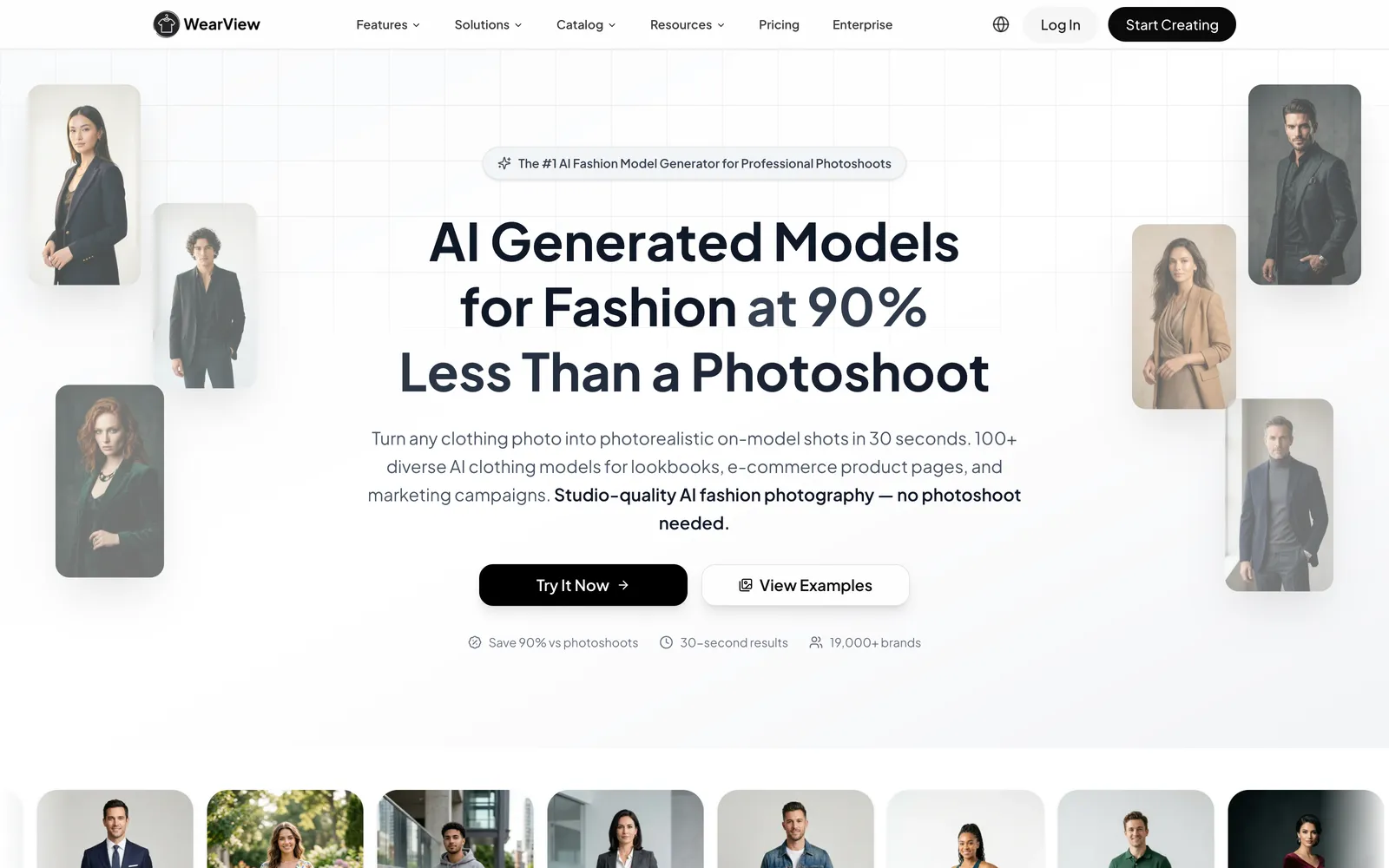
WearView is an AI fashion model generator made specifically for ecommerce, and the thing that sets it apart is simple: it puts your actual product on the model, not a generic lookalike the AI invented. Give it a garment photo or a flat-lay and it dresses a realistic model in that exact piece, keeping the prints, texture, and any printed text true to what the customer will receive, which is the whole point when the image is going straight onto a product page. Because it was built for online stores rather than general image-making, it also covers the jobs that surround a listing, from flat-lay-to-model shots to ghost mannequin and short product videos, so you're not stitching three different tools together. For more on this space, see our guide to AI tools for fashion photography.
For a store that runs frequent drops, the consistent-model feature is the practical differentiator. You can lock one model persona and reuse it across a category so your product grid looks like a single planned shoot instead of a patchwork. The library covers 100+ models across ethnicities, ages, and body types, including plus-size, and every image ships with commercial usage rights.
Best for: Apparel and accessory brands that want their actual garments on diverse, consistent AI models for product pages and listings.
Key features:
- Virtual Try-On and Product-to-Model from a single garment or flat-lay image
- Consistent model personas reused across an entire catalog
- Pose Control plus a ghost-mannequin tool for hollow-body product shots
- 100+ diverse models with commercial rights included
- Built-in short-form video generation (up to 1080p on higher plans)
Pricing: Paid plans start at $29/month (Lite, 50 credits), about $24/month billed annually, then $49/month (Pro, 200 credits) and $99/month (Advanced, 500 credits). Enterprise is custom and adds API access.
Pros:
- Purpose-built for fashion, so garment detail and text hold up well
- Consistent personas and pose control keep a catalog coherent
- One subscription covers stills, ghost mannequin, and video
Cons:
- Focused on fashion and apparel; it isn't a general stock-model or headshot generator
- Credit-metered, so heavy variation testing burns through an allotment faster than pay-as-you-go tools
Free weekly brief
Steal our production automations
The exact n8n flows, Claude Code setups, and prompts we ship for clients, broken down step by step. No spam, unsubscribe anytime.
2. Midjourney
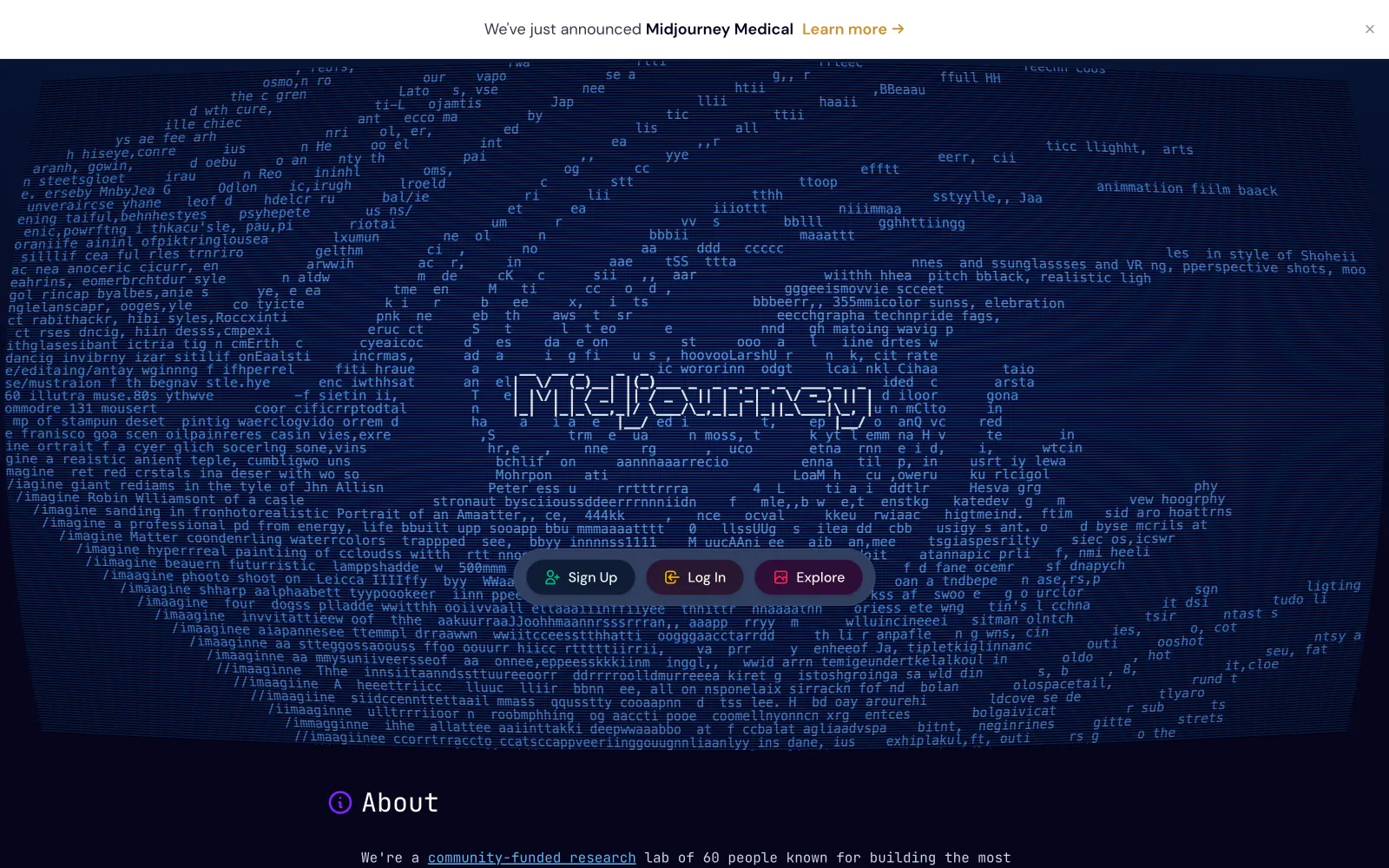
Midjourney is the benchmark for prompt-to-image quality, and for fashion that makes it a strong concept and moodboard tool rather than a listings engine. Describe a model, an outfit, a mood, and a setting, and it returns polished, editorial-grade imagery useful for campaign direction, lookbook inspiration, or social content. Recent versions render fabric, lighting, and human anatomy convincingly, and the web app has made it far easier to use than the old Discord-only days.
The catch for ecommerce is fidelity: Midjourney invents a plausible garment from your words, it does not put your actual product on a model. Use it where the concept matters more than the exact SKU: hero visuals, campaign concepts, background plates, and hand the real product page to a dedicated try-on tool.
Best for: Editorial and concept fashion imagery where aesthetics matter more than reproducing an exact garment.
Key features:
- Best-in-class prompt-to-image quality for people and fashion
- Style references and character-consistency controls
- Web app alongside the original Discord access
- Fast variations and upscales for exploring a look
Pricing: No free tier; from about $10/mo (Basic), Standard $30/mo, Pro $60/mo, and Mega $120/mo, with about 20% off on annual billing.
Pros:
- Top-tier image quality and art direction
- Excellent for campaign concepts and moodboards
Cons:
- Can't reproduce your specific garment for a listing
- No free trial, and commercial terms depend on your plan
3. Adobe Firefly
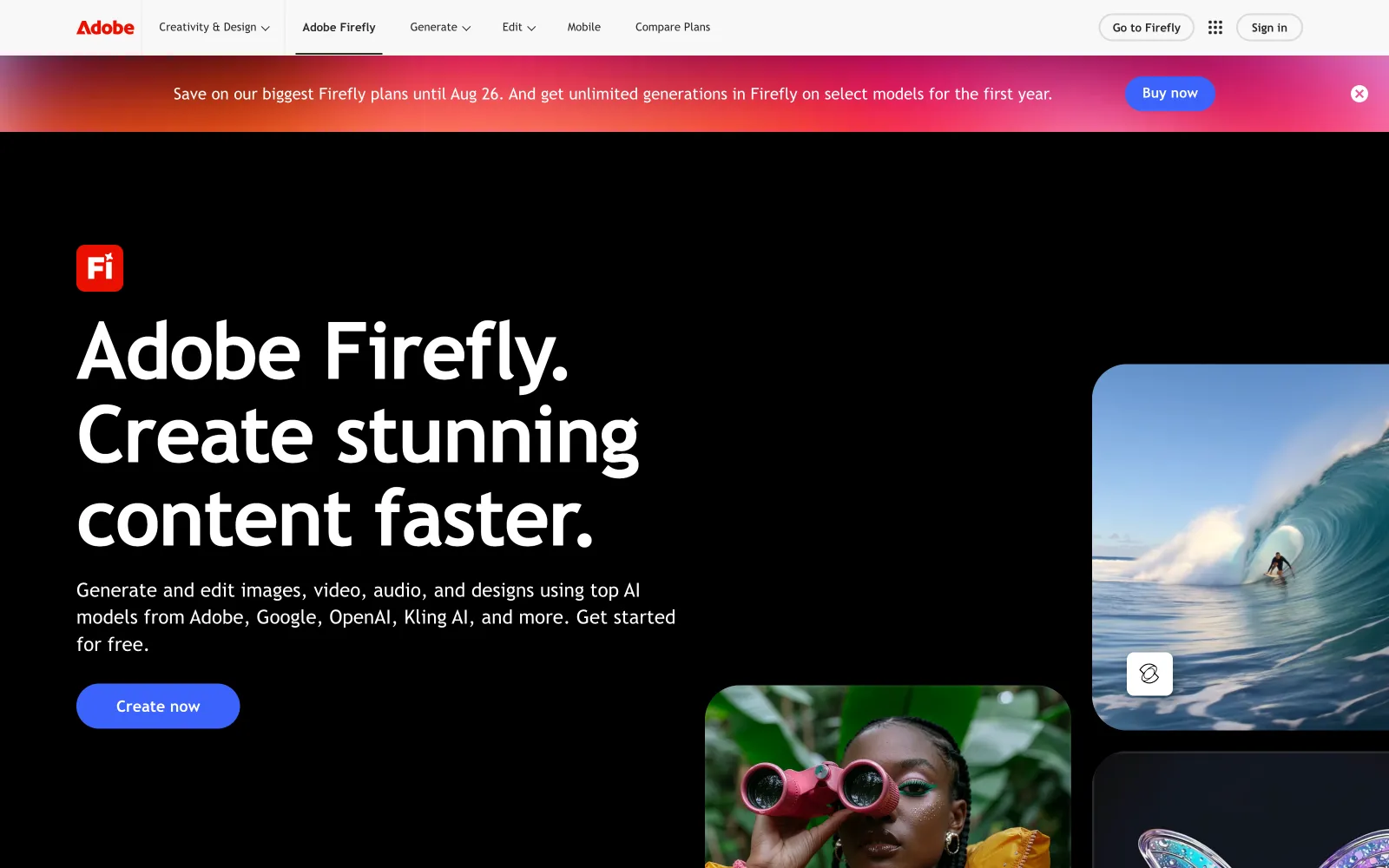
Adobe Firefly is the general generator with a commercial-safety angle. Its image models are trained on licensed and public-domain content, so the fashion concepts, model shots, and campaign visuals you prompt are meant to be usable in ads and listings without the licensing worry that hangs over some generators. It lives inside the Adobe ecosystem, so a generated shot is a short hop from generative fill and retouching in Photoshop.
Like every prompt-based generator, Firefly builds a plausible model and outfit rather than reproducing your exact product, so it fits the concept-and-cleanup end of the workflow rather than accurate product pages. For stores already on Creative Cloud, it's the lowest-friction way to add safe AI imagery.
Best for: Commercially safe concept and editorial imagery, especially for teams already in Adobe's ecosystem.
Key features:
- Text-to-image trained on licensed, commercially safe data
- Generative fill and editing, tightly integrated with Photoshop
- Structure and style-reference controls for consistent output
- Free plan to try before committing
Pricing: Free plan with limited monthly credits; Standard about $10/mo and Pro about $20/mo, with higher tiers for heavy video and premium-model use.
Pros:
- Commercially safe training is a real plus for ads and listings
- Tight Photoshop and Creative Cloud integration
Cons:
- Doesn't reproduce your exact garment on a model
- Premium models and heavy use draw down credits
4. Magnific (formerly Freepik)
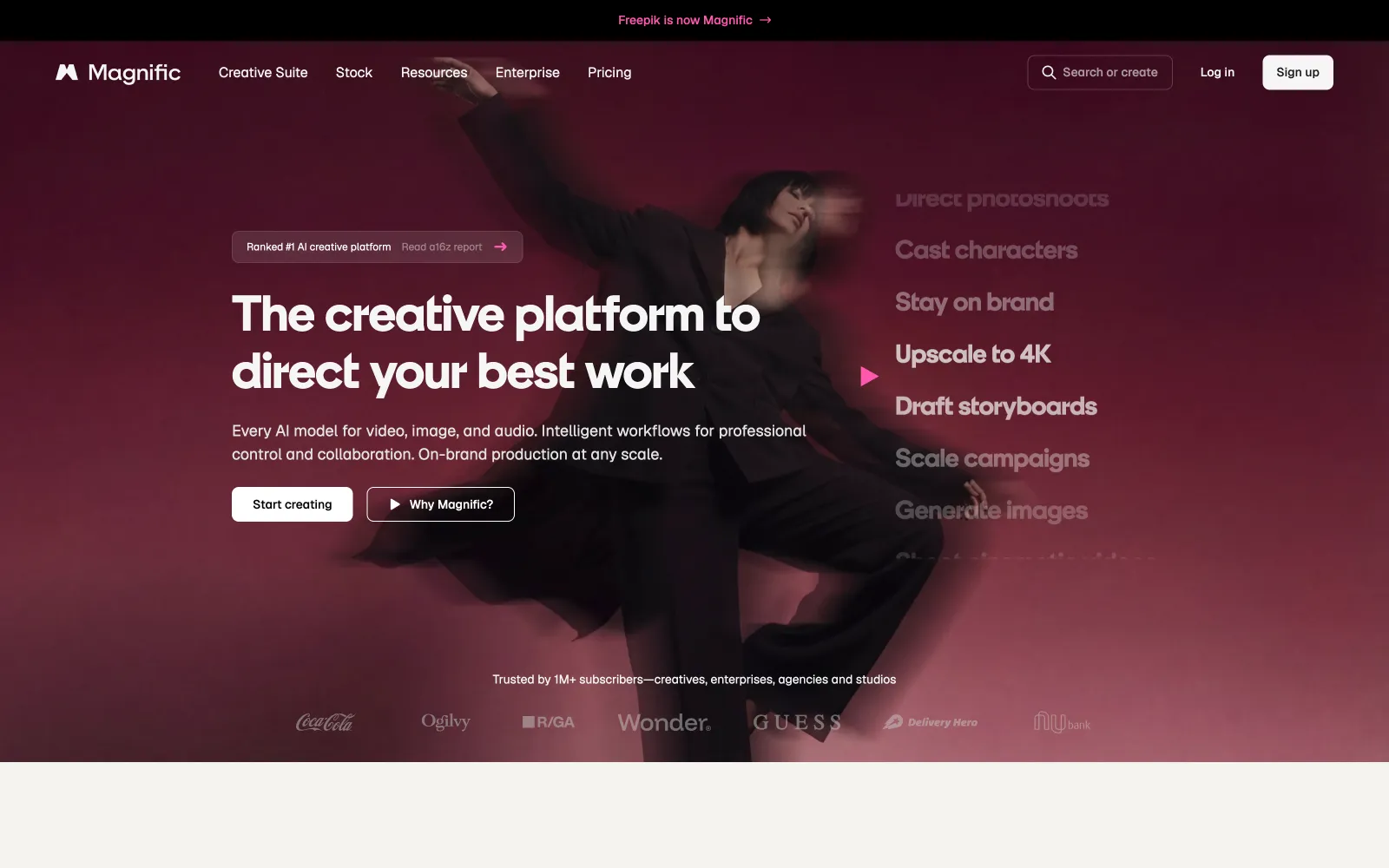
Magnific is the AI creative platform that Freepik rebranded into in 2026 (same team and tech, now at magnific.com), and its generative suite is capable enough to produce fashion-model imagery when you want editorial freedom over garment accuracy. You get a stack of 30+ image models, fashion-shoot templates, and a full editing kit: upscaler, background remover, generative fill, relight, and retouch, plus the original licensed stock library, so it doubles as a finishing tool for shots you generate elsewhere.
The important distinction hasn't changed with the name: Magnific generates a plausible model and outfit from prompts and references, but it won't reproduce your specific garment with the fidelity a try-on tool gives you. Use it for lookbook mood, campaign concepts, and cleanup rather than exact product-page listings.
Best for: Creative and editorial model imagery where concept matters more than exact garment reproduction.
Key features:
- 30+ image models to choose from
- Fashion-shoot and campaign templates
- Retouch, relight, upscale, and background tools
- Generative fill and expand for reframing shots
Pricing: Free tier available; paid plans start around $20/month, or about $14.50/month billed annually, scaling up by credit volume.
Pros:
- Deep creative control and a large model selection
- Strong editing and retouching tools in the same place
Cons:
- Not garment-accurate; won't reproduce your exact product
- General-purpose, so a fashion workflow takes more manual setup
5. Canva
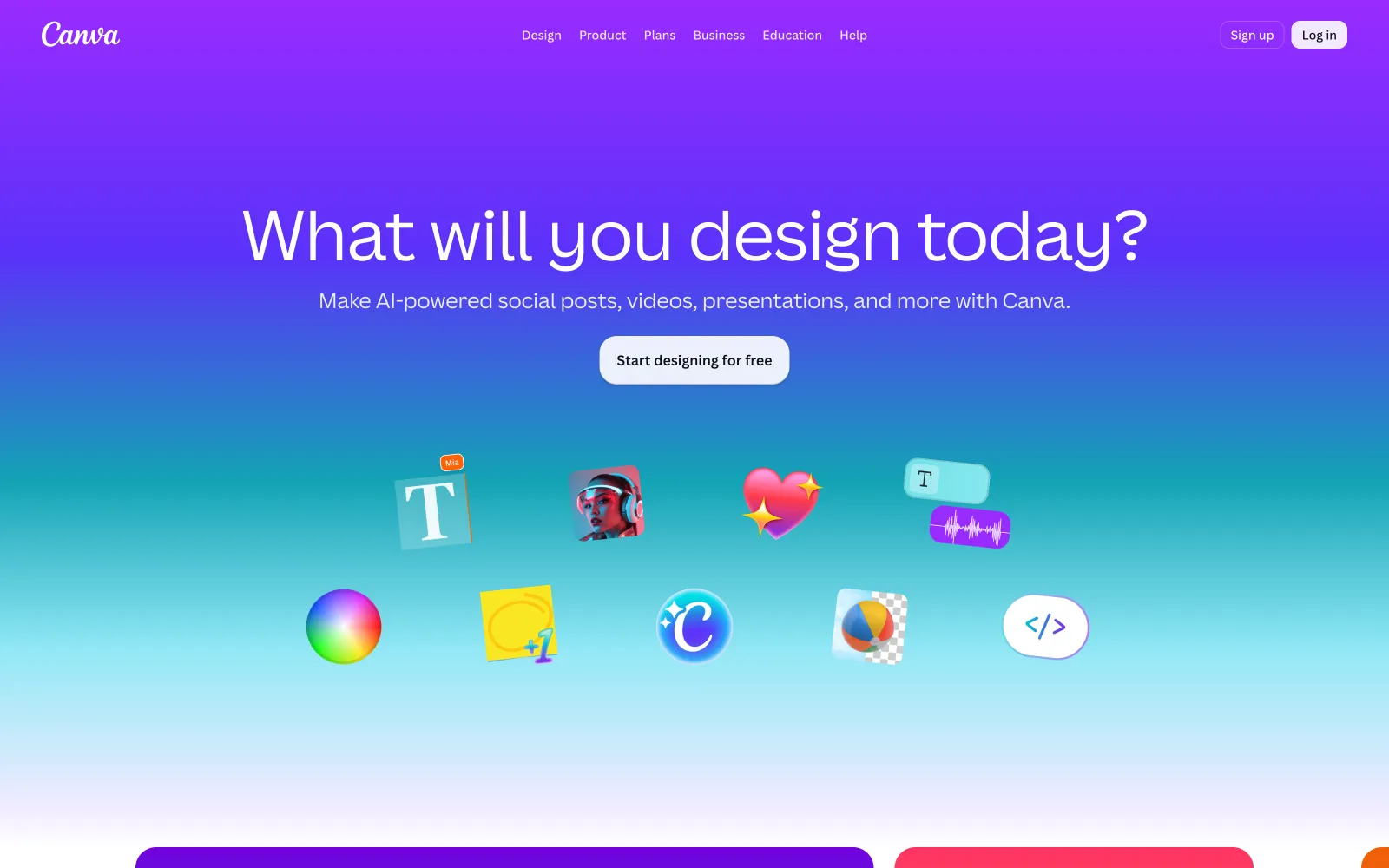
Canva earns its place on the finishing and marketing side rather than as a generator. Once you have model shots, Canva is where a lot of stores turn them into the assets a launch actually needs: product-page graphics, size charts, promo banners, and the stream of Instagram and TikTok posts around a drop. It ships templates, a brand kit that locks your fonts and colors, background removal, and its own AI image generation (Magic Media) for filler visuals.
It isn't an on-model generator (it won't put your garment on a person), but as the layout and social layer on top of whatever tool did the generating, it's hard to beat for a small team without a designer.
Best for: Turning model and product shots into on-brand listing graphics, banners, and social content.
Key features:
- Thousands of templates plus a brand kit for consistency
- Background removal and Magic Media AI image generation
- One-click resizing for every marketplace and social format
- Real-time collaboration for small teams
Pricing: Free plan; Pro about $18/mo (or $12/mo billed annually), and Business about $25/user per month.
Pros:
- Fastest way to turn shots into marketplace and social graphics
- No design skill required
Cons:
- Not an on-model generator; it's the layout and finishing layer
- Its AI image generation is general-purpose, not garment-accurate
6. Pixelcut
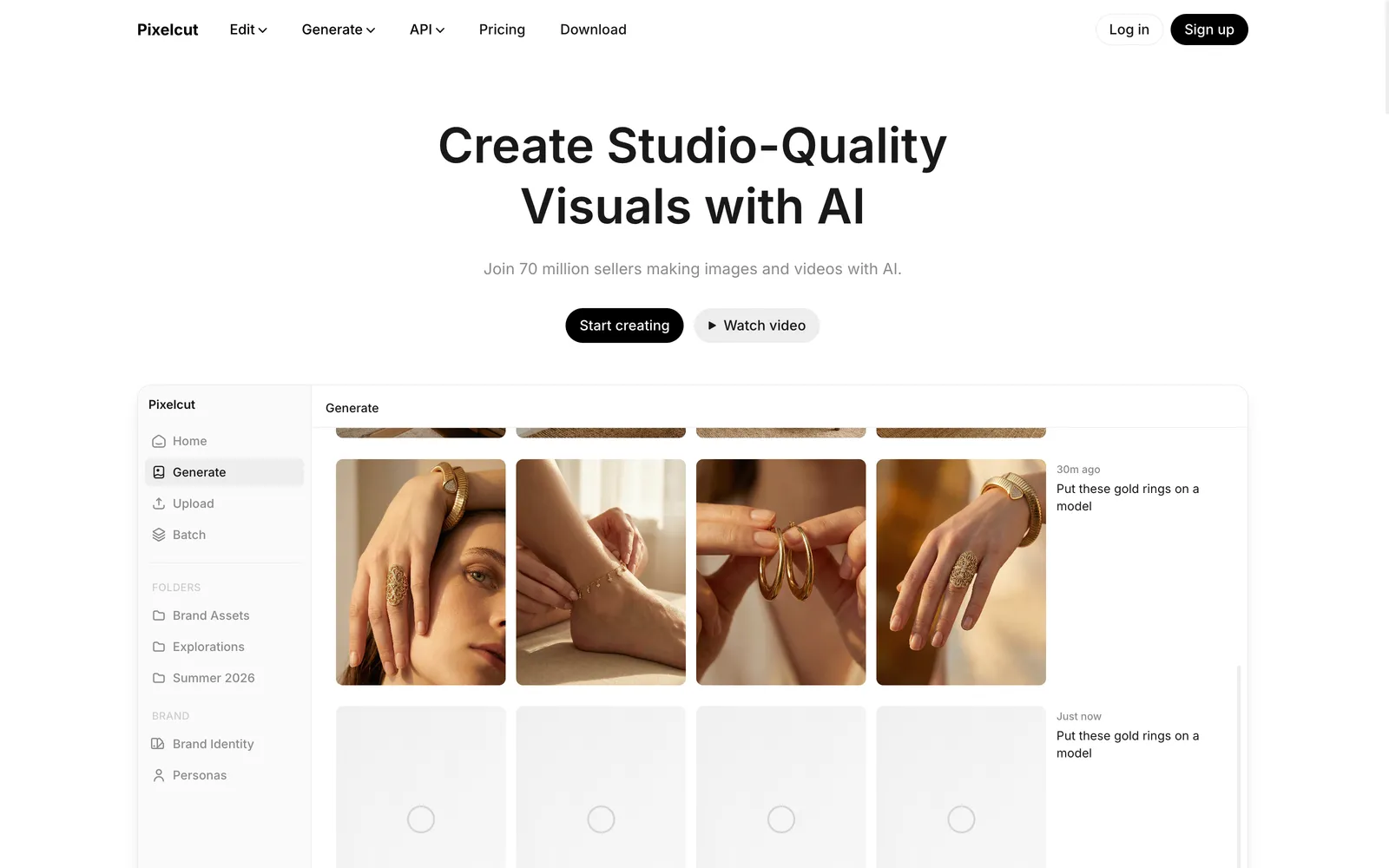
Pixelcut isn't an on-model generator, and it earns a spot for the surrounding work every listing needs. Its background removal is accurate even on tricky edges like hair and semi-transparent fabric, and it adds upscaling, an object-removing magic eraser, and realistic shadow effects. For sellers who already have decent model or product photos and just need clean, consistent, marketplace-ready images, it's a cheap, fast finisher.
Keep expectations aligned: this is a photo-editing and staging tool, not a way to put a garment onto a generated person. Pair it with the dedicated on-model tool above.
Best for: Budget-friendly cleanup, backgrounds, and upscaling for existing product or model shots.
Key features:
- High-accuracy background removal
- AI upscaling up to 16K resolution
- Magic eraser for unwanted objects
- AI shadows and product-scene backgrounds
Pricing: Free tier with watermark-free background removal; Pro is about $10/month (or about $8/month billed annually).
Pros:
- Very affordable, with a usable free tier
- Reliable background removal and upscaling
Cons:
- No on-model generation; it's a finisher, not a generator
- You'll still need a dedicated tool to place garments on models
How to choose
Start from what "model generator" means for your job. If you need your actual garment on a realistic model for product pages, WearView is the only dedicated tool here that does exactly that: the general generators invent a lookalike rather than reproducing your SKU. Reach for Midjourney, Adobe Firefly, or Magnific when the goal is concept, editorial, or campaign imagery where the exact product matters less, and lean on Firefly when commercial-safety and Photoshop integration count. Canva and Pixelcut are the finishing layer: Canva for turning shots into listing and social graphics, Pixelcut for quick background and upscale cleanup. A practical rule: use the dedicated tool for the product page, and the general tools for everything around it. Whatever you shortlist, run your three hardest products (a busy print, a dark fabric, a structured jacket) through a free tier before you commit.
Where AY Automate fits
We are not a tool: we place AI engineers who use tools like these to generate revenue for your brand, that is the offer. Instead of adding another seat, you get an engineer who wires WearView and the rest of your model-generation stack into your product pipeline, so new SKUs land on your store with on-model photos already attached. For fashion and apparel brands specifically, that means fewer manual uploads and less time spent stitching together try-on, retouch, and listing tools by hand. See AI engineer placement or explore ecommerce marketing automation built around your stack. For the rest of the store stack, from email to support, see our AI ecommerce automation tools guide.
FAQ
Are AI-generated model photos good enough for real product pages? For most apparel categories, yes. Buyers rarely tell the difference on a standard ecommerce grid. Quality depends heavily on your input: clean, well-lit, full-length source images produce far more reliable results than cropped or shadowy phone photos. Structured garments, complex prints, and fine text are where tools separate, so test those cases first.
Do I keep the commercial rights to the images? Generally yes, but confirm it per tool and per plan. WearView includes commercial usage rights on its paid plans, and Adobe Firefly is trained specifically for commercially safe output. Midjourney, Magnific, and Canva grant rights per their plan terms, and free tiers sometimes add watermarks or restrict commercial use, so check before you publish a listing.
Can these tools keep the same model across a whole collection? This is where a dedicated tool pulls ahead. WearView's consistent-model personas are designed to reuse one identity across a category so a product grid looks like one planned shoot. General generators like Midjourney or Firefly tend to drift, producing a slightly different person each time unless you feed a strong style or character reference.
Should I upload a flat-lay or a photo on a mannequin? It depends on the tool. A dedicated fashion engine like WearView takes your flat-lay or garment reference directly and includes a ghost-mannequin step that gives the AI more shape information to work with. General generators don't take your garment as an input at all: they work from prompts and references, so for an exact product on a model, a purpose-built tool is the reliable path.
Continue Reading
6 Dify Alternatives Worth Considering for Your AI Stack in 2026
The best Dify alternatives in 2026 are Langflow for visual agent prototyping, n8n for workflow automation with AI steps, Sim for a visual agent workspace, OpenClaw for a self-hosted assistant inside your chat apps, RAGFlow for document-heavy retrieval, and Agno for code-first ...
AI Invoice Automation: What It Catches and Where Humans Still Matter (2026)
What AI invoice automation actually does (extraction, three-way matching, anomaly detection), where a human still needs to be involved, and how to evaluate a system.
7 Best AI Code Review Tools for Development Teams (2026)
A comparison of GitHub Copilot code review, CodeRabbit, Qodo, Greptile, Graphite Diamond, Sourcegraph Cody, and Gitar, what each is built for, and how to pick one.
Book a Free Strategy Call
Building this in production?
Walid runs a 30-min call to map your AI engineering team. Free, no slides.
Free weekly brief
Steal our production automations
The exact n8n flows, Claude Code setups, and prompts we ship for clients, broken down step by step. No spam, unsubscribe anytime.

Robel engineers production-grade automation pipelines at AY Automate, focused on integrations, reliability, and the systems that keep client workflows running.