Book a Free Strategy Call
Skip the read: talk to Walid in 30 min.
Free strategy call. We map your AI engineering team, you keep the notes.
Getting a garment onto a good-looking model shot used to mean booking a studio, a photographer, and a fitting. For a small store adding a dozen SKUs a week, that math never works. The tools below replace most of that pipeline: upload a flat-lay or garment photo and get back on-model or scene-based imagery you can drop into a listing or an ad. I've sorted them by what they're good at, with honest limits, so you can pick the one that fits your catalog. If you want the wider picture beyond photography, our roundup of the best AI tools for ecommerce covers the rest of the stack.
Quick overview
- WearView: best for turning a flat garment or product photo into on-model studio shots in seconds, across poses and backgrounds.
- Mokker AI: fast background replacement and templated product shots at volume.
- Pebblely: cheapest way to put products into clean AI backgrounds.
- Pixelcut: mobile-first editor with a generous free tier for quick product photos.
- Adobe Firefly: broad, commercially safe creative generation for editorial and concept fashion imagery.
Related Reads
Comparison table
| Tool | Best for | Standout feature | Pricing |
|---|---|---|---|
| WearView | Garment/flat-lay to on-model fashion photos | Try-On Studio + consistent AI models across a catalog | Paid plans from ~$24/mo (Lite); no free tier |
| Mokker AI | High-volume background swaps | 100+ product templates, batch output | Free (20 photos); Starter ~$13/mo |
| Pebblely | Simple product backgrounds on a budget | One-click themed backgrounds | Free images to start; paid from ~$9/mo |
| Pixelcut | Quick edits on your phone | Strong background removal + free tier | Free tier; Pro around $10/mo |
| Adobe Firefly | Editorial/concept fashion imagery | Commercially safe generation across many models | Free plan; Standard ~$10/mo, Pro ~$20/mo |
Free weekly brief
Steal our production automations
The exact n8n flows, Claude Code setups, and prompts we ship for clients, broken down step by step. No spam, unsubscribe anytime.
1. WearView
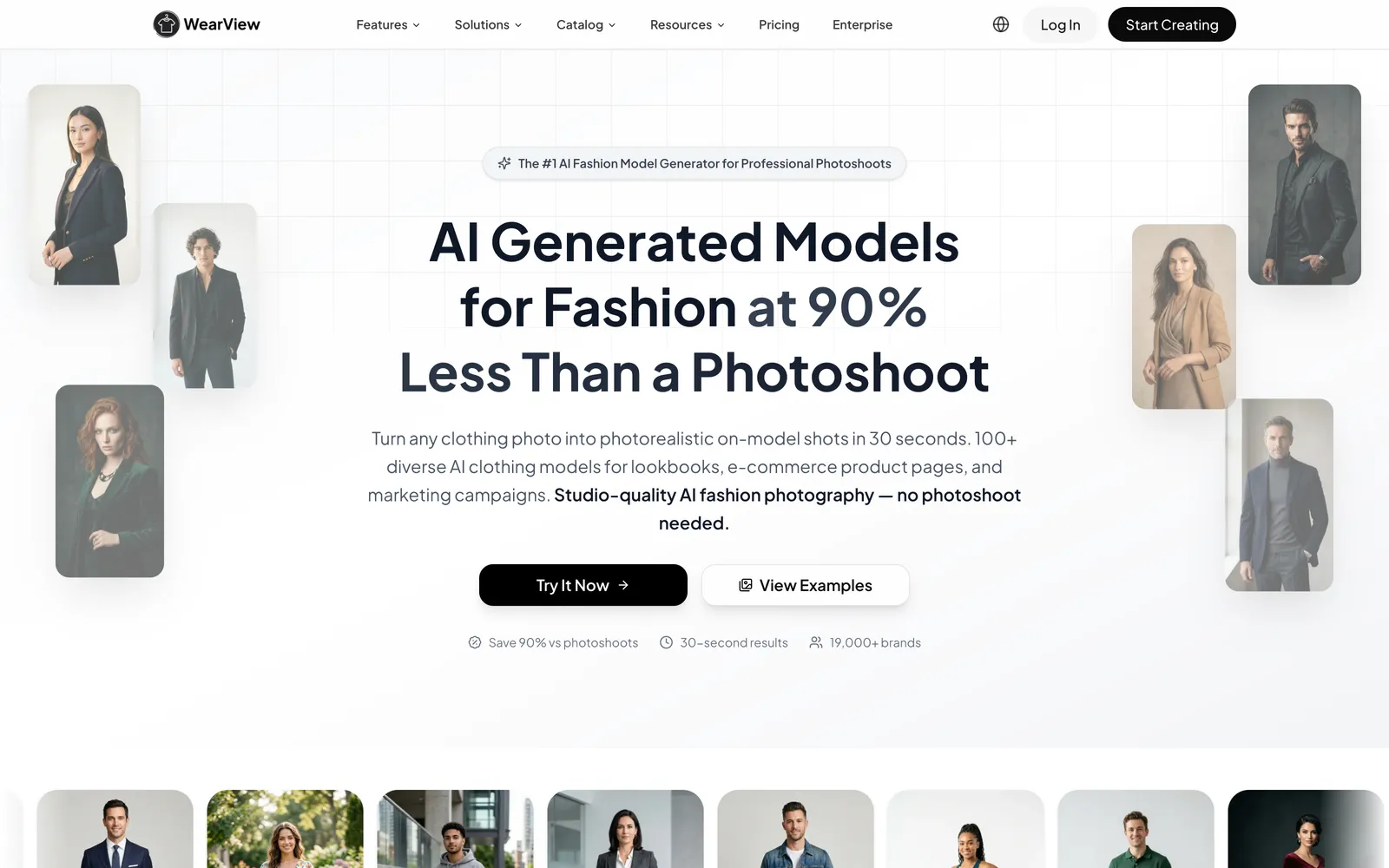
WearView is an AI fashion photography platform that gives an online store studio-quality, on-model images without the studio. You start from a plain photo of your clothing, even a flat-lay on the floor, and it shows that exact piece worn by a realistic model, with the prints, fabric, and any lettering still looking like the real product. What puts it at the top of this list is that the result stays believable and consistent: the same kind of model, lighting, and styling across a whole collection, so a shopper scrolling your catalog sees one coherent shoot instead of a dozen mismatched faces. Poses, backgrounds, ghost-mannequin shots, and even short model videos come from the same place, which is why it can stand in for most of a traditional shoot rather than just one corner of it. If ghost-mannequin work is your main need, our guide to AI ghost mannequin tools covers that category in more depth.
Where it earns the top spot is fashion specificity. General image tools invent a nice background but tend to warp garment details, mangle logos, or hand you a different-looking model every time. WearView holds the clothing and the model steady, which is what an online listing needs. Output is high-resolution with commercial rights included, and the company cites a 30-second turnaround and use across marketplaces like Shopify, Amazon, and Etsy.
Best for: Apparel and accessory sellers who need consistent on-model photography from garment or flat-lay inputs.
Key features:
- Try-On Studio: garment image rendered onto a chosen AI model
- Consistent Models to reuse the same face across a whole catalog
- Pose control and background swaps (studio, street, lifestyle)
- Ghost-mannequin removal and Product-to-Model conversion
- AI video generator (720p on Pro, 1080p on higher tiers)
Pricing: Lite from about $24/mo (50 credits), Pro around $40/mo (200 credits, video, model swap), Advanced about $82/mo (500 credits, 1080p video). No permanent free tier; Enterprise adds API access. Credits scale with resolution.
Pros:
- Keeps garments and models consistent, which matters most for listings
- Covers the full fashion workflow, not just backgrounds
- Commercial rights and high-res exports on paid plans
Cons:
- Purpose-built for apparel and fashion, so it's not a general-purpose graphic editor
- Best results depend on clean garment inputs; cluttered phone photos need tidying first
2. Mokker AI
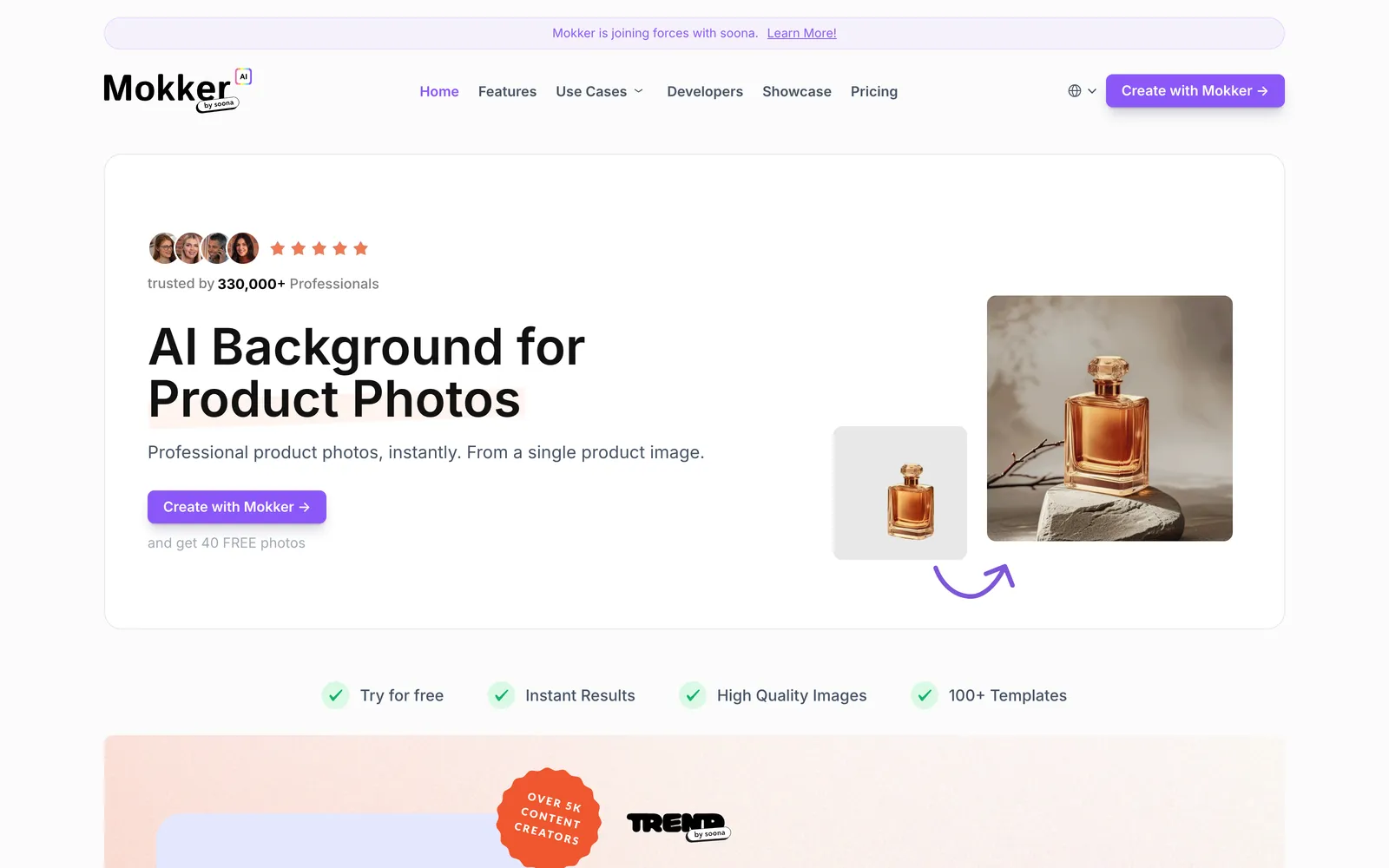
Mokker AI is aimed squarely at volume. Upload a product photo, pick from a library of 100-plus templates, and it swaps the background for a professional-looking scene, with batch processing so you can run many SKUs at once. It's less about art direction and more about getting clean, consistent backgrounds quickly, which is what a catalog with hundreds of listings usually needs.
For fashion, Mokker handles the product-and-scene side well but isn't a try-on tool, so it won't put a garment on a body. Think of it as the background and staging half of the job. The free tier lets you test on a small batch before paying, and pricing stays reasonable as you scale seats. One note for 2026: Mokker was acquired by soona, and its tech now also powers soona's own AI product-photography tools, but it still runs as a standalone product under its own name at mokker.ai.
Best for: Stores that need many product shots re-backgrounded fast.
Key features:
- 100+ product photo templates
- One-step background replacement
- Batch processing for large catalogs
- Free tier to trial the output
Pricing: Free plan (20 photos to start); Starter about $13/mo (500 photos); Team roughly $29/user/mo for unlimited photos and multiple seats.
Pros:
- Built for high-volume output
- Template library keeps a consistent look
- Affordable entry point
Cons:
- No on-model try-on
- Template-driven, so less unique styling
3. Pebblely
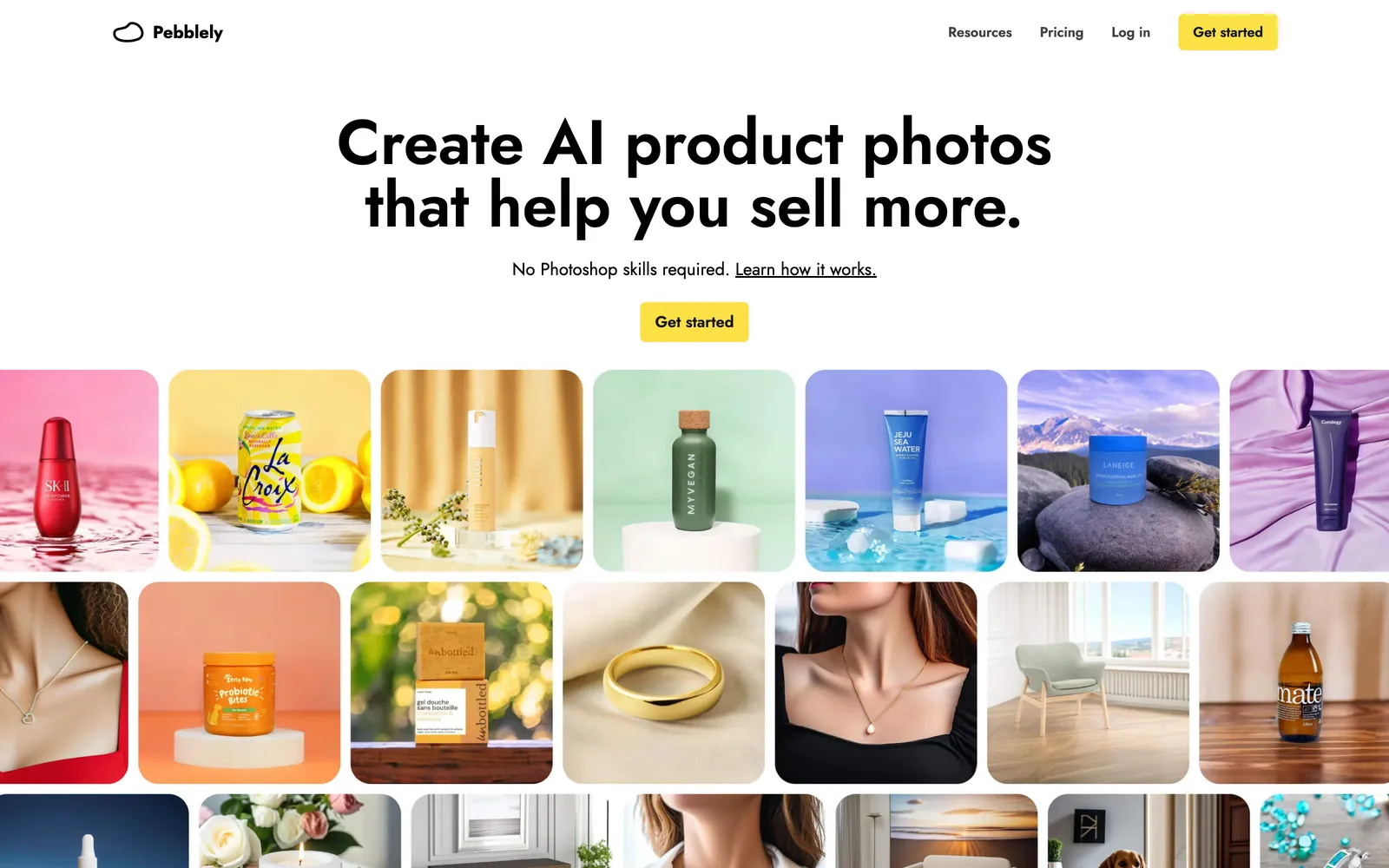
Pebblely is the budget pick for product backgrounds. It removes the background from your uploaded photo and drops the product into an AI-generated scene, either from a text prompt or from a set of 40-plus preset themes. There's not much of a learning curve, and the pricing is the lowest on this list, which makes it a sensible starting point for a solo seller or a side hustle testing whether AI photography is worth it.
Like Mokker, it's a product-and-scene tool rather than a fashion try-on engine, so it shines for accessories, flat-lays, and packshots more than for garments that need to sit on a body. If your catalog is mostly bags, jewelry, or footwear, it covers a lot of ground cheaply.
Best for: Solo sellers and small stores wanting clean backgrounds on a tight budget.
Key features:
- One-click background generation from themes or prompts
- 40+ preset scenes
- Simple, fast interface
- Free images to start
Pricing: Free images to trial; Lite from about $9/mo (30 images), Basic about $19/mo (200 images), Pro roughly $39/mo (500 images). Annual billing adds a discount.
Pros:
- Cheapest way in
- Very easy to use
- Good for flat-lays and accessories
Cons:
- No on-model garment fitting
- Fewer styling controls than pricier tools
4. Pixelcut
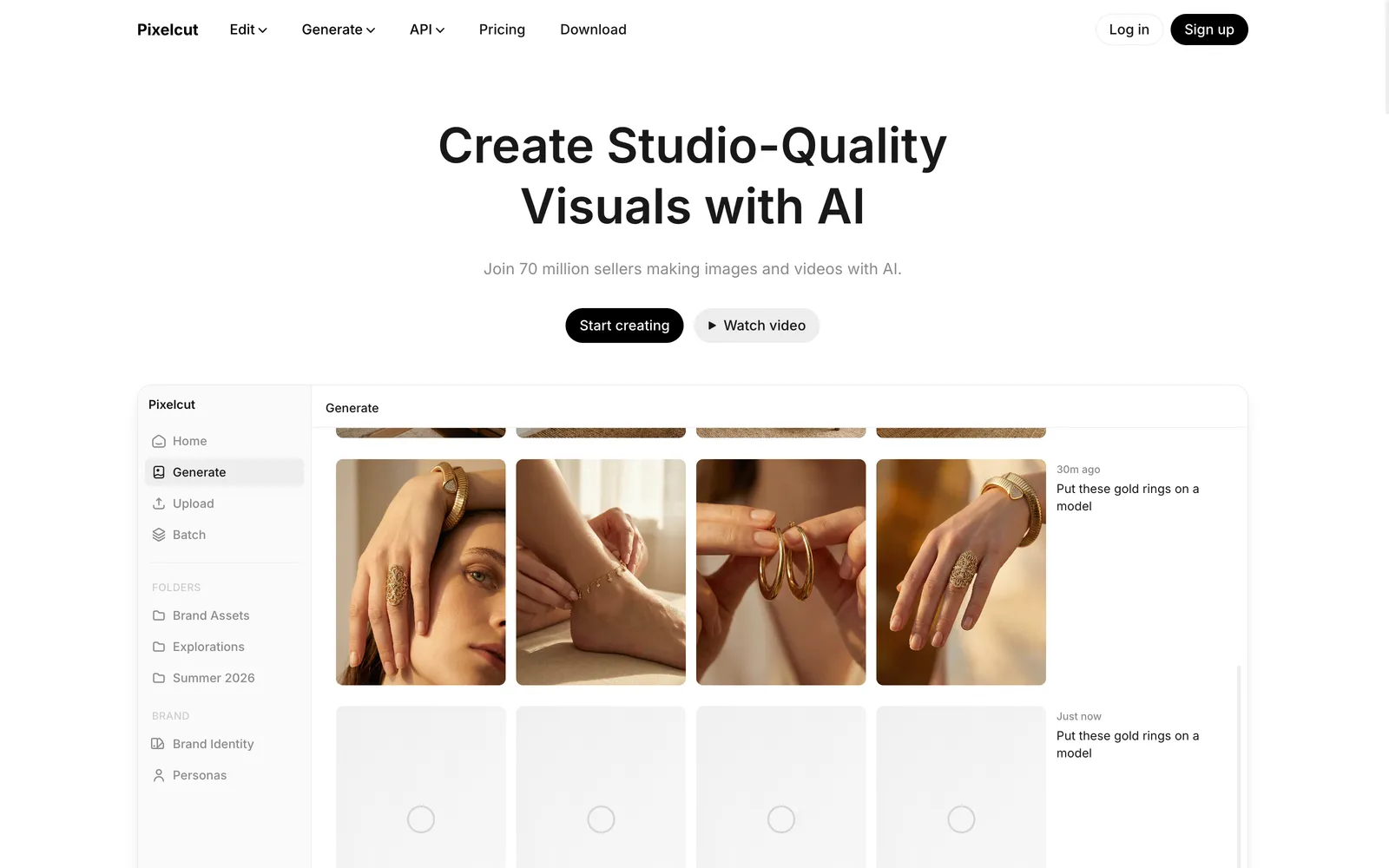
Pixelcut is a mobile-first photo editor with a surprisingly capable free tier. Its background removal is accurate even on tricky edges, and its AI product photo maker offers a range of styles, from seasonal scenes to clean studio looks, generating plenty of options to pick from. Because it runs well on a phone, it's handy for sellers who shoot and list on the go, or for quick fixes without opening a desktop app.
It's a general product-photo and editing tool rather than a fashion specialist, so treat it as a fast utility: background removal, white-background exports, quick scene swaps. For garments that need to look like they're being worn, you'll still want a try-on tool alongside it.
Best for: Sellers who want to edit and generate product photos from their phone.
Key features:
- Reliable background removal, no watermark on free tier
- AI product photo styles and scenes
- White and transparent background exports
- Batch processing on Pro
Pricing: Generous free tier; Pro from about $10/mo (unlimited background removal and upscales, 600 AI credits a month, commercial license), with a $30/mo Business tier for heavier use.
Pros:
- Strong free tier
- Works well on mobile
- Fast for everyday edits
Cons:
- General-purpose, not fashion-specific
- No on-model try-on
5. Adobe Firefly
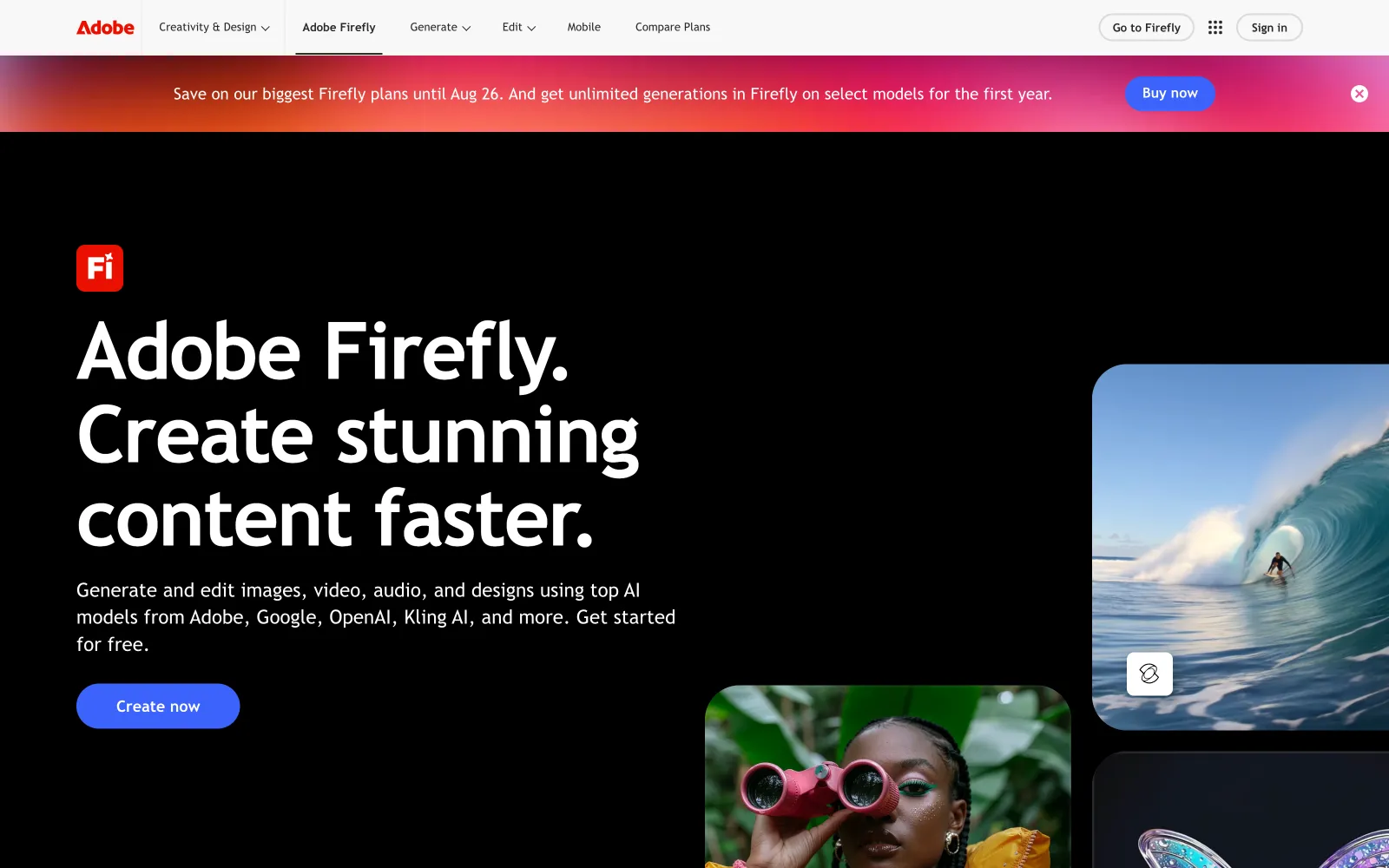
Adobe Firefly is the broad creative option, and its calling card is that it's built to be commercially safe. Firefly's image models are trained on licensed and public-domain content, so what you generate is meant to be usable in ads and listings without the licensing worry that hangs over some generators. For fashion that means you can spin up editorial or concept imagery, mood-board visuals, and stylized shots from a text prompt, which is useful for campaigns and social content where you're not tied to an exact real product. It also sits inside the wider Adobe ecosystem, so generative fill and touch-ups in Photoshop are a short hop away.
The catch is the one every prompt-based tool shares: it doesn't preserve your specific garment. Firefly is excellent for original imagery and inspiration, weak for "show my actual dress on a model." Premium features and partner models draw down credits, so heavy generation adds up. Use it for the creative top of the funnel, not for accurate product listings.
Best for: Editorial, campaign, and concept imagery rather than exact product shots.
Key features:
- Text-to-image with photorealistic output
- Generative fill and editing, tightly integrated with Photoshop
- Commercially safe training for worry-free licensing
- Free plan to try before committing
Pricing: Free plan with limited monthly credits; Standard from about $10/mo and Pro about $20/mo, with unlimited standard image generations and premium credits that scale by tier. A higher Premium tier covers heavy video and premium-model use.
Pros:
- Broad creative range with photorealistic output
- Commercially safe imagery, a real plus for ads and listings
- Free plan and tight Adobe/Photoshop integration
Cons:
- Can't reproduce your exact garment on a model
- Premium features and partner models burn credits
How to choose
Start with the input you have and the output you need. For apparel, when the job is "put this garment on a believable, consistent model," a dedicated tool like WearView does work general editors can't. For accessories, packaging, or flat-lays that just need a nicer background, Mokker, Pebblely, or Pixelcut are faster and cheaper. Adobe Firefly fits campaign and concept work where you're generating original imagery rather than reproducing a real SKU. Two practical filters: confirm the plan you'd actually buy includes a commercial license (some don't until a mid tier), and test on your own worst photo, not the demo. Most have a free tier or free credits, so run the same garment through two or three and compare. For a broader view of where these tools fit alongside the rest of your stack, see our roundup of the best AI tools for ecommerce.
Where AY Automate fits
We are not a tool: we place AI engineers who use tools like these to generate revenue for your brand, that is the offer. An embedded engineer wires a tool like WearView into your catalog pipeline so every new drop ships with on-model photography automatically, with no one uploading each SKU by hand. For a fashion brand publishing new drops weekly, that means catalog photography stops being a bottleneck and becomes another automated step in the release process. Look at AI engineer placement or ecommerce marketing automation.
FAQ
Can AI fashion photography really replace a studio shoot? For most e-commerce listings, yes. On-model tools now produce images that hold up on a product page and in ads, at a fraction of the cost and time. A physical shoot still wins for high-end editorial and campaigns where styling, movement, and brand storytelling matter. A common approach is to use AI for the bulk catalog and reserve a real shoot for hero images.
Do I own the images and can I use them commercially? Usually, but read the plan. Several tools here restrict commercial use to paid or mid tiers, and a few grey areas exist on entry plans. WearView includes commercial rights on its paid plans, and Adobe Firefly is trained to be commercially safe. Always confirm licensing before you put an image in a paid ad or a marketplace listing.
What input photo gives the best result? A clean, well-lit shot of the garment on a plain background works best across every tool here. Cluttered backgrounds, harsh shadows, and low resolution force the AI to guess and produce artifacts. For on-model output, a flat garment photographed straight-on preserves prints and logos better than one shot at an angle.
Which tool is cheapest to start with? Pixelcut and Pebblely have the lowest entry points, and Adobe Firefly's free plan lets you test creative generation at no cost. WearView is a paid tool with no free plan. Its Lite tier starts around $24/mo billed annually, but for true on-model shots it's the most direct route to catalog-ready fashion photos rather than just re-backgrounded product shots.
Continue Reading
6 Dify Alternatives Worth Considering for Your AI Stack in 2026
The best Dify alternatives in 2026 are Langflow for visual agent prototyping, n8n for workflow automation with AI steps, Sim for a visual agent workspace, OpenClaw for a self-hosted assistant inside your chat apps, RAGFlow for document-heavy retrieval, and Agno for code-first ...
AI Invoice Automation: What It Catches and Where Humans Still Matter (2026)
What AI invoice automation actually does (extraction, three-way matching, anomaly detection), where a human still needs to be involved, and how to evaluate a system.
7 Best AI Code Review Tools for Development Teams (2026)
A comparison of GitHub Copilot code review, CodeRabbit, Qodo, Greptile, Graphite Diamond, Sourcegraph Cody, and Gitar, what each is built for, and how to pick one.
Book a Free Strategy Call
Building this in production?
Walid runs a 30-min call to map your AI engineering team. Free, no slides.
Free weekly brief
Steal our production automations
The exact n8n flows, Claude Code setups, and prompts we ship for clients, broken down step by step. No spam, unsubscribe anytime.

Robel engineers production-grade automation pipelines at AY Automate, focused on integrations, reliability, and the systems that keep client workflows running.