Book a Free Strategy Call
Skip the read: talk to Walid in 30 min.
Free strategy call. We map your AI engineering team, you keep the notes.
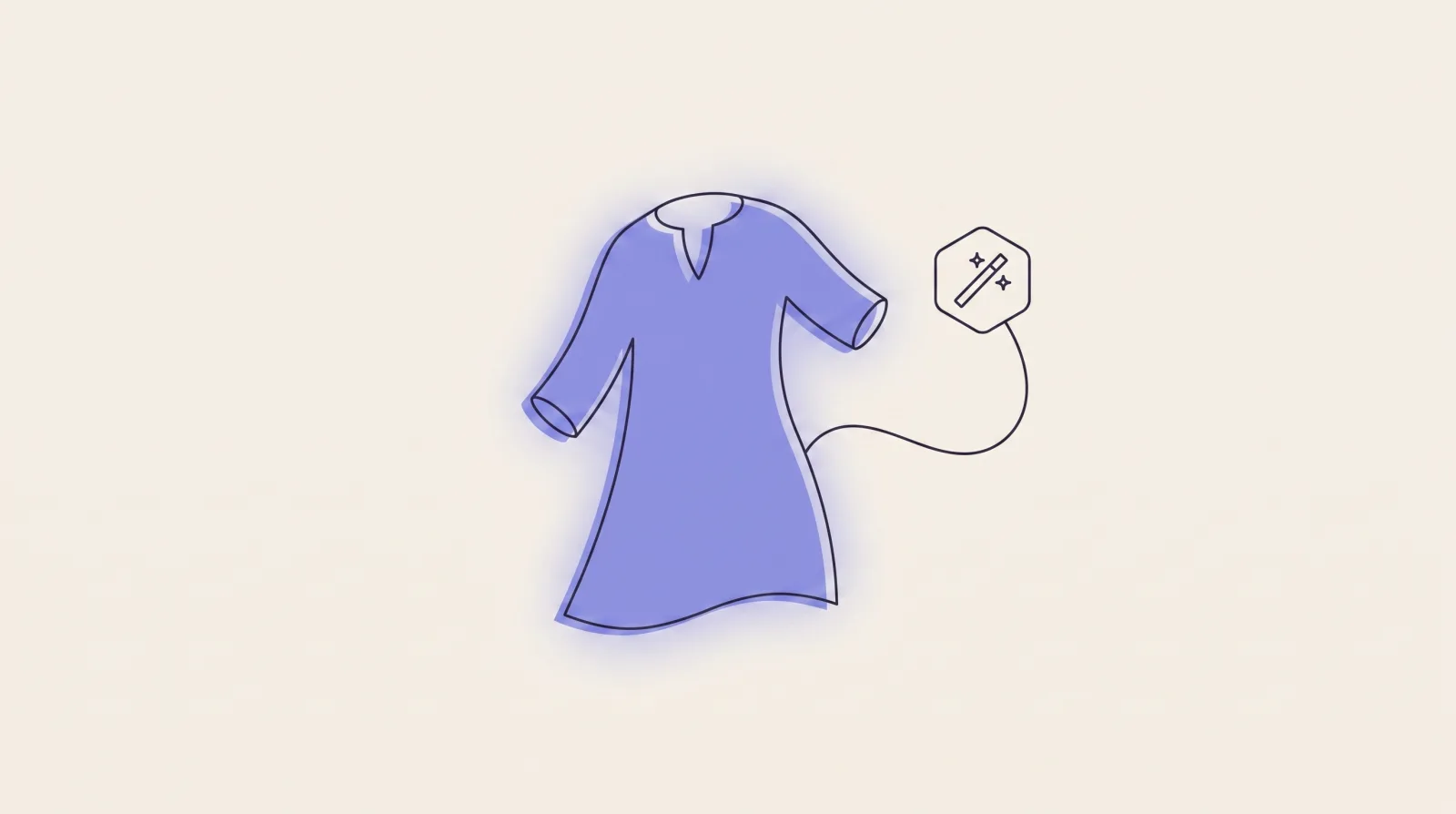
Shoppers want to judge the cut of a jacket and the drape of a dress without a plastic form or a wire hanger getting in the way. The hollow, invisible-mannequin look solves that: the garment holds its shape, the inside of a collar shows, and the product reads as a real, wearable thing. Getting there used to mean a studio shoot plus hours of manual clipping in Photoshop. AI has collapsed that into a few seconds, and a handful of tools now do it well enough for live product listings. For a broader view of what else AI can automate in your store, see our roundup of the best AI tools for ecommerce.
Below are the tools worth your time in 2026, ranked by how reliably they produce a clean apparel result and how well they fit an ecommerce workflow. Some do the full invisible-mannequin effect; a couple are cleanup tools that prep the shot for it. I've flagged which is which so you don't buy the wrong thing.
Quick overview
- WearView: Best overall for apparel: ghost-mannequin shots from one photo, with the option to go full on-model.
- Pixelcut: Fast mobile-first generator with a dedicated ghost mannequin tool; good for marketplace sellers.
- Pebblely: Strong for product staging and AI backgrounds once your garment is cut out.
- Mokker AI: Volume scene generation for packshots and flat-lays (now part of soona).
- remove.bg: Precise background removal to prep clean garment cutouts for a composite.
Related Reads
Comparison table
| Tool | Best for | Standout feature | Pricing |
|---|---|---|---|
| WearView | Apparel brands wanting ghost-mannequin + on-model from one photo | Single garment photo → hollow look or on-model shot | From $29/mo (about $24/mo billed annually) |
| Pixelcut | Marketplace sellers editing on a phone | Dedicated ghost mannequin generator, watermark-free PNG | Free tier; Pro around $10/mo |
| Pebblely | Product staging and AI scene backgrounds | 40+ background themes, bulk up to 25 products | Free credits; paid from $9/mo |
| Mokker AI | Packshots and flat-lay scenes at volume | 100+ scene templates with realistic shadows | 20 free photos; paid from about $13/mo |
| remove.bg | Clean cutouts to feed a ghost mannequin composite | Accurate edge detection, transparent PNG output | Free low-res; credits from about $0.20/image |
Free weekly brief
Steal our production automations
The exact n8n flows, Claude Code setups, and prompts we ship for clients, broken down step by step. No spam, unsubscribe anytime.
1. WearView
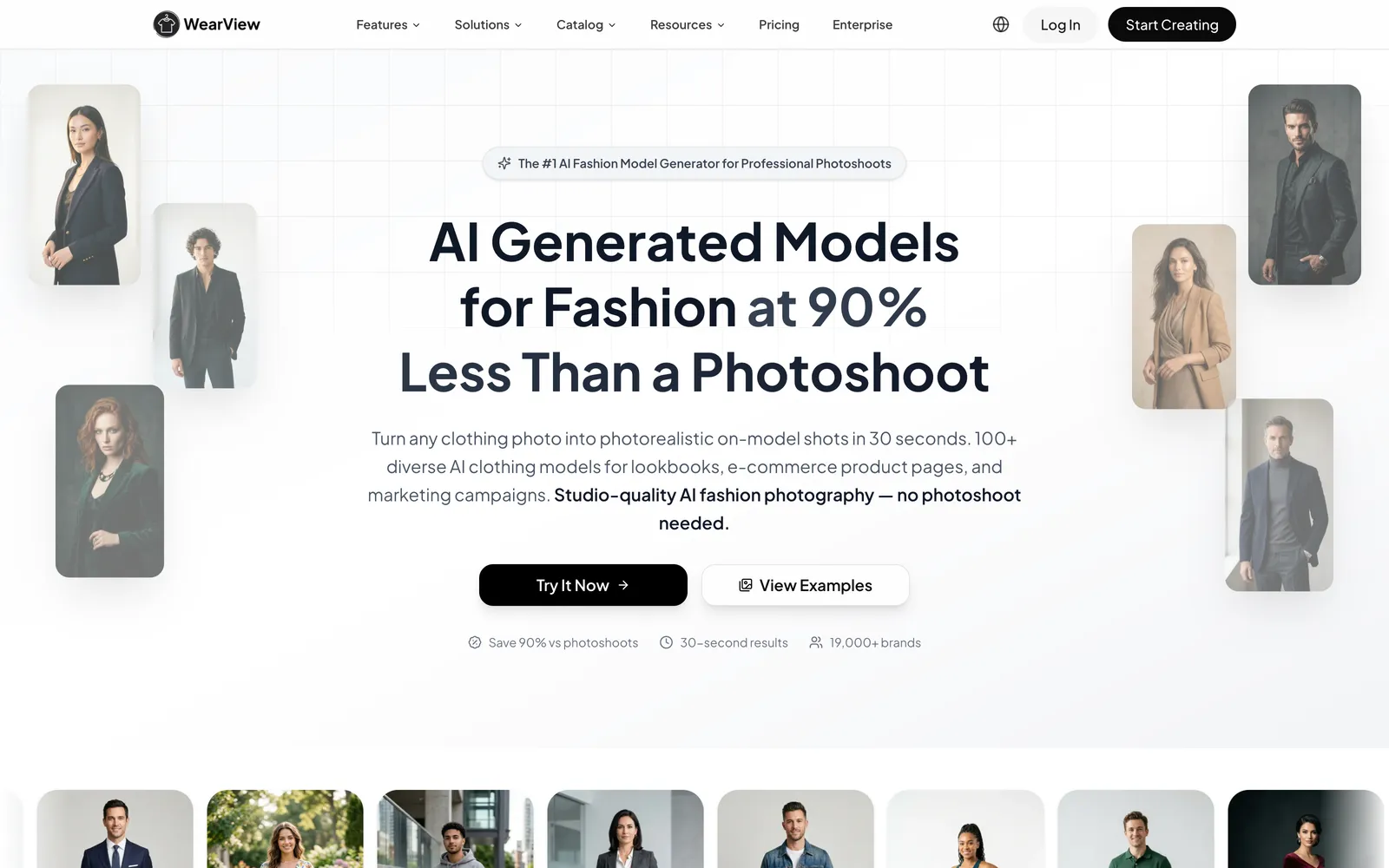
WearView leads this list because it treats the ghost-mannequin look as a clothing problem rather than a generic photo edit. Hand it a single shot of your garment (laid flat, on a hanger, or on a real mannequin) and it gives you back the clean, invisible-mannequin version, where the piece holds its shape and you can see right into the collar and cuffs as if someone were wearing it. Since it was trained on real clothing, it gets the details that trip up all-purpose editors: the inside of a neckline, the opening of a sleeve, and the way fabric falls around a body that isn't there.
The other reason it earns the top slot is optionality (see our guide to AI tools for fashion photography if the photography side matters more to you than the ghost-mannequin step specifically). Ghost mannequin is one of several outputs. The same upload can go full on-model through the Try-On Studio and Product-to-Model tools, so if you decide a hero shot needs an actual person, you're not switching platforms. There's also pose control, a consistent-model feature for keeping one AI face across a catalog, and a video generator for turning stills into short social clips. If you're weighing on-model shots against the ghost-mannequin approach, our guide to AI tools for fashion photography covers that decision in more depth.
Best for: Apparel brands and ecommerce stores that want clean ghost-mannequin product shots from one photo and the flexibility to go on-model when a listing needs a person.
Key features:
- Ghost mannequin from a single garment photo, rebuilding hollow necklines and cuffs
- Try-On Studio and Product-to-Model for full on-model shots without a shoot
- Pose control and a consistent-model feature for catalog cohesion
- AI video generator for turning product stills into short social clips
- Full commercial usage rights on every image; high-resolution downloads up to 4K
Pricing: Paid plans start at $29/mo for the Lite tier (50 credits, about $24/mo on annual billing) and scale to the Advanced tier at $99/mo (500 credits), with a custom Enterprise option.
Pros:
- Purpose-built for clothing, so ghost-mannequin edges look right on tricky garments
- One upload can produce either the hollow look or an on-model shot
- Commercial rights and 4K output included
Cons:
- Geared to apparel product photography, not a general-purpose photo editor or retoucher
- There is no free plan, so testing means a paid plan
2. Pixelcut
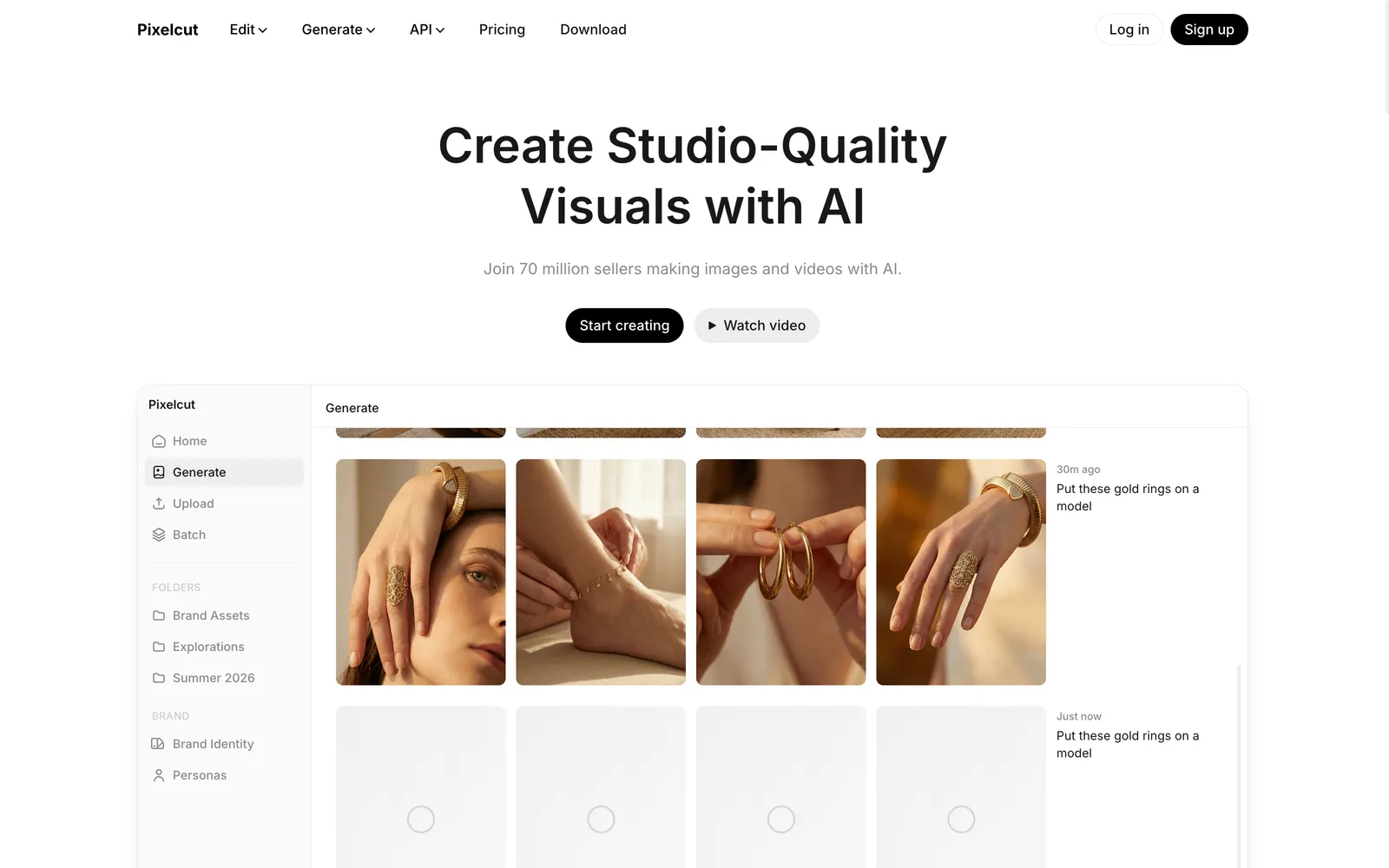
Pixelcut has a dedicated ghost mannequin generator that turns a garment photo into an invisible-mannequin image in seconds. You upload the clothing, add a short prompt describing color, fabric, or backdrop, and it strips the hanger and background, fills the missing interior, and applies realistic lighting. The output is a high-resolution PNG with no watermark, which matters when you're pushing straight to a marketplace listing.
What sets it apart is that it's mobile-first. Pixelcut runs on iOS, Android, and the web, and it's built around fast, one-off edits rather than a full studio pipeline. That makes it a natural fit for Poshmark, Depop, and eBay sellers photographing inventory on a phone. The trade-off is that results lean prompt-dependent (vague inputs give you generic results), and it's a broad editing app rather than an apparel specialist, so complex garments can need a couple of attempts.
Best for: Marketplace and resale sellers who edit on their phone and want a quick, watermark-free ghost mannequin shot.
Key features:
- Dedicated clothing ghost mannequin generator with prompt control
- Automatic hanger and background removal, plus interior fill
- Watermark-free high-resolution PNG downloads
- Batch editing across many files at once
- Native iOS and Android apps alongside the web tool
Pricing: Free tier with limited AI use; Pro is around $10/mo and Business around $25/mo depending on the credits you need.
Pros:
- Genuinely fast and easy on mobile
- No watermark even on generated output
- One app covers background removal, generation, and more
Cons:
- Quality varies with prompt quality; not tuned specifically for apparel
- Advanced features and higher resolution sit behind the paid tiers
3. Pebblely

Pebblely is a product photography tool rather than a pure ghost-mannequin maker, and it's worth understanding that distinction before you buy. Its core job is taking a cut-out product and dropping it into a believable AI scene: describe a background in text or pick from 40-plus themes, and it adds matching lighting, shadows, and reflections. For apparel, that shines on packshots, accessories, and flat-lays more than on rebuilding a hollow torso.
Where it fits a ghost-mannequin workflow is the second half of the job. Once you have a clean garment cutout (from Pebblely's own background removal or a tool like remove.bg), Pebblely stages it against professional-looking backdrops at scale, up to 25 products in a bulk run. If your listings need consistent scene backgrounds more than a true invisible-mannequin effect, it's a strong, affordable pick.
Best for: Sellers who need consistent, styled backgrounds and staging for products and flat-lays at a low monthly cost.
Key features:
- Text-to-background generation plus 40+ preset scene themes
- Automatic background removal on upload
- Realistic shadows, reflections, and lighting
- Bulk generation for up to 25 products at once
- API access for higher-volume workflows
Pricing: Free credits to start; paid plans run from $9/mo (30 images), about $19/mo (200 images), and about $39/mo (500 images), with two-plus months free on annual billing.
Pros:
- Very affordable entry point
- Bulk mode saves time across a catalog
- Good scene realism for packshots and accessories
Cons:
- Built for staging, not for rebuilding a true hollow-garment look
- Best on flat products; full apparel usually needs a dedicated ghost mannequin step first
4. Mokker AI
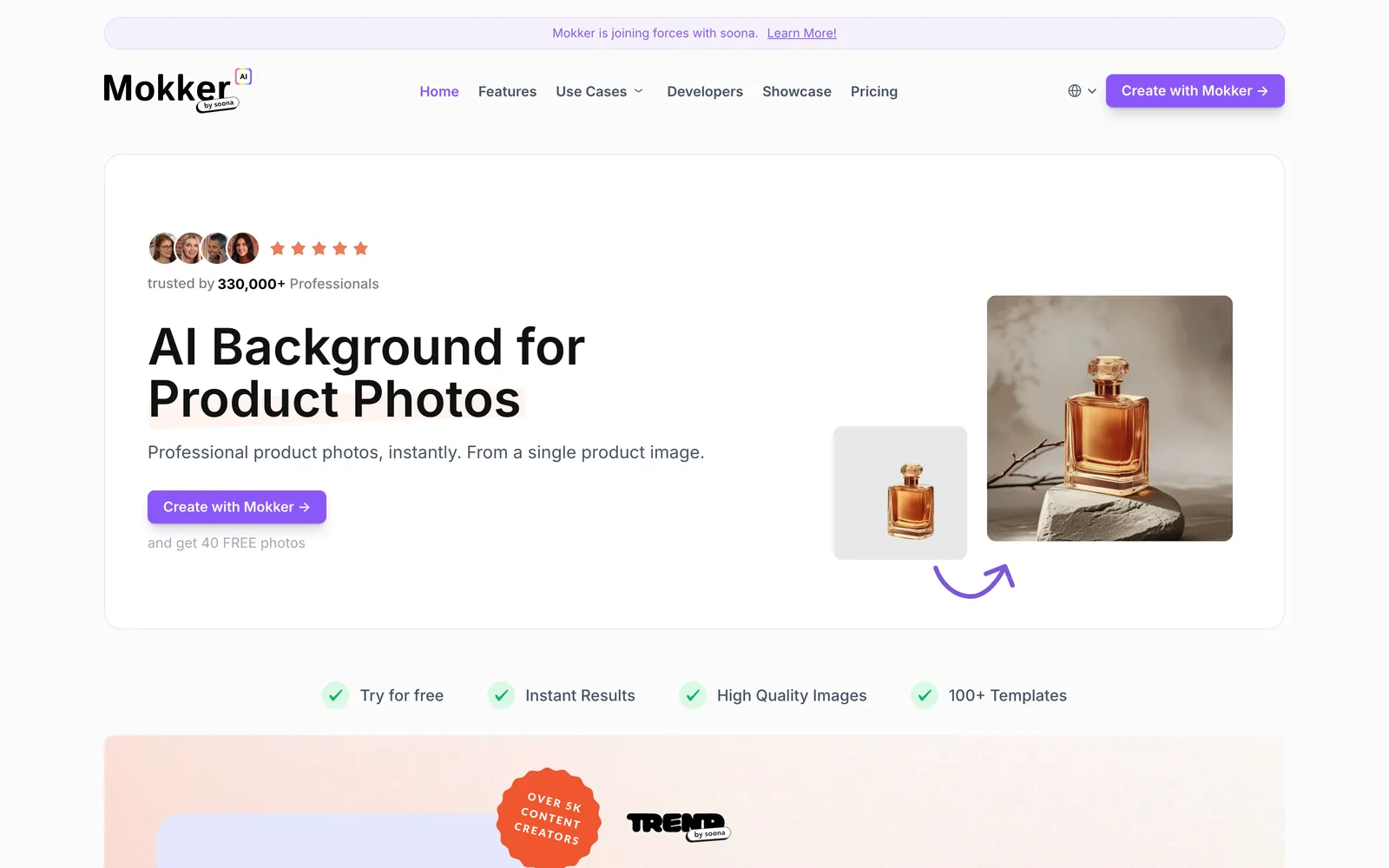
Mokker AI, now part of soona, takes a single product photo and generates studio or lifestyle scenes around it. You upload an image, pick from 100-plus categorized templates, and get several background options with believable shadows and lighting. It's built for speed and volume, and exports come out clean with no watermark even on the free trial.
Like Pebblely, Mokker sits adjacent to ghost mannequin rather than dead-center. It handles flat-lays, accessories, and packshots well, and it's a cheap way to produce a lot of scene variations quickly. If your bottleneck is background scenes rather than removing a mannequin, it earns its place. For the hollow-garment effect itself, you'll still want a dedicated generator.
Best for: Teams producing high volumes of packshot and flat-lay scenes who care most about background variety and speed.
Key features:
- 100+ scene and background templates
- Realistic shadow and lighting generation
- Fast batch-style output for volume work
- Watermark-free exports, including on the trial
- Part of the soona product ecosystem
Pricing: 20 free photos to test; paid plans start around $13/mo.
Pros:
- One of the cheapest entry points for product scenes
- Large template library for quick variety
- No watermark on outputs
Cons:
- Focused on staging and backgrounds, not the invisible-mannequin effect
- Weak on full on-model apparel looks
5. remove.bg
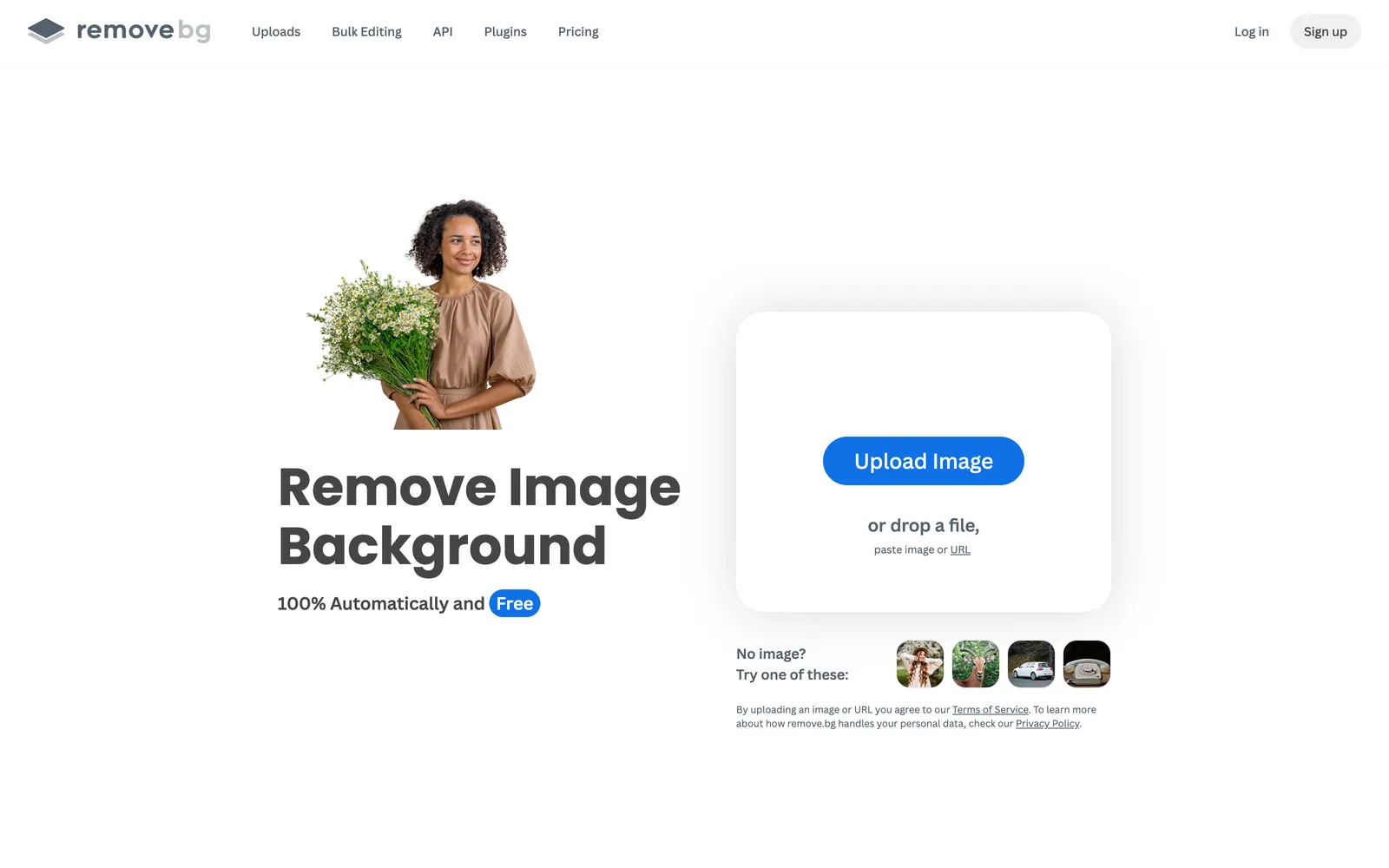
remove.bg does one thing extremely well: it removes backgrounds and hands you a clean transparent PNG. In a ghost-mannequin workflow, that PNG is the raw material: a precise cutout you can composite the front and inside of a garment against, or feed into a staging tool. Its edge detection is accurate on garments with clear outlines, and a single removal takes seconds.
It is not a ghost-mannequin generator on its own; it won't rebuild a hollow neckline for you. Think of it as the prep step. For sellers who already composite, or who are wiring background removal into a larger pipeline, remove.bg is dependable and cheap at volume, with a solid API. If you want the finished hollow look in one click, pair it with a tool that does that part.
Best for: Anyone who needs fast, accurate garment cutouts to prep composites or feed other tools and pipelines.
Key features:
- High-accuracy automatic background removal
- Transparent PNG output ready for compositing
- Free low-resolution removals for previews
- API and integrations for automated workflows
- Bulk processing on paid tiers
Pricing: Free low-resolution removals; credit subscriptions from about $9/mo, working out to roughly $0.20 per image at higher volume, with pay-as-you-go credits and API access.
Pros:
- Best-in-class edge accuracy on clean garments
- Reliable API for automation
- Cheap per-image at scale
Cons:
- Only removes backgrounds; does not create the invisible-mannequin effect
- Full-resolution output requires credits
How to choose
Start with the job you actually have. If you need the finished invisible-mannequin look on real garments and might want on-model shots later, a purpose-built apparel tool like WearView saves the most rework. If you photograph inventory on a phone, Pixelcut is faster to reach for. When your real gap is backgrounds rather than the hollow effect, Pebblely or Mokker cover that cheaply, paired with remove.bg for the cutout. Budget matters too: per-image services suit occasional batches, while a monthly plan pays off once you're editing dozens of products a week. For the rest of your ecommerce stack, our roundup of the best AI tools for ecommerce is a good next stop.
Where AY Automate fits
We are not a tool: we place AI engineers who use tools like these to generate revenue for your brand, that is the offer. Rather than a team manually running each product photo through a tool like WearView or Pixelcut, an embedded AI engineer can automate the ghost-mannequin step across your whole catalog as inventory comes in. That means fewer manual uploads, consistent output across thousands of SKUs, and a workflow that scales with your inventory instead of your headcount. Start with AI engineer placement or custom automation.
FAQ
Do AI ghost mannequin tools work for every garment? Mostly, but not perfectly. Structured pieces with clear shapes (shirts, jackets, dresses) come out cleanest. Very sheer fabrics, intricate lace, or garments photographed in a cluttered frame can confuse the AI. A clean, evenly lit source photo on a simple background gives you the best result regardless of which tool you pick.
Can I use AI ghost mannequin images on Amazon and Shopify? Yes. The hollow, invisible-mannequin look is a standard, accepted format on Amazon, Shopify, Etsy, and eBay, and it's often preferred for apparel because it shows fit and detail. Check that your tool provides full commercial usage rights and exports at the resolution each marketplace requires.
What's the difference between a ghost mannequin tool and a background remover? A background remover (like remove.bg) only deletes the backdrop and gives you a transparent cutout. A ghost mannequin generator goes further: it removes the mannequin or hanger and rebuilds the hidden interior (the inside of a collar or cuff) so the garment looks worn by an invisible body. You often use a background remover as a prep step feeding a ghost mannequin workflow.
Is AI cheaper than a manual ghost mannequin editing service? Usually. Manual editing services often run $2 to $30 per image, while AI tools drop the effective cost to well under $1 per image. For high volume, AI wins on cost and turnaround. For a few very complex hero shots, a skilled human retoucher may still edge out the AI on finish.
Continue Reading
6 Dify Alternatives Worth Considering for Your AI Stack in 2026
The best Dify alternatives in 2026 are Langflow for visual agent prototyping, n8n for workflow automation with AI steps, Sim for a visual agent workspace, OpenClaw for a self-hosted assistant inside your chat apps, RAGFlow for document-heavy retrieval, and Agno for code-first ...
AI Invoice Automation: What It Catches and Where Humans Still Matter (2026)
What AI invoice automation actually does (extraction, three-way matching, anomaly detection), where a human still needs to be involved, and how to evaluate a system.
7 Best AI Code Review Tools for Development Teams (2026)
A comparison of GitHub Copilot code review, CodeRabbit, Qodo, Greptile, Graphite Diamond, Sourcegraph Cody, and Gitar, what each is built for, and how to pick one.
Book a Free Strategy Call
Building this in production?
Walid runs a 30-min call to map your AI engineering team. Free, no slides.
Free weekly brief
Steal our production automations
The exact n8n flows, Claude Code setups, and prompts we ship for clients, broken down step by step. No spam, unsubscribe anytime.

Robel engineers production-grade automation pipelines at AY Automate, focused on integrations, reliability, and the systems that keep client workflows running.