Book a Free Strategy Call
Skip the read: talk to Walid in 30 min.
Free strategy call. We map your AI engineering team, you keep the notes.
Updated July 2026
8 Best Local LLM Tools to Run LLMs Locally in 2026
The best local LLM stack in 2026 splits by job: Ollama for developers who want a model behind a local API in one command, LM Studio for the most polished desktop GUI, GPT4All for document chat on modest hardware, vLLM for high-throughput production serving, and llama.cpp as the engine layer with the deepest control. Jan, LocalAI, and Open WebUI cover offline privacy, OpenAI-compatible backends, and shared team chat.
The trigger was open weights. GLM-5.2 shipped in June 2026 as the new leading open-weight model on the Artificial Analysis Intelligence Index, and it runs under a permissive license. The argument that "running local models is good now" hit the top of Hacker News for a reason: a model on your own hardware finally handles real work.
This guide covers the 8 best tools to run LLMs locally in 2026, what each one does well, and how to pick. We focus on local AI software that you control, not hosted APIs.
For the hosted alternative, our free AI models directory tracks 297 genuinely-free APIs and models with rate limits, commercial-use flags, and setup instructions.
TL;DR
- Ollama is the fastest on-ramp for developers who want one command and a local API.
- LM Studio is the most polished desktop app for non-coders who want a GUI.
- Jan is the privacy-first, fully offline desktop option with an open codebase.
- GPT4All is the simplest entry point and ships built-in document chat (LocalDocs).
- vLLM and llama.cpp are the engines: vLLM for high-throughput serving, llama.cpp for raw control and CPU or Apple Silicon inference.
- LocalAI and Open WebUI round out the stack as an OpenAI-compatible backend and a self-hosted chat interface.
Why run LLMs locally? (privacy, cost, control)
Three reasons drive the move to local.
Privacy comes first. When a model runs on your own machine, your prompts and data never leave it. No vendor logs, no third-party retention, no exposure of regulated or proprietary content. For legal, healthcare, and finance teams, that alone justifies the setup.
Cost is the second driver. API bills scale with every token. A local model has a fixed hardware cost and then runs without per-request fees. For high-volume, repetitive tasks, the math flips toward owning the compute. For a concrete implementation, see our guide to self-hosting an AI stack without OpenAI using Ollama, LiteLLM, and n8n.
Control is the third. Local tools let you pin an exact model version, run fully offline, fine-tune behavior, and avoid surprise deprecations or rate limits. You decide when anything changes.
Free weekly brief
Steal our production automations
The exact n8n flows, Claude Code setups, and prompts we ship for clients, broken down step by step. No spam, unsubscribe anytime.
When local beats the API
Local wins in clear situations. Choose local when data cannot leave your environment, when you run a high volume of predictable calls, when you need offline or air-gapped operation, or when you want a model that never changes underneath you. It also wins for experimentation, where you swap models freely without billing friction.
Hosted APIs still win when you need the absolute top frontier model, elastic scale with zero ops, or the latest capabilities the day they ship. Many teams run a hybrid: local for the bulk, API for the hard edge cases. For a directory of hosted models, including context windows, pricing, and availability, see our model directory. If you are mapping that split for your own stack, our guide on how to implement AI in business walks through the decision.
Ollama
Ollama is the most popular way to run open models locally. You install it, run one command like ollama run, and the tool pulls the model and serves it behind a local API. It handles model management, quantization, and an OpenAI-compatible endpoint, so existing code points at localhost with almost no change.
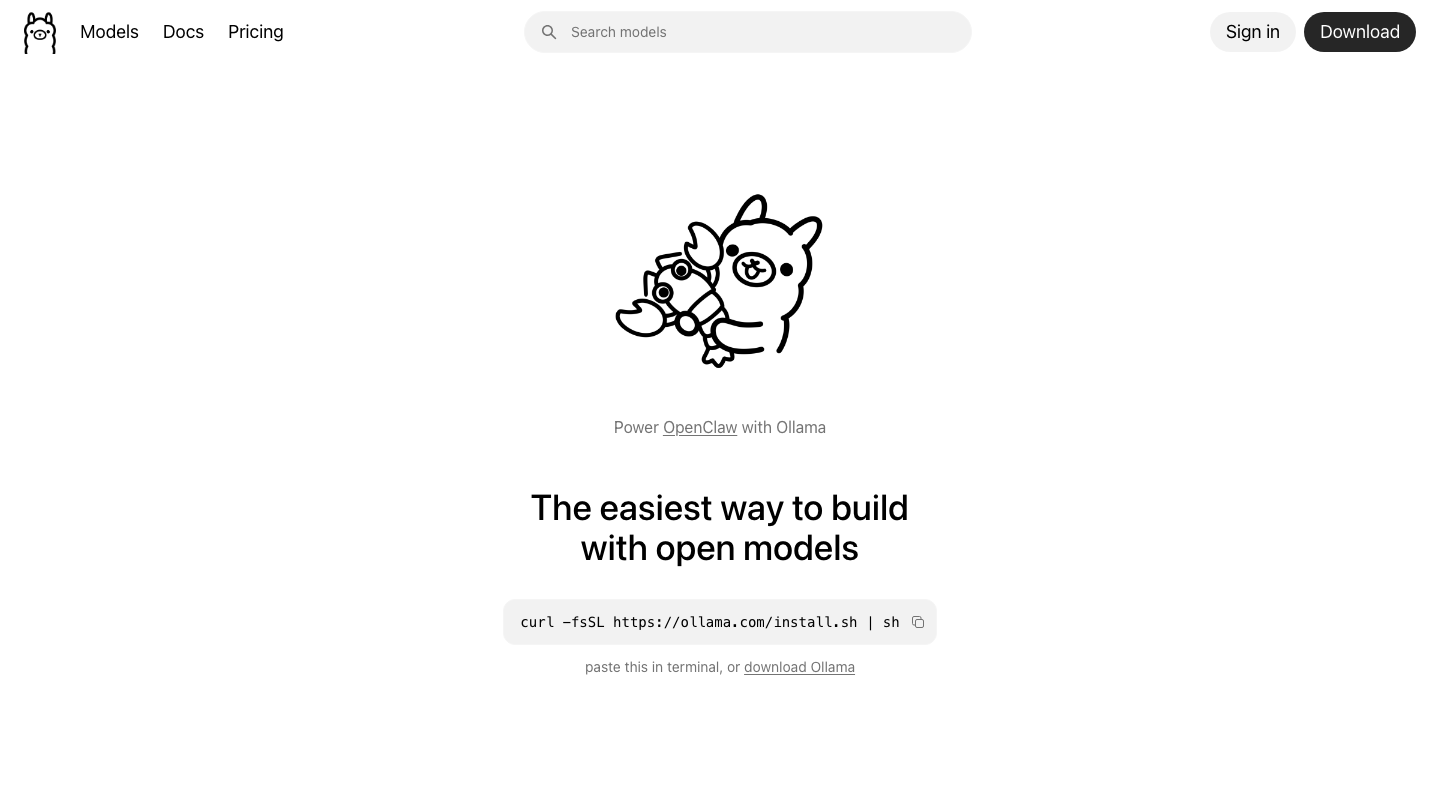
What it does: runs and serves open-weight models from a single CLI, with a built-in local API.
Best for: developers, quick testing, and wiring local models into apps.
Ease of use: very high for anyone comfortable with a terminal. Works on macOS, Linux, and Windows.
LM Studio
LM Studio is a desktop application that gives local models a clean graphical interface. You browse and download GGUF models, chat with them in a built-in window, and flip on a local server that speaks the OpenAI API format. It surfaces context length, quantization, and hardware settings without making you touch a config file.
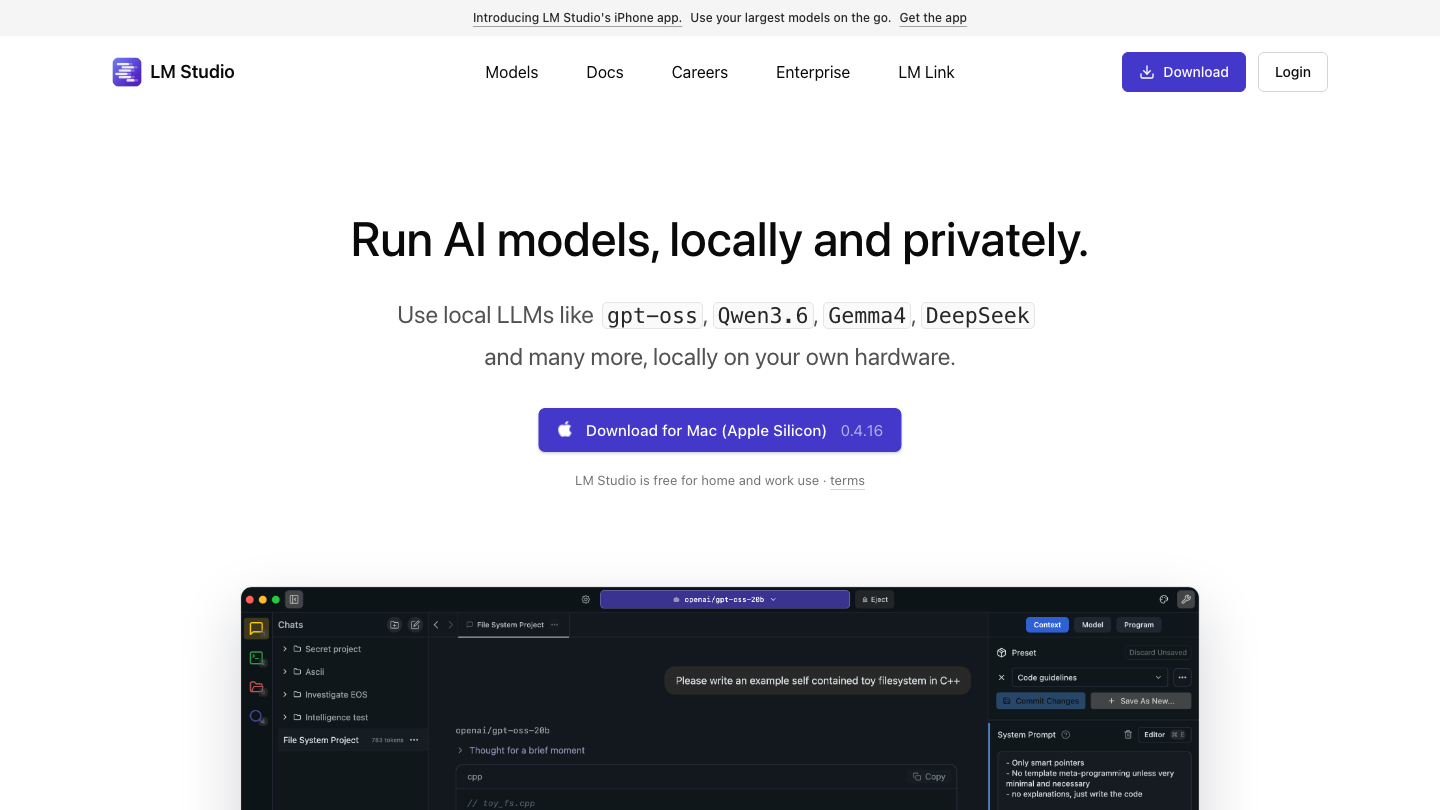
What it does: downloads, manages, and runs models through a polished GUI plus an optional local server.
Best for: non-coders, Windows users, and teams comparing models by hand.
Ease of use: very high. The most beginner-friendly GUI in this list.
Jan
Jan is an open-source desktop app built around privacy. It runs entirely offline by default, stores conversations locally, and ships as an Electron app you can audit. Jan supports multiple inference backends and can also connect to remote models when you choose, but its core promise is a private, local-first chat experience.
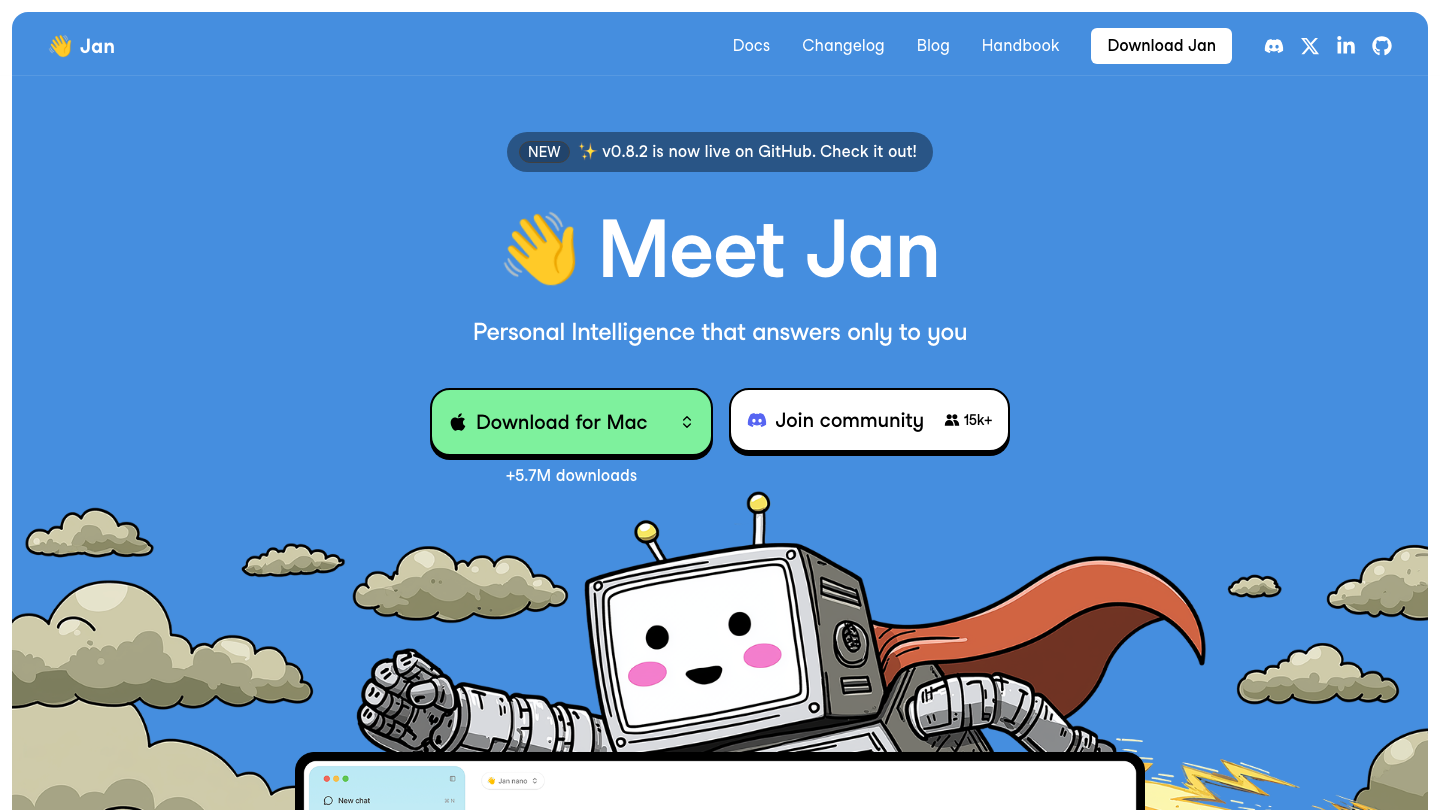
What it does: offline-first desktop chat over local models, with an open codebase.
Best for: privacy-focused users who want a GUI without sending data anywhere.
Ease of use: high. Install, pick a model, chat.
GPT4All
GPT4All, from Nomic AI, targets the simplest possible start. It runs models on ordinary laptops, including CPU-only machines, and bundles LocalDocs, a built-in retrieval feature that indexes a local folder so you can ask questions over your own files without any cloud step. In 2026 it added on-device reasoning, tool calling, and a code sandbox.
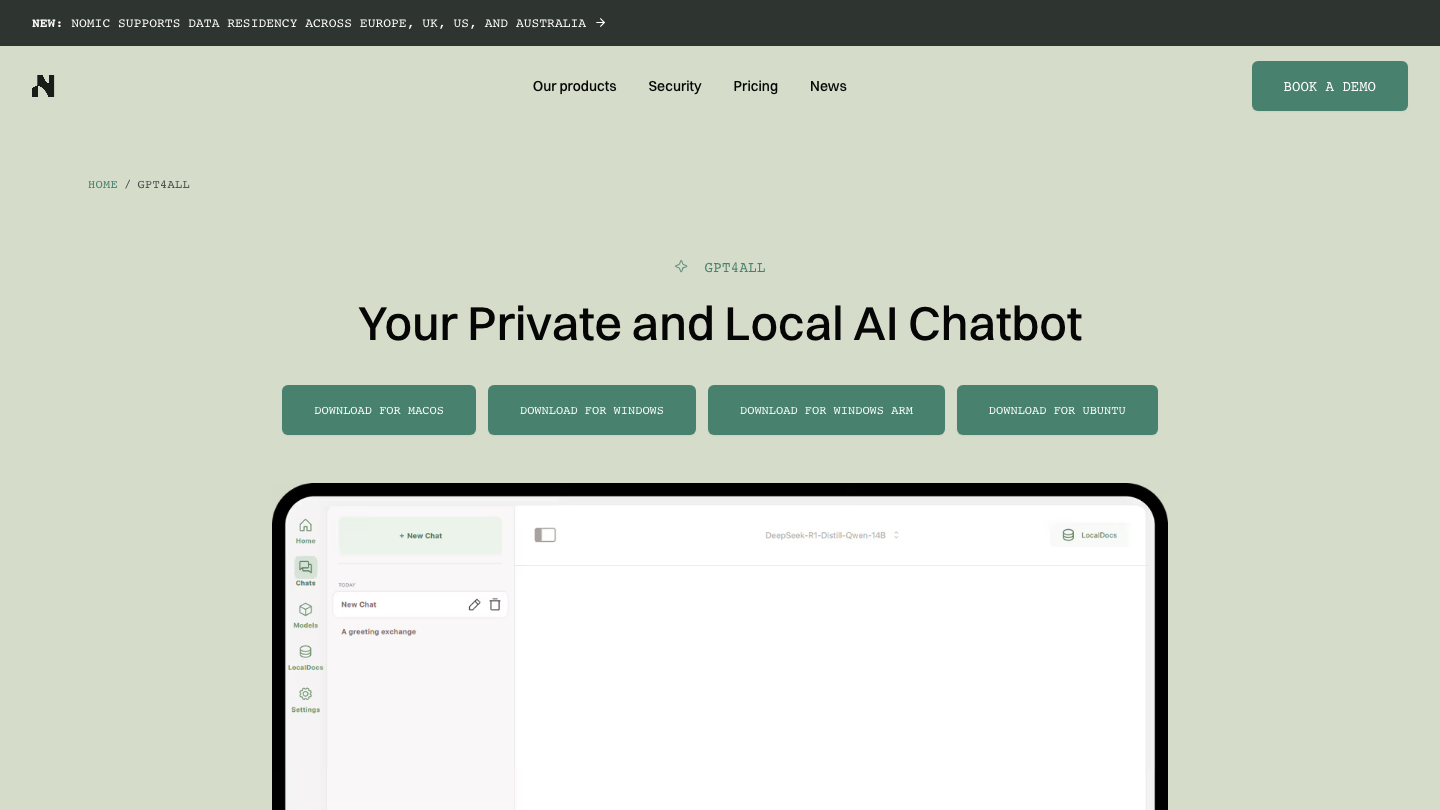
What it does: runs local models with built-in document chat over your own files.
Best for: non-technical users and private document Q&A on modest hardware.
Ease of use: very high. One installer, no terminal required.
vLLM
vLLM is the serving engine that powers many of the fastest hosted providers, and you can run it yourself. Its PagedAttention design delivers high-throughput, batched inference, which makes it the right pick when many requests hit the same model at once. It expects a capable GPU and a bit more setup, but it scales where desktop apps stall.
What it does: high-throughput, production-grade model serving with an OpenAI-compatible API.
Best for: teams self-hosting a model behind real traffic.
Ease of use: moderate. CLI and config driven, GPU oriented.
llama.cpp
llama.cpp is the C++ inference engine that much of this stack builds on, including parts of Ollama and LM Studio. It runs GGUF quantized models efficiently on CPU, on Apple Silicon, and on GPUs, and it gives you the deepest control over quantization, threading, and memory. If you want to understand exactly how a model executes, this is the layer.
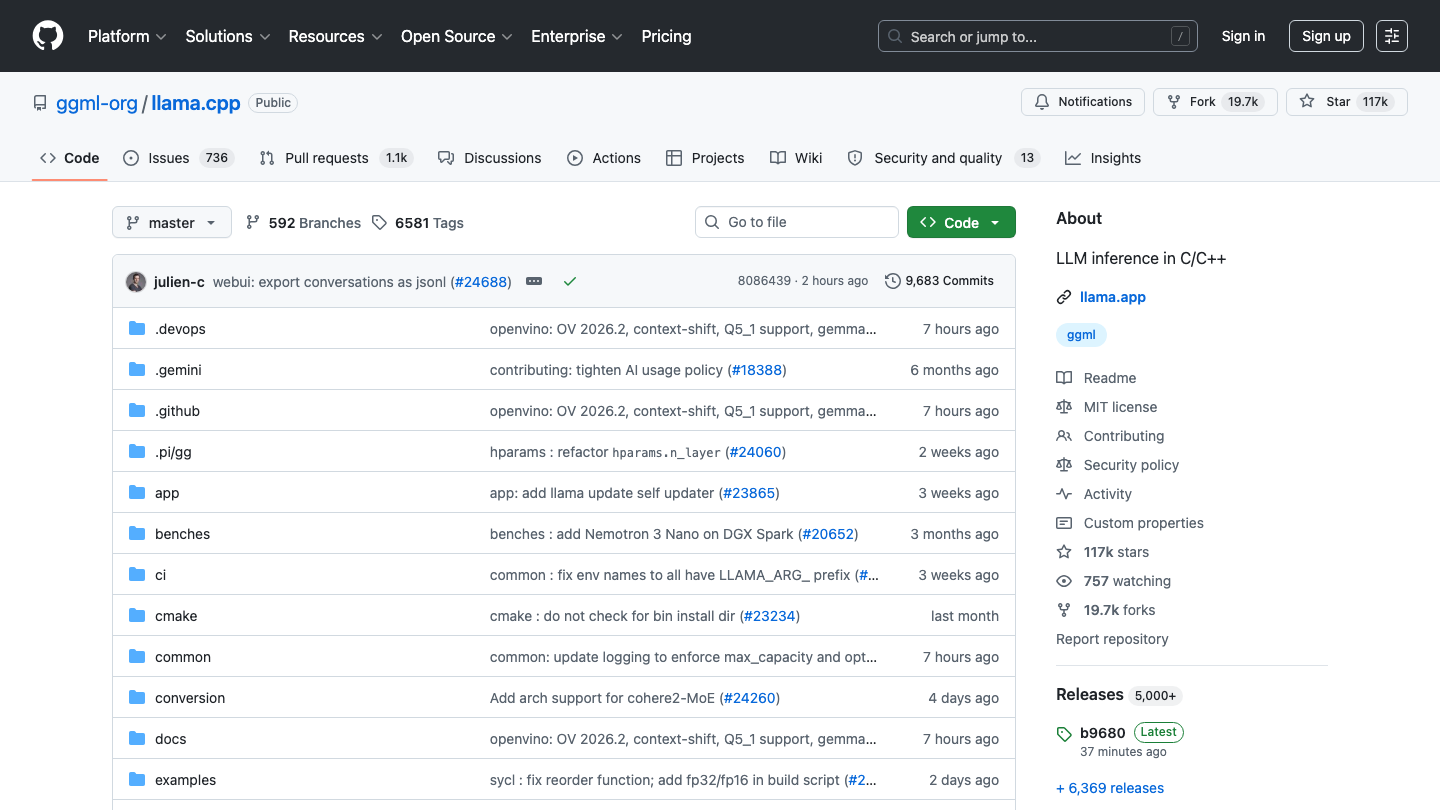
What it does: low-level, high-efficiency inference engine for quantized models across hardware.
Best for: engineers who want maximum control and broad hardware support.
Ease of use: moderate to low. Built for people comfortable compiling and tuning.
LocalAI
LocalAI is a drop-in replacement for the OpenAI API that runs on your own infrastructure. It exposes the familiar OpenAI endpoints while routing requests to local backends, and it supports text, image, audio, and embedding models. Point any OpenAI-compatible client at it and the rest of your code stays the same.
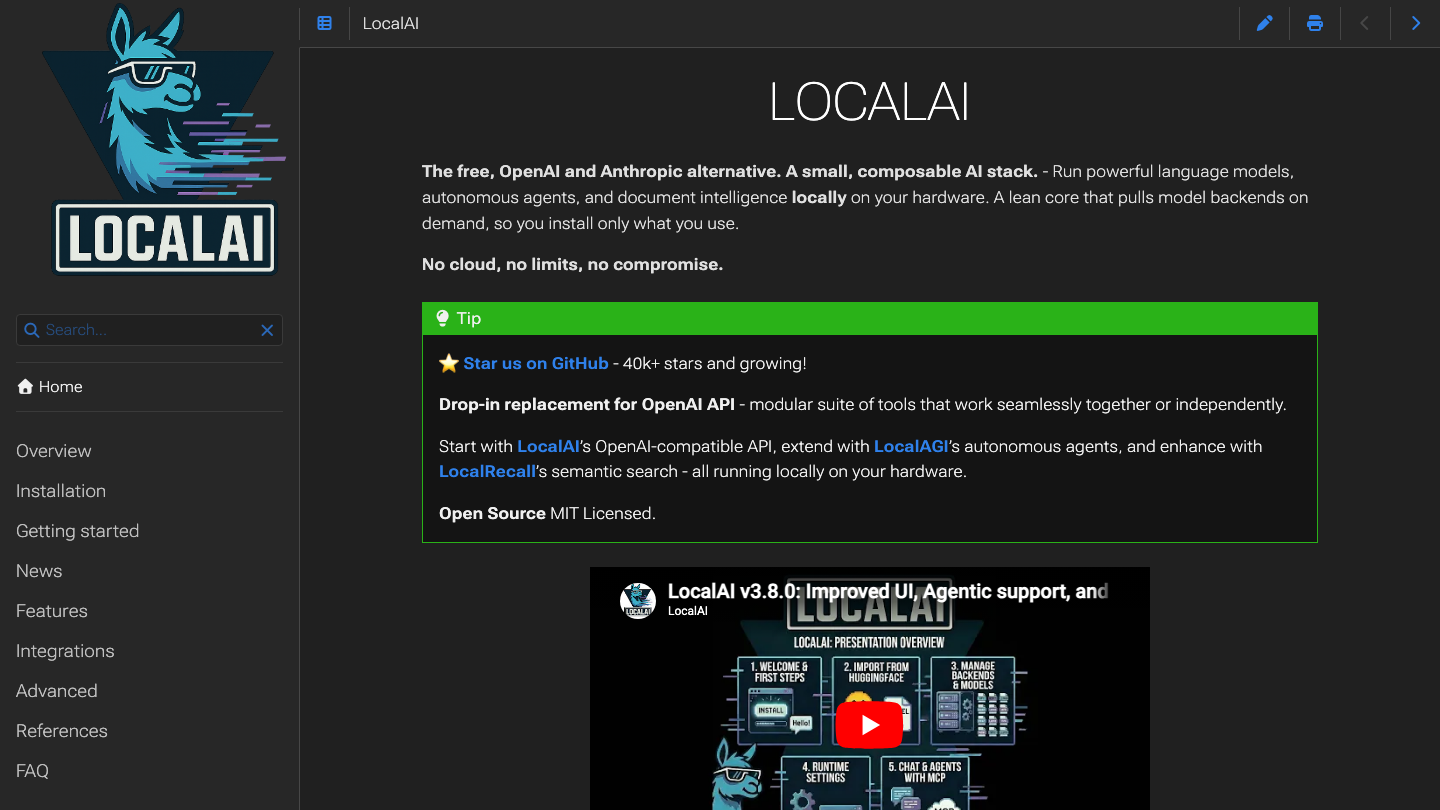
What it does: self-hosted, OpenAI-compatible API server spanning multiple model types and backends.
Best for: teams migrating off a hosted API without rewriting their app.
Ease of use: moderate. Container-friendly, some configuration involved.
Open WebUI
Open WebUI is a self-hosted chat interface that sits in front of your models. It connects to Ollama or any OpenAI-compatible backend such as vLLM or LocalAI, and gives you a full ChatGPT-style web app with users, model switching, and document upload. It is the front end that turns a raw engine into something a whole team can use.
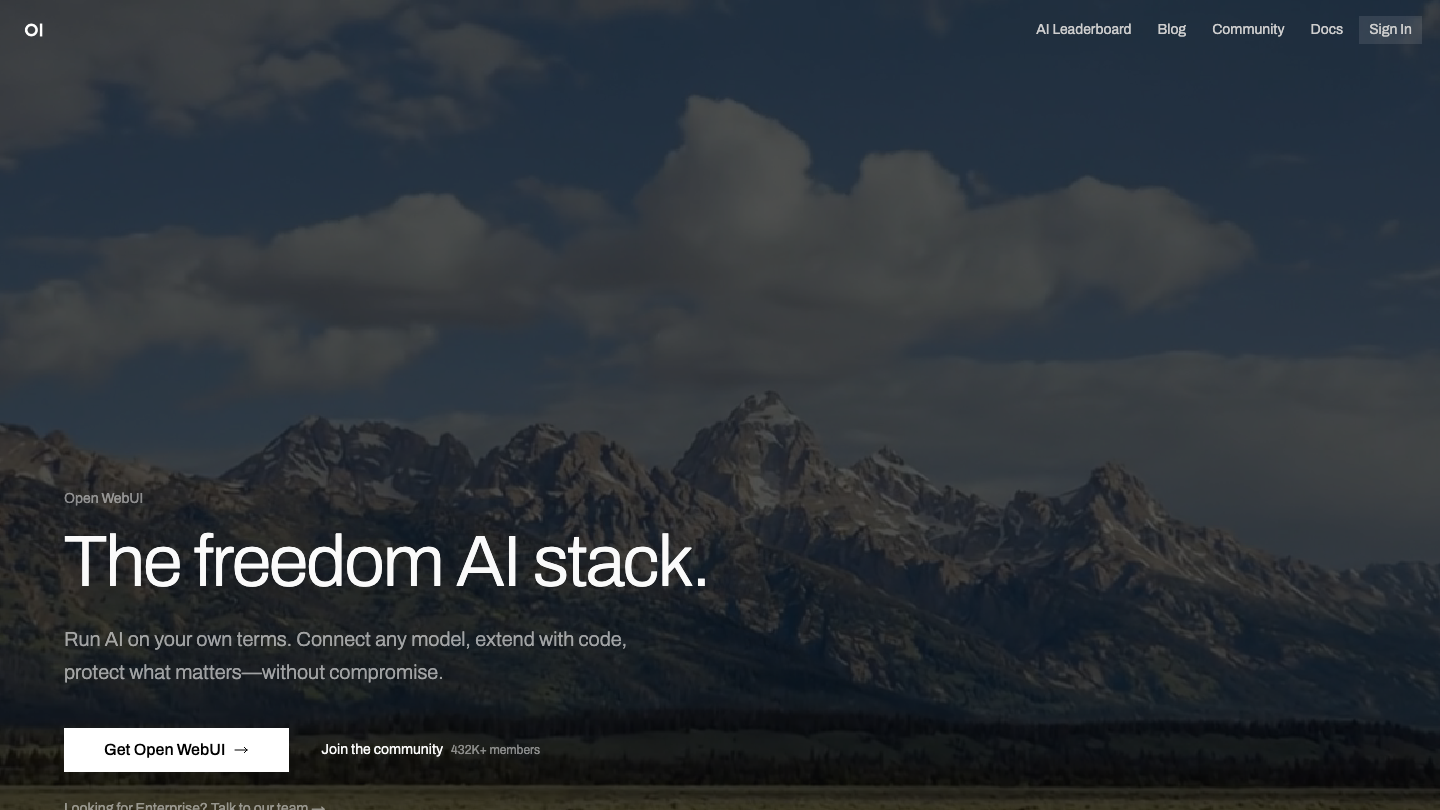
What it does: self-hosted, multi-user chat UI for local and self-hosted models.
Best for: teams that want a shared interface over a local backend.
Ease of use: high once a backend is running. Clean web experience.
Comparison table
| Tool | Best for | GUI/CLI | OSS |
|---|---|---|---|
| Ollama | Developers, local APIs | CLI | Yes |
| LM Studio | Non-coders, GUI users | GUI | No |
| Jan | Privacy, offline desktop | GUI | Yes |
| GPT4All | Beginners, document chat | GUI | Yes |
| vLLM | High-throughput serving | CLI | Yes |
| llama.cpp | Control, broad hardware | CLI | Yes |
| LocalAI | OpenAI-compatible backend | CLI | Yes |
| Open WebUI | Shared team chat UI | GUI | Yes |
A note on GLM-5.2 and open weights
The reason any of this matters now is that open-weight quality jumped. GLM-5.2, shipped by Zhipu AI (operating as Z.ai) in June 2026, became the leading open-weight model on the Artificial Analysis Intelligence Index, scoring 51 and pulling ahead of MiniMax-M3 and DeepSeek V4 Pro. It is a 744B-parameter Mixture-of-Experts model with 40B active parameters per token, a 1-million-token context window, and a permissive license.
That license is the point. A model you can download, own, and run on the tools above closes much of the gap with hosted frontier models for everyday work. The full GLM-5.2 weights demand serious hardware, but smaller open models in the same wave run comfortably on a single workstation, which is what makes local AI practical in 2026. If you want a custom retrieval system around one of these models, our RAG pipeline architecture development team builds that end to end.
How to choose
Start from your role. If you write code and want a model in your app fast, pick Ollama. If you are not a coder and want to chat with models through a window, pick LM Studio or Jan, with Jan favored when offline privacy is the top concern. If you mainly want to ask questions over your own documents, GPT4All gets you there with the least setup.
For production, think in layers. Use vLLM or llama.cpp as the engine, LocalAI as the OpenAI-compatible front door, and Open WebUI as the interface your team touches. vLLM serves heavy concurrent traffic; llama.cpp gives you control and runs almost anywhere.
Most teams combine two or three of these. The hard part is rarely the tool, it is wiring local inference into real workflows with the right model, retrieval, and guardrails. That is the work our AI agent development team does, and if you need a specialist embedded with your team, look at engineer placement.
FAQ
What is the easiest tool to run an LLM locally?
LM Studio and GPT4All are the easiest. Both are desktop apps with a graphical interface, no terminal required, and a guided model download. LM Studio adds a polished server option, while GPT4All adds built-in document chat. Either gets a non-technical user running a model in minutes.
Do I need a GPU to run local LLMs?
No, not always. llama.cpp, GPT4All, and Ollama can run smaller quantized models on CPU and on Apple Silicon. A GPU speeds things up and is effectively required for large models or high-throughput serving with vLLM, but you can start on a modern laptop.
Is running LLMs locally actually private?
Yes, when the tool runs offline. Jan, GPT4All, and a local Ollama setup keep prompts and data on your machine with no cloud round trip. Confirm any remote or telemetry features are off, and avoid optional cloud connectors if privacy is the goal.
Ollama vs LM Studio: which should I pick?
Choose Ollama if you are a developer who wants a command-line tool and a local API to call from code. Choose LM Studio if you want a graphical app to browse, download, and chat with models by hand. Many people install both and use each for its strength.
What is the best local model to run in 2026?
GLM-5.2 leads the open-weight rankings in 2026, but its full size needs heavy hardware. For most local setups, pick a smaller open model that fits your memory budget and run it through Ollama, LM Studio, or llama.cpp. Match the model to your hardware first.
Can I replace the OpenAI API with a local setup?
Yes. LocalAI exposes OpenAI-compatible endpoints, and Ollama and vLLM also serve an OpenAI-style API. Point your existing client at the local endpoint and most code works unchanged. This is the common path for teams cutting API costs or meeting data rules.
What is the difference between vLLM and llama.cpp?
vLLM is built for high-throughput serving of many concurrent requests on GPUs, which suits production traffic. llama.cpp is a flexible inference engine focused on efficient single-machine runs across CPU, Apple Silicon, and GPU, with deep control over quantization. Use vLLM to serve at scale and llama.cpp to run and tune locally.
Do I need Open WebUI if I already use Ollama?
No, but it helps for teams. Ollama runs and serves models on its own. Open WebUI adds a shared, multi-user chat interface with model switching and document upload on top of Ollama or another backend. Add it when more than one person needs a clean front end.
For related guides in this cluster: free AI models for coding covers free hosted API options for editor integrations, best free AI models for n8n covers no-cost models for automation workflows, and free AI models for commercial use covers which hosted free tiers are license-safe to ship.
Sources: Artificial Analysis: GLM-5.2 leading open weights model, Ollama, LM Studio, Jan, GPT4All by Nomic AI, vLLM, llama.cpp, LocalAI, Open WebUI
Book a Free Strategy Call
Building this in production?
Walid runs a 30-min call to map your AI engineering team. Free, no slides.
Free weekly brief
Steal our production automations
The exact n8n flows, Claude Code setups, and prompts we ship for clients, broken down step by step. No spam, unsubscribe anytime.

Robel engineers production-grade automation pipelines at AY Automate, focused on integrations, reliability, and the systems that keep client workflows running.