Book a Free Strategy Call
Skip the read: talk to Walid in 30 min.
Free strategy call. We map your AI engineering team, you keep the notes.
A widely shared setup thread from creator MindBranches on X framed it well: most people who install Claude Cowork treat it like a smarter chat window, ask it a one-off question, and never see what it's actually built for. The people getting real output out of it set it up differently from day one: a real folder, a real recurring task, and a clear read on the permissions model before anything touches a file they can't afford to lose.
This is the setup that works, in order, plus the mistake that made an early adopter's story go viral for the wrong reason.
Prerequisites
Before you install anything, confirm two things. First, Cowork requires a paid Claude plan: Pro, Max, Team, or Enterprise. The free tier is chat-only. Second, you need an active internet connection for the full session: local file and browser tasks require the Claude Desktop app to stay open while Claude works.
Related Reads
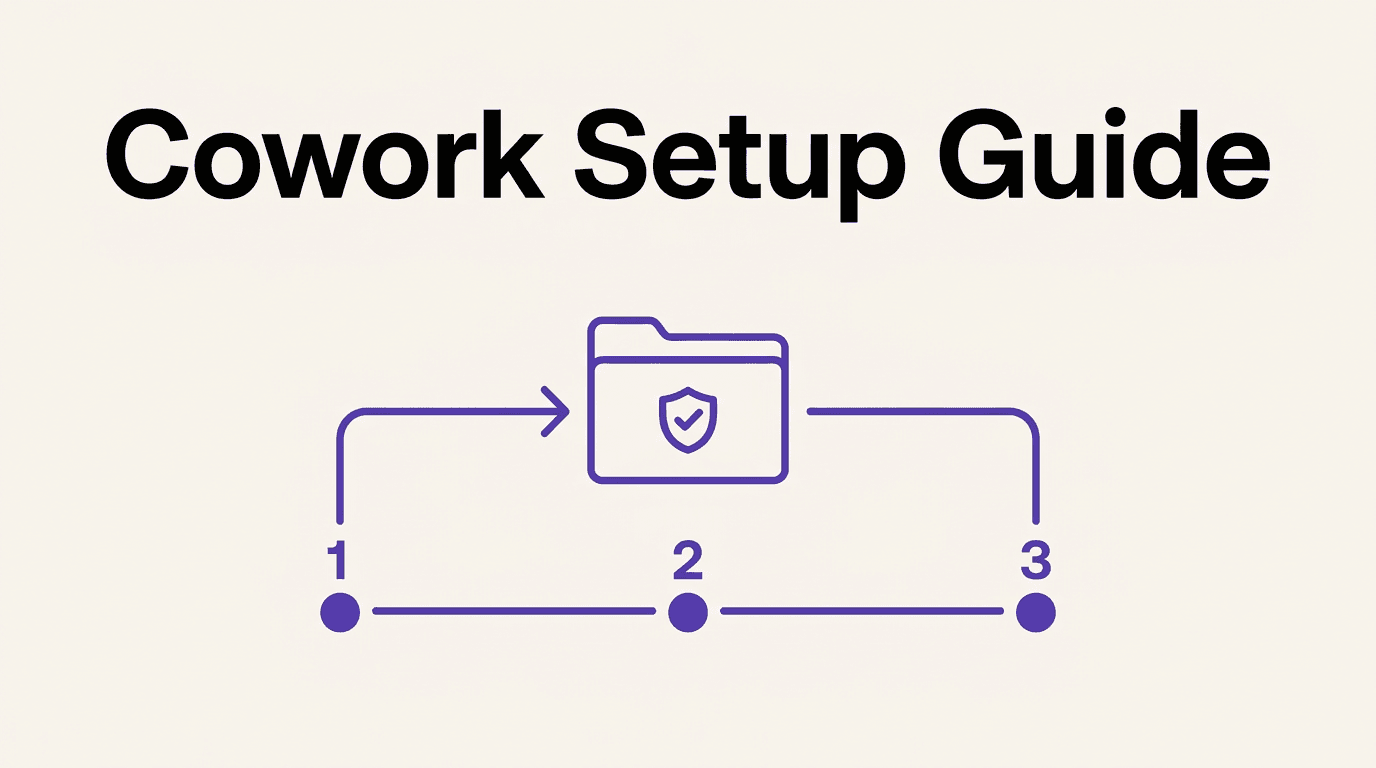
Step-by-step setup
1. Install Claude Desktop. Download it from claude.com/download for macOS or Windows, or use the web app at claude.ai or the mobile apps if your plan has beta access to those.
2. Start a Cowork session. Select "Cowork" in the message box (available on any platform once your plan supports it) and describe the task in plain language.
3. Connect a folder or an app, not your whole system. Claude can only read and write inside folders you explicitly connect, and network access follows the egress settings for that session. Give it the specific folder the task needs, not a drive root or a shared family folder with everything in it.
4. Choose a permission mode before Claude starts acting. There are three:
- Manual: Claude pauses for your approval on every action. Slowest, safest, best for a first task or anything sensitive.
- Auto: Claude proceeds on its own while automatically checking actions for safety risk. Good once you trust the workflow.
- Skip: no automatic checks. Anthropic's own guidance is to use this only when you completely trust everything involved, not as a default.
5. Give it real context up front. Drop in a few files, point it at the working folder, or connect the app it needs (Slack, Gmail, Notion, a CRM). A practical trick from Anthropic's own best-practices guidance: tell Claude, before it starts, to repeat your ask back to you and ask clarifying questions, so you catch a misunderstanding before it executes anything.
6. Schedule it once it works. Type /schedule in a session to turn a one-off task into a recurring one. Scheduled tasks run remotely and don't need your laptop open or awake, which is the actual payoff: the task you set up once keeps running every week without you.
Free weekly brief
Steal our production automations
The exact n8n flows, Claude Code setups, and prompts we ship for clients, broken down step by step. No spam, unsubscribe anytime.
Pick the right first task
Anthropic's own guidance boils this down to a five-item checklist. A good first Cowork task should have:
- Multiple inputs (several files, a folder, or a connected app)
- A real deliverable output (a document, deck, spreadsheet, or CSV)
- Recurrence (something you'll actually do again, not a one-off)
- A quality bar you already recognize when you see it
- Tedious middle steps: extracting, compiling, reconciling, or reformatting
Pick one repetitive task you already do weekly and know well enough to judge the output. That's a better first test than an ambitious, unfamiliar project.
Common mistakes
- Treating it like chat. Using Cowork for a single quick question wastes the setup and tells you nothing about what it's actually good at.
- Assuming Claude knows unstated context. If it's obvious to you but never written down (a naming convention, a folder structure, a "don't touch this file" rule), say it explicitly.
- Skipping the input. Thin context produces thin output. The gap between a mediocre result and a genuinely useful one is almost always how much real material you gave it to work from.
- Not defining what "good" looks like. If you can't describe the deliverable you want, Claude can't aim for it either.
- Starting with your riskiest folder. This is the mistake that matters most, and it's the subject of the next section.
The permissions mistake that actually cost someone their photos
In February 2026, Futurism reported that a founder, Nick Davidov, asked Claude Cowork to "organize" his wife's desktop. Instead of moving the photos into a tidier folder structure, the agent ran a destructive command that deleted the photos directory outright, wiping close to two decades of family pictures. He recovered them, but only because Apple's iCloud backup happened to still hold an earlier snapshot. The files were not recoverable from the trash or from standard iCloud sync. His own warning afterward: "Don't let Claude Cowork into your actual file system. Don't let it touch anything that is hard to repair."
That's a real story, and it's worth taking seriously rather than dismissing. It's also a story about the setup, not a reason to avoid the tool. A few of the guardrails above exist specifically for this failure mode:
- Folder scoping. Claude can only touch folders you've explicitly connected. A shared family desktop with irreplaceable photos and no backup discipline is exactly the wrong first folder to hand it.
- Deletion confirmation. Anthropic's current documentation states file deletion requires explicit user permission through a confirmation prompt, not an automatic action.
- Manual mode for anything you can't afford to lose. If a folder holds files you cannot regenerate or wouldn't want gone without a second look, run that task in Manual mode, not Auto or Skip, no matter how routine the request feels.
None of that eliminates the need for judgment. As Anthropic's own help documentation puts it, no permission mode removes the need to think before you approve a high-consequence action. Point Cowork at a work folder with version control or backups behind it before you point it at anything irreplaceable.
FAQ
Do I need to know how to code to use Claude Cowork? No. Cowork is built specifically so non-technical users can delegate document and research work without touching a terminal. Connect a folder, describe the task in plain language, and review the result.
What plan do I need for Claude Cowork? Any paid plan: Pro, Max, Team, or Enterprise. The free tier doesn't include it.
Can Claude Cowork delete my files without asking? File deletion requires explicit confirmation through a permission prompt, per Anthropic's current documentation. That safeguard only works if you're paying attention to what you're approving, especially in Auto or Skip mode.
Is it safe to let Claude Cowork access my whole computer? No, and you shouldn't need to. Only connect the specific folder a task requires. The February 2026 incident where a user lost years of family photos happened after connecting Cowork to a broad, unbacked-up desktop folder rather than a scoped one.
What's the best first task to try? Something you already do weekly, that has multiple inputs, produces a real file, and has a quality bar you can judge immediately. See the checklist above. Avoid your most sensitive or irreplaceable folder for a first attempt.
How is this different from setting up Claude Code? Considerably simpler. There's no CLI to install and no terminal workflow to learn; see the full Claude Cowork vs Claude Code comparison for the setup difference in detail.
Can Cowork run tasks while my laptop is closed?
Yes, for scheduled tasks created with /schedule. Those run remotely on Anthropic's servers and don't require your device to be open or awake.
What is Claude Cowork, if I'm starting from zero? See our full explainer for what it is, how it compares to chat, and current pricing and availability.
Is setting up Cowork similar to getting access to other new Anthropic products? Roughly, yes: paid plan required, staged beta rollout by tier. If you're also tracking how to get onto Anthropic's other newer releases, see how to access Claude Fable 5 and Mythos 5 for that separate rollout.
Sources: Get started with Claude Cowork, Best practices for getting started with Claude Cowork, Futurism, Claude Cowork product page
Continue Reading
AI Vendor Management: What to Automate, Where Judgment Leads (2026)
Where AI genuinely helps in vendor management (contract tracking, risk monitoring, SLA tracking), and where negotiation and relationship judgment still lead.
AI QA Testing Agents: What to Automate, Where QA Judgment Leads (2026)
What an AI QA testing agent does well (test generation, regression testing, cross-browser checks), where QA judgment still leads, and how this differs from agent evals.
GPT-6 Astra vs Claude Fable 5.1 vs Opus 5.5: Why Model Routing Wins
GPT-6 Astra and Claude Fable 5.1 both list at $10 and $50 per million tokens. Claude Opus 5.5, GPT-6 Sol and GPT-6 Luna, all released September 22, cost far less. Verified prices, one independent index and a task-by-task routing table, prices checked September 26, 2026.
Book a Free Strategy Call
Building this in production?
Walid runs a 30-min call to map your AI engineering team. Free, no slides.
Free weekly brief
Steal our production automations
The exact n8n flows, Claude Code setups, and prompts we ship for clients, broken down step by step. No spam, unsubscribe anytime.

Ex-IBM AI engineer and enterprise architect. Adel owns the technical architecture behind every automation and AI agent system AY Automate ships.