Book a Free Strategy Call
Skip the read: talk to Walid in 30 min.
Free strategy call. We map your AI engineering team, you keep the notes.
A clothing brand's calendar fills up with drops, and each one needs photos, video, product copy, and ad creative before a single item can sell. Paying a studio, a copywriter, and a designer for every SKU adds up quickly, and the timeline rarely keeps pace with how fast collections turn over now. The tools below handle the jobs that used to require all three, and most cost less per month than one photoshoot invoice.
None of these does everything. A brand's AI stack in 2026 is usually a small set of specialists, each pointed at one part of the workflow. Here's how the useful ones line up, what they actually do well, and where they fall short. For a broader look at the category, see our roundup of the best AI tools for ecommerce.
Quick overview
- WearView: Turns a flat-lay or garment shot into on-model catalog photos and short product video.
- Midjourney: Concept art, prints, and moodboards for campaigns and design direction.
- CLO3D: 3D garment design and digital sampling before you cut fabric.
- Jasper: Product descriptions, ad copy, and email written at catalog scale.
- Canva: Banners, social posts, and marketing layouts without a designer on staff.
- Runway: Cinematic clips, motion, and video editing for ads.
- Google Veo: Text-to-video with synced sound for social and hooks.
Related Reads
Comparison table
| Tool | Best for | Standout feature | Pricing |
|---|---|---|---|
| WearView | On-model product photos and product video | Garment or flat-lay in, on-model shot out, with consistent models across a catalog | Credit-based; from ~$24/mo, Pro ~$40/mo |
| Midjourney | Concepts and moodboards | High-fidelity art direction from text prompts | From $10/mo; no free tier |
| CLO3D | Garment design and digital sampling | True 3D pattern-to-garment simulation | 30-day free trial; personal plans ~$20-50/mo |
| Jasper | Product copy and marketing writing | Brand voice applied across descriptions, ads, and email | Pro from ~$59/mo (annual); 7-day trial |
| Canva | Marketing and social creative | Templates plus brand kit for non-designers | Free plan; Pro ~$15/mo |
| Runway | Ad video and motion | Gen-4.5 video, editing, and performance capture | Free 125 credits; Standard from $12/mo |
| Google Veo | Text-to-video with audio | Native synchronized sound in generated clips | Via Google AI Pro $19.99/mo; API per-second |
Free weekly brief
Steal our production automations
The exact n8n flows, Claude Code setups, and prompts we ship for clients, broken down step by step. No spam, unsubscribe anytime.
1. WearView
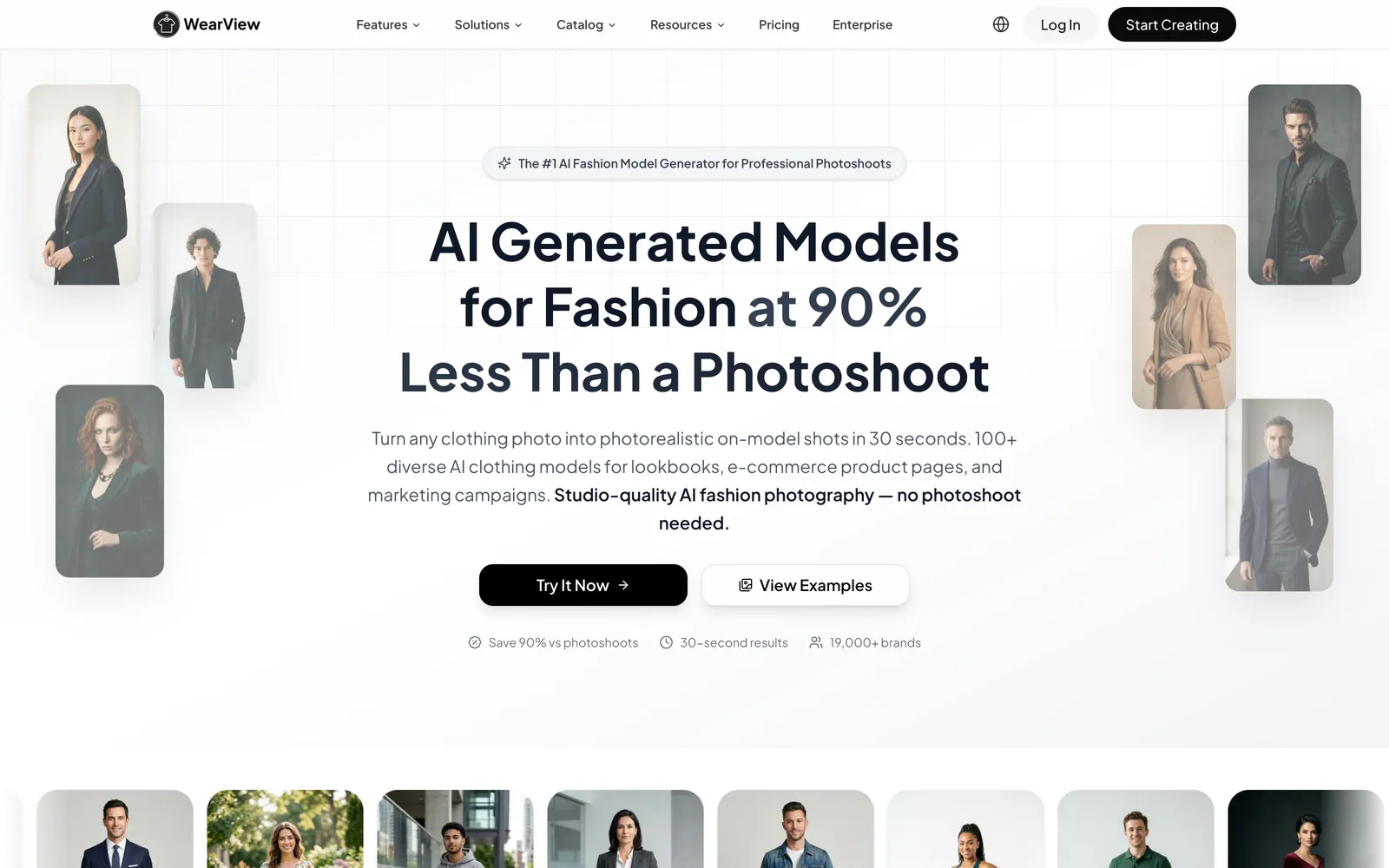
WearView is the visual-content engine of this list, the tool built to handle the most repetitive and expensive part of every drop, which is getting the clothes photographed on a model. Instead of booking a shoot, a brand can turn a garment or a flat-lay into believable on-model photos, cleared for commercial use, and then spin those same shots into short model videos for Reels and TikTok. That covers the two most content-hungry parts of a launch, the catalog and the social cut-downs, from one place, rather than two vendors and two invoices.
Where it earns its spot on this list is consistency and scale. The Consistent Models feature keeps the same AI person across an entire product line, which matters when a shopper is scrolling twelve items and you don't want twelve different faces. Pose Control produces multiple angles from a single upload, and the ghost-mannequin and Model Swap tools clean up existing photos you already own. For a brand pushing out weekly drops, that combination covers the visual catalog without a recurring shoot.
Best for: On-model product photography and short product video at the volume a real catalog needs.
Key features:
- Try-On Studio and Product-to-Model: garment or flat-lay in, on-model photo out in about 30 seconds
- AI Model Creation with control over ethnicity, age, and body type, plus 100+ ready-made diverse models
- Consistent Models across a catalog and Pose Control for angle variations from one upload
- AI Ghost Mannequin and Model Swap for cleaning up or restyling existing shots
- AI video generator that animates product stills into 720p or 1080p social clips
Pricing: Credit-metered. Lite starts around $24/mo, the Pro tier most brands land on runs about $40/mo and adds video, ghost mannequin, and the premium engine, and Advanced sits near $82/mo with 1080p video and rollover credits. Enterprise is custom. Commercial rights come with every paid plan, and the paid Lite tier is the entry point. WearView has no free account.
Pros:
- Photos and product video in a single subscription
- Consistent model identity across a full catalog
- Commercial rights included, no model releases to chase
Cons:
- Covers the imagery and video side only, not copywriting or garment design, so you'll pair it with other tools on this list for those jobs
- Credit-metered, so very high monthly volume pushes you toward a larger plan
2. Midjourney
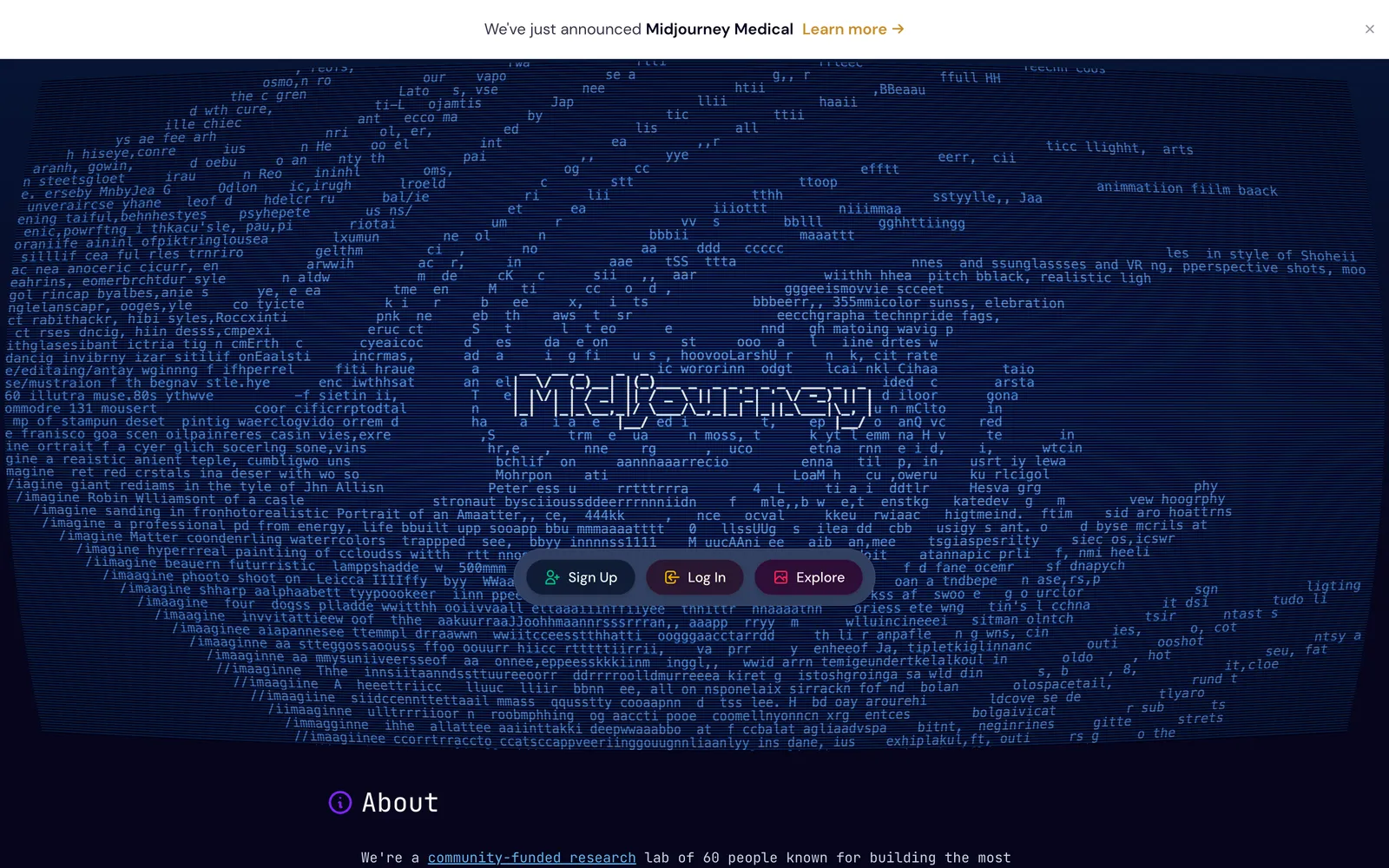
Midjourney is where art direction happens before anything hits a product page. It generates striking images from text prompts, which makes it useful for campaign moodboards, print and pattern exploration, and pitching a season's look to your team or buyers. Designers use it to visualize a concept in minutes rather than sketching for an afternoon.
The honest limit: Midjourney invents imagery, it does not reproduce your actual garment. Ask it for "my navy linen blazer" and you'll get a plausible navy blazer, not the one you're selling. That rules it out for catalog photography. Treat it as a concepting and inspiration tool, and hand the real product shots to something built for accuracy.
Best for: Moodboards, concept art, and print or pattern ideation.
Key features:
- High-fidelity image generation from natural-language prompts
- Style references and image prompts to steer a consistent aesthetic
- Fast iteration for campaign direction and pitch decks
- Strong control over lighting, mood, and composition
Pricing: Basic from $10/mo, Standard about $30/mo, Pro about $60/mo, Mega about $120/mo. Annual billing takes about 20% off. No free tier.
Pros:
- Best-in-class image quality for concept work
- Quick, cheap way to explore a season's direction
Cons:
- Can't faithfully render a specific real product, so it's not for catalog shots
- Prompt craft has a learning curve to get consistent output
3. CLO3D
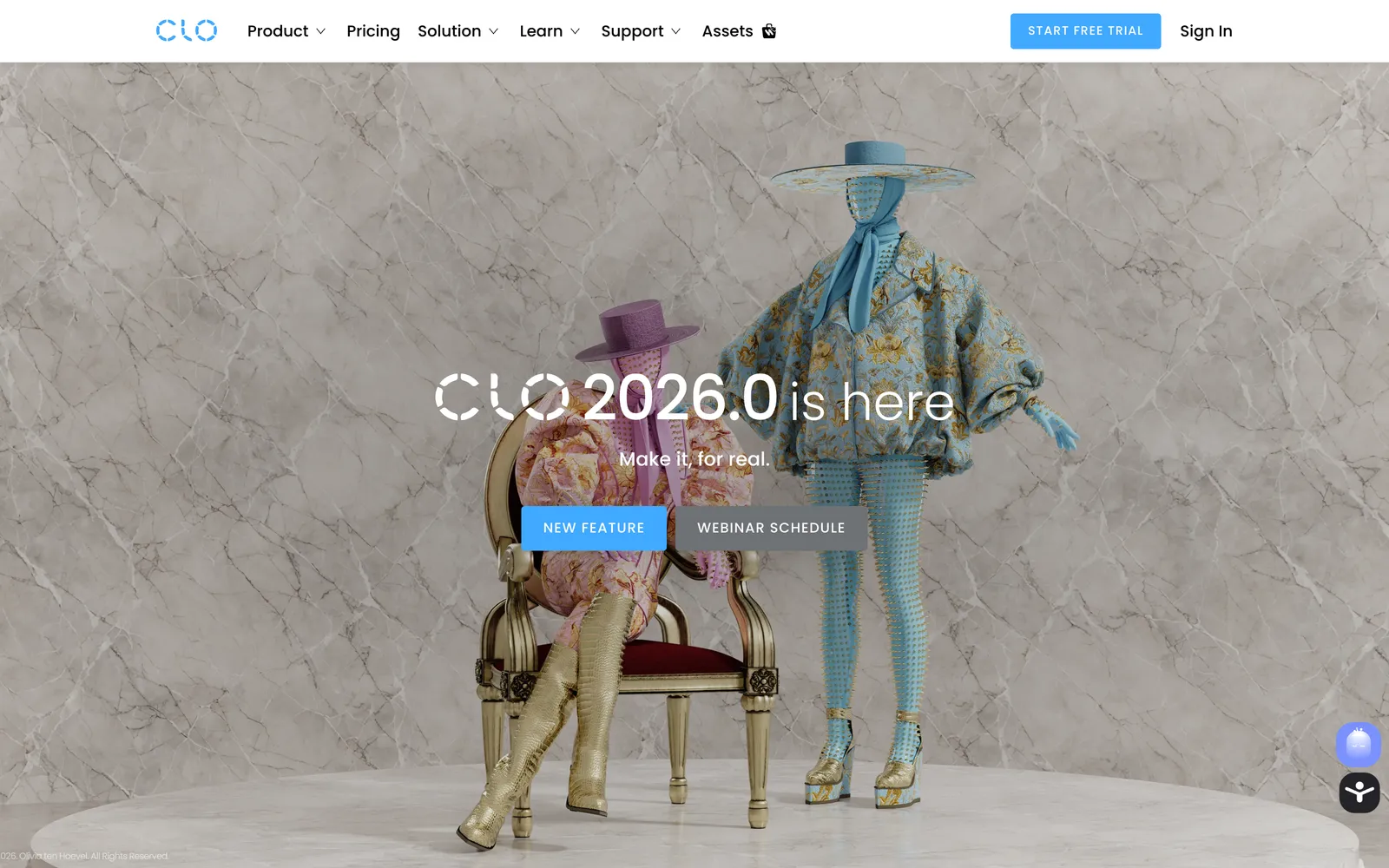
CLO3D sits earlier in the pipeline than everything else here, at the design bench. It's professional 3D garment software that lets designers build a pattern, stitch it into a simulated garment, and drape it on an avatar to check fit, fabric behavior, and silhouette before any cloth is cut. Digital sampling this way trims physical prototype rounds, which saves both money and weeks of shipping samples back and forth.
It's the most technical tool on the list and the one with a real learning curve. This is software for people who understand pattern-making, not a point-and-click app. But for brands that develop their own designs, the payoff is fewer wasted samples and a faster path from idea to production-ready spec.
Best for: 3D garment design, fit checking, and digital sampling.
Key features:
- Pattern-to-3D simulation with realistic fabric physics
- Avatar fitting to test sizing and drape before production
- Digital samples that cut physical prototyping rounds
- Export to tech packs and production workflows
Pricing: 30-day free trial. Personal and freelancer subscriptions fall in roughly the $20-50/mo range depending on billing, with business licenses quoted on request.
Pros:
- Reduces sample costs and development time
- Industry-standard for 3D fashion design
Cons:
- Steep learning curve; assumes real pattern-making knowledge
- Overkill for brands that don't design their own garments
4. Jasper
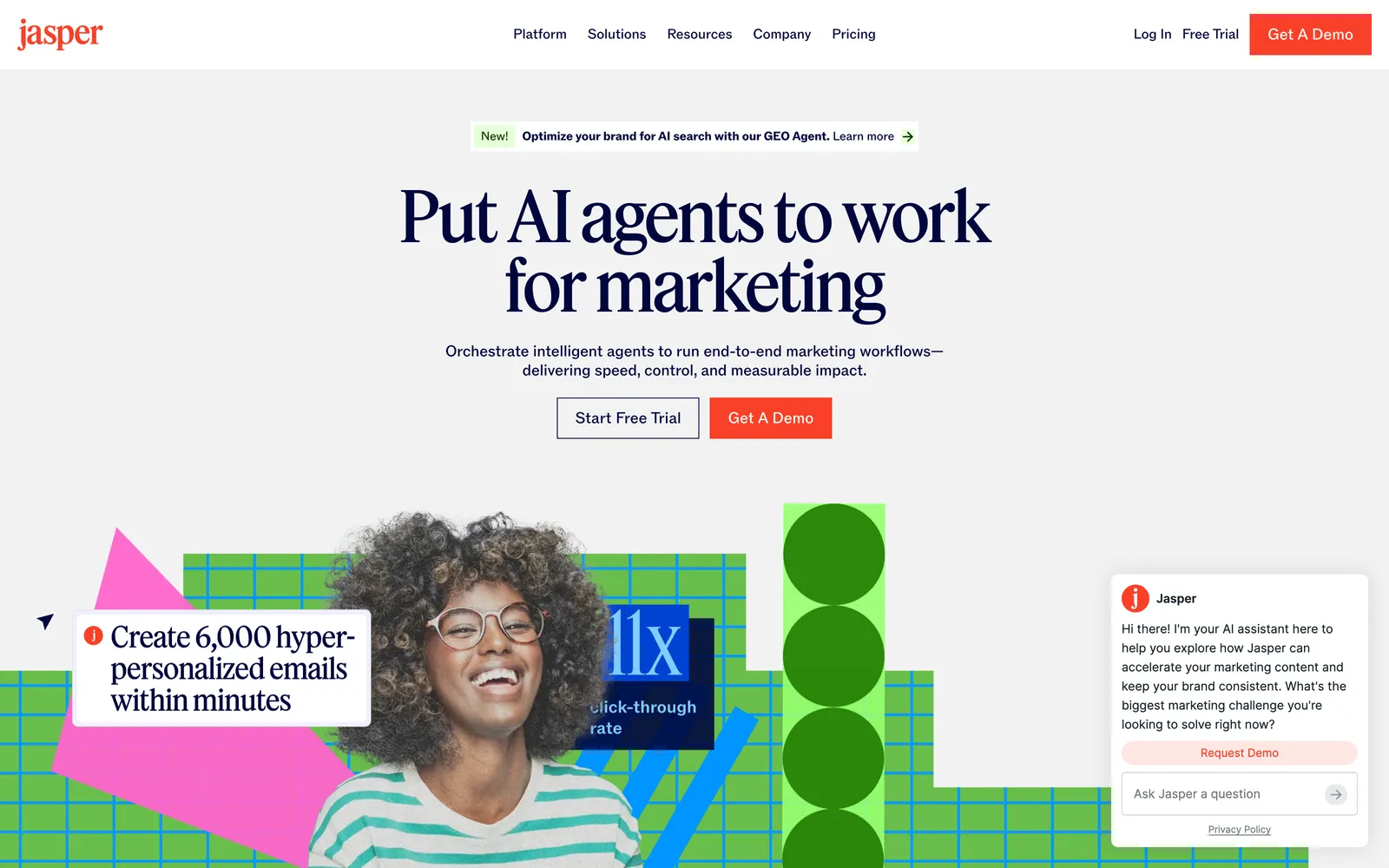
Product copy is the invisible bottleneck. A hundred-item drop needs a hundred descriptions, plus ad variations, plus launch emails, and writing all of it by hand stalls the whole calendar. Jasper handles that bulk. It's an AI writing platform aimed at marketing teams, with templates for product descriptions, ad copy, landing pages, and email, and a brand-voice feature that keeps the tone recognizably yours across everything it drafts.
You still edit the output. Jasper gets you a strong first draft fast, but a good merchandiser or copywriter should tighten the result so it doesn't read generic. Used that way, it turns a two-day writing slog into an afternoon of editing.
Best for: Product descriptions and marketing copy at catalog scale.
Key features:
- Templates for descriptions, ads, emails, and landing pages
- Brand voice applied consistently across outputs
- Bulk generation for large product ranges
- Marketing-focused workflows rather than open-ended chat
Pricing: The Pro plan runs about $59/mo on annual billing (roughly $69 month-to-month) with a 7-day trial. Team-level Business pricing is custom. Jasper has pulled its cheaper Creator tier for new signups, so Pro is the entry point today; check current plans before you commit.
Pros:
- Fast first drafts for large catalogs
- Brand voice keeps output on-tone
Cons:
- Pricier than general-purpose writing assistants
- Output needs a human edit pass to avoid generic phrasing
5. Canva
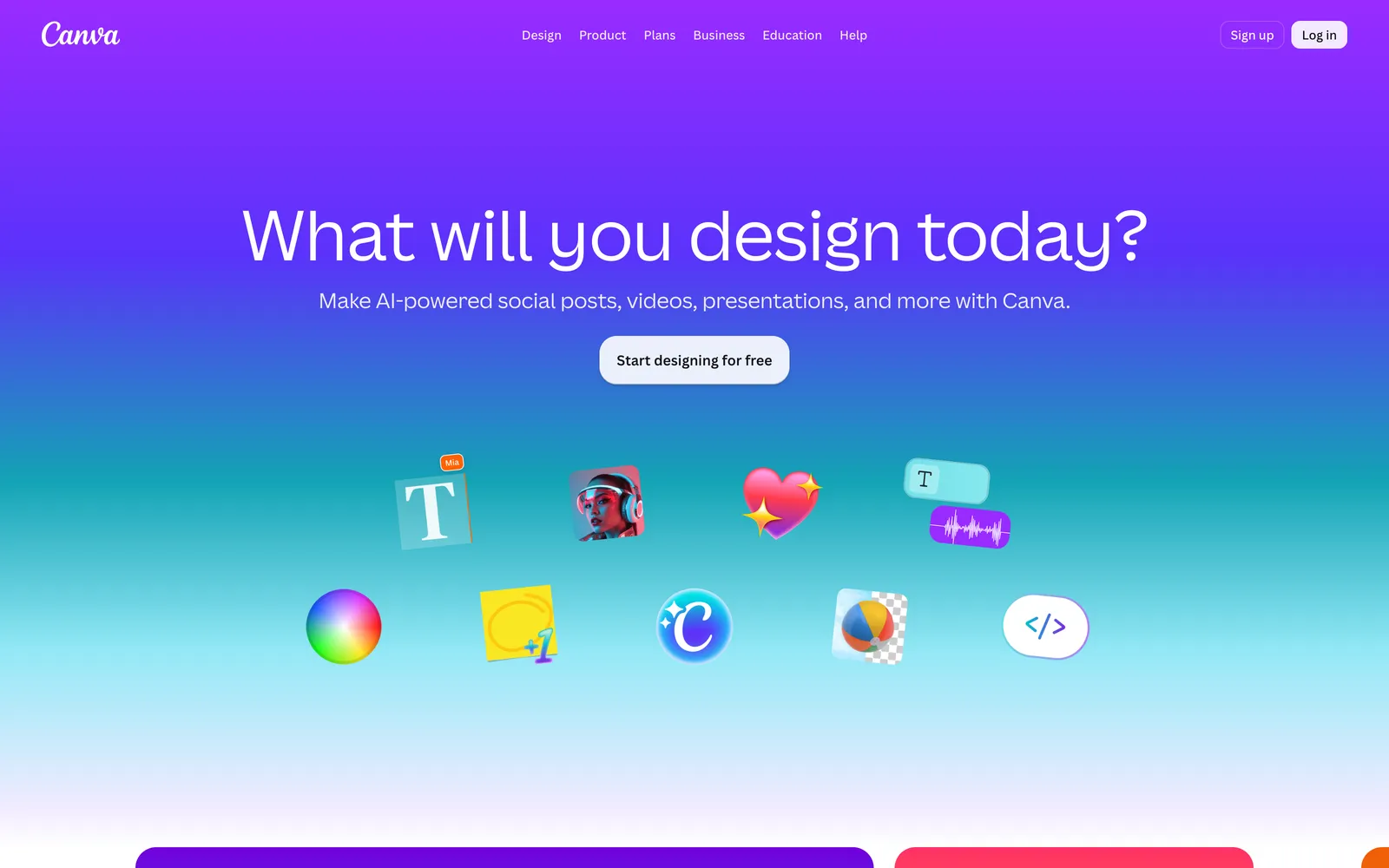
Canva is the design tool that doesn't require a designer. For a fashion brand that means banners, promo graphics, size charts, lookbook layouts, and the endless stream of Instagram and TikTok posts a launch demands. It ships with templates, a brand kit that locks in your fonts and colors, and background removal, so a marketing coordinator can produce on-brand creative without opening professional design software.
The free plan does real work, which is rare. Most brands only move to Pro when they want the brand kit, the larger asset library, and bulk resizing across formats. It won't create your product photos, but it will frame, caption, and package them for every channel you post to.
Best for: Marketing graphics, social posts, and campaign layouts.
Key features:
- Thousands of templates for social, print, and web
- Brand kit for fonts, colors, and logos across a team
- Background remover and one-click resize between formats
- Simple collaboration for small marketing teams
Pricing: Free plan available. Pro runs about $15/mo, and Business is roughly $20 per user per month. New-customer promotions often discount the first year.
Pros:
- Genuinely useful free tier
- Almost no learning curve for non-designers
Cons:
- Template-based, so heavy users can look similar to other brands
- Not a substitute for a designer on high-stakes brand work
6. Runway
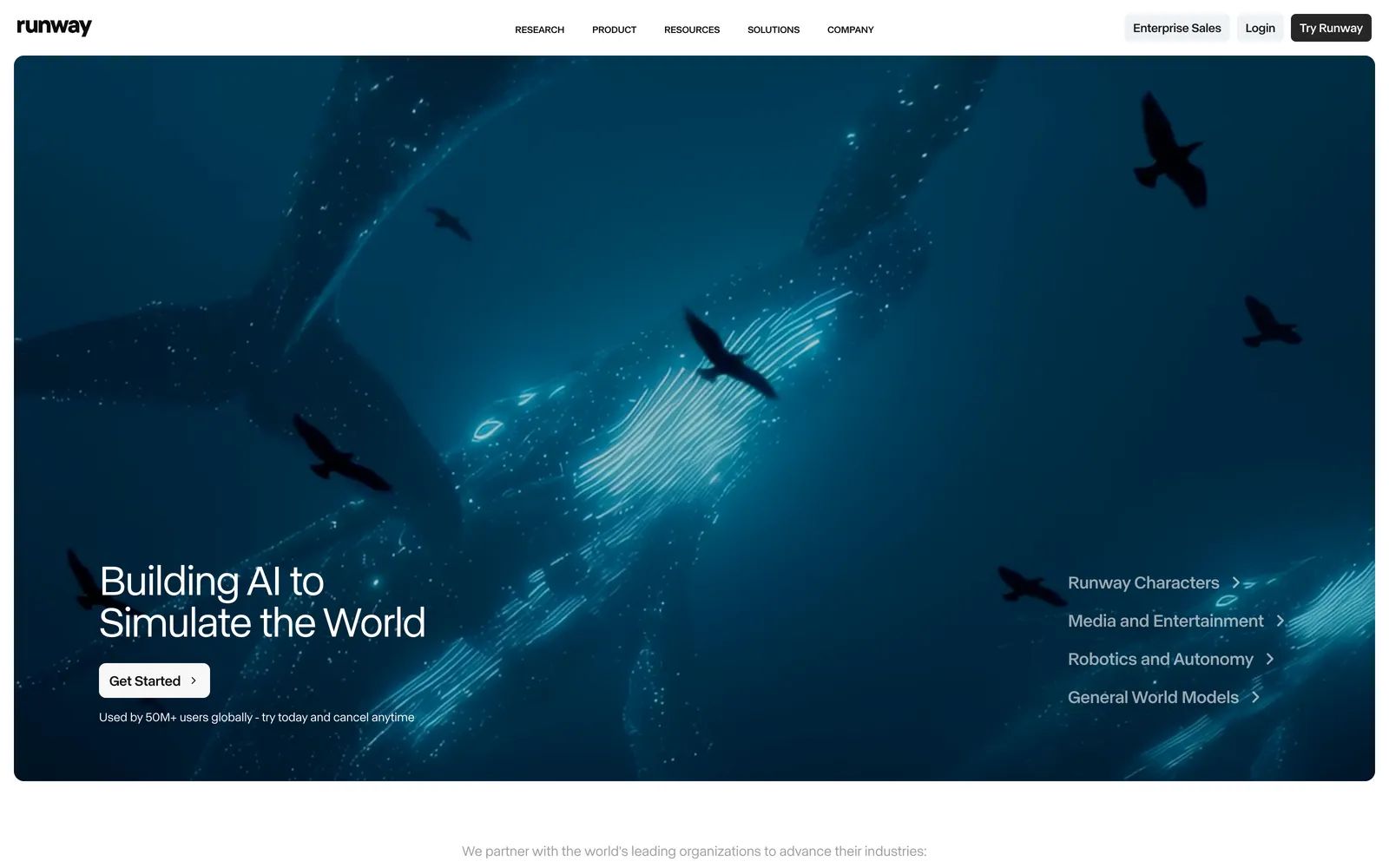
When a launch needs a proper video ad rather than an animated still, Runway is the workhorse. It's a full AI video suite with the Gen-4.5 model for text-to-video and image-to-video, plus editing tools, performance capture, and workflows that stack multiple steps. Brands use it for cinematic hero clips, motion graphics, and quick edits that would otherwise sit in a queue with a freelance editor. If you're comparing video-first options in more depth, our guide to AI fashion video generators covers the category head to head.
Runway is more powerful and more involved than a one-click video maker, and its credit system means longer or higher-quality clips cost more, so budgeting matters. For product-still-to-clip social video, WearView's built-in generator is simpler; for a crafted brand film or an ad with real motion design, Runway gives you the control.
Best for: Cinematic ad video, motion, and clip editing.
Key features:
- Gen-4.5 text-to-video and image-to-video
- Act-Two performance capture and video editing tools
- Access to several third-party video and image models in one place
- Workflow chaining for multi-step productions
Pricing: Free plan with 125 one-time credits. Standard from $12/user per month (annual), Pro about $28/mo, Max about $76/mo, with Enterprise custom. Video generation spends credits by the second, so plan around output length.
Pros:
- Deep creative control for real video production
- One account covers several leading video models
Cons:
- Credit costs add up on long or high-quality clips
- More to learn than a simple product-to-video tool
7. Google Veo
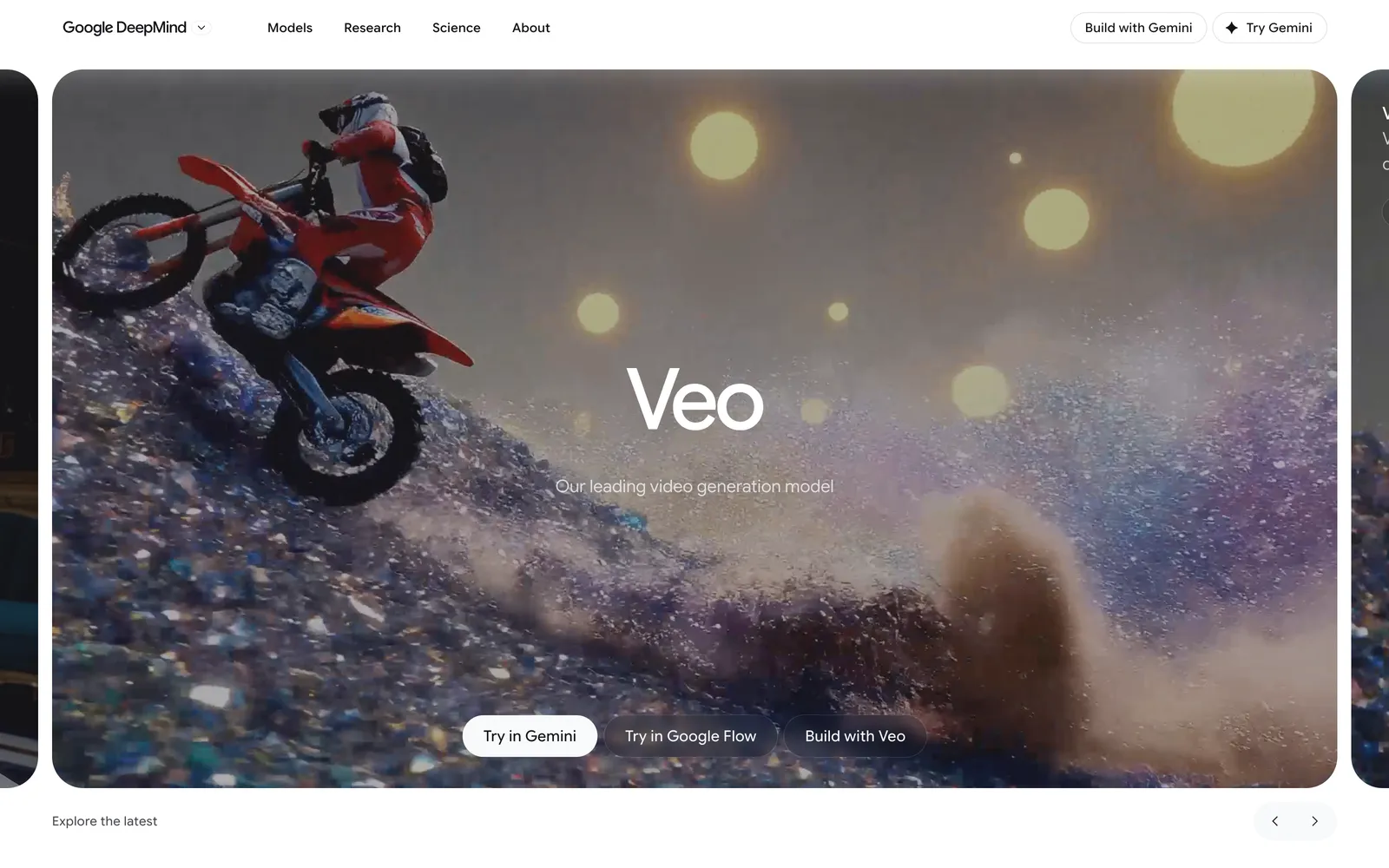
Veo 3.1 is Google's latest text-to-video model, and its headline trick is native audio: it generates ambient sound, and even dialogue, in sync with the footage. For fashion marketing that's handy for short social hooks, teaser clips, and atmospheric scene-setting where a soundtrack sells the mood. You reach it through Google's Gemini apps and the Flow tool rather than a standalone fashion product.
Two caveats. Availability is still regional, so access depends on your country and subscription, and like Midjourney it generates scenes rather than reproducing your exact garment. Use it for brand atmosphere and hooks, not for showing the literal product a customer will receive.
Best for: Short text-to-video clips with synchronized sound.
Key features:
- Text-to-video with native, synced audio
- Access through Google AI subscriptions and the Flow interface
- Commercial usage rights on paid tiers
- Strong prompt adherence for scene and mood
Pricing: Bundled into Google AI Pro at $19.99/mo (with a monthly credit allotment); the higher Google AI Ultra tiers run from roughly $100/mo up to about $200/mo after Google's 2026 subscription revamp. API access is priced per second of video. Availability varies by region.
Pros:
- Synced audio out of the box, which few rivals match
- Reasonable entry price through the Pro subscription
Cons:
- Regional availability limits still apply
- Generates scenes, not your specific product
How to choose
Start by mapping each tool to a job rather than shopping for one that does all of them, because none does. If your bottleneck is product imagery, which for most e-commerce brands it is, the visual-content tool earns its subscription first because photos and video move conversion more than any other asset. Layer in a copy tool once your catalog is large enough that writing descriptions by hand is eating real hours, and reach for the design and video specialists when a campaign genuinely calls for original artwork or a produced film. A small brand can run capably on two or three of these; a larger operation with an in-house design team will use most of them, each in its own lane.
Where AY Automate fits
We are not a tool: we place AI engineers who use tools like these to generate revenue for your brand, that is the offer. A brand running WearView, Jasper, and Canva side by side still needs someone stitching those tools into one pipeline, and an AY Automate engineer builds and owns that pipeline so drops ship faster without adding headcount. See AI engineer placement or custom workflow automation. For a fashion brand, that often means the person who wires WearView's output straight into your product feed, Jasper's copy into your CMS, and Canva's exports into your ad accounts, so nothing sits in a manual handoff between tools.
FAQ
Can AI product photos really replace a photoshoot? For standard on-model catalog shots across most of your SKUs, yes, and the cost and speed difference is large. Where a physical shoot still wins is a signature campaign with a specific creative vision, unusual materials that AI struggles to render, or a hero image you'll run everywhere. Many brands go hybrid: AI for the catalog bulk, a real shoot for the flagship pieces.
Do I own the commercial rights to AI-generated images? It depends on the tool, so read each license. WearView includes full commercial usage rights on every paid plan, and Google's paid Veo tiers include commercial rights as well. For any tool you rely on, confirm the terms before you put an output on a product page or in a paid ad.
Which tool should a small brand buy first? The one that unblocks selling. That's usually product imagery, so a photography and video platform like WearView plus Canva's free plan for social will carry a lean brand a long way. Add a copywriting tool when catalog size makes manual descriptions painful, and bring in design or video specialists only when a project actually needs them.
Are these tools hard to learn? Most are point-and-click and you'll be productive the first day, especially the photography, copy, and design tools. Runway and Google Veo reward some prompt practice for consistent results. CLO3D is the outlier: it's professional software that assumes pattern-making knowledge, so budget real time to learn it.
Continue Reading
AI Invoice Automation: What It Catches and Where Humans Still Matter (2026)
What AI invoice automation actually does (extraction, three-way matching, anomaly detection), where a human still needs to be involved, and how to evaluate a system.
7 Best AI Code Review Tools for Development Teams (2026)
A comparison of GitHub Copilot code review, CodeRabbit, Qodo, Greptile, Graphite Diamond, Sourcegraph Cody, and Gitar, what each is built for, and how to pick one.
How to Become a GTM Engineer: Skills, Path, and Salary (2026)
The real path into GTM engineering: the skills to build, where to actually learn them, how to search for the job, and sourced salary ranges. No fake certifications.
Book a Free Strategy Call
Building this in production?
Walid runs a 30-min call to map your AI engineering team. Free, no slides.
Free weekly brief
Steal our production automations
The exact n8n flows, Claude Code setups, and prompts we ship for clients, broken down step by step. No spam, unsubscribe anytime.

Taha builds and ships custom AI agents and workflow automations for AY Automate clients across SaaS, finance, and professional services.