Book a Free Strategy Call
Skip the read: talk to Walid in 30 min.
Free strategy call. We map your AI engineering team, you keep the notes.
A design that looks finished on your tablet can still surprise you the first time it becomes a real garment. Fabric drapes differently than a flat sketch suggests, a print reads wrong at scale, and a fit you were sure of needs another sample. The right software closes that gap earlier, while problems are still cheap to fix. Below are the apps designers actually reach for in 2026, sorted by the job they do best: patternmaking, tech packs, prints, sketching, and seeing a design on a model before you cut fabric. For a broader look at where AI fits across the buying and selling process, see our roundup of the best AI tools for ecommerce.
Quick overview
- WearView: Put a finished design on realistic AI models to validate the concept and get marketing shots before you sample.
- CLO3D: Build garments in 3D from real patterns and simulate how the fabric drapes and fits.
- Browzwear: Enterprise 3D apparel design and development that connects design to production.
- Adobe Illustrator: Technical flats, tech packs, and production-ready print artwork every factory can read.
- Procreate: Fast, tactile digital sketching and illustration on iPad.
- Kittl: Typography-led graphics for apparel and print-on-demand, with clean vector exports.
- Ideogram: AI-generated prints and graphics with unusually accurate text rendering.
- Design Doll: Poseable 3D figures for croquis and figure reference when you sketch.
Related Reads
Comparison table
| Tool | Best for | Standout feature | Pricing |
|---|---|---|---|
| WearView | Visualizing a finished design on a model | On-model AI photos in ~30 seconds | From $29/mo (Lite); no free plan |
| CLO3D | 3D garment construction & fit | True-to-fabric drape simulation | About $50/mo (or $450/yr); free 30-day trial |
| Browzwear | Enterprise 3D design-to-production | Connected apparel development workflow | From $75/mo (Freelancer); Enterprise custom |
| Adobe Illustrator | Technical flats & tech packs | Industry-standard .ai files factories accept | About $23/mo single app, or Creative Cloud |
| Procreate | Sketching & illustration on iPad | One-time purchase, Apple Pencil support | About $12.99 one-time (iPad) |
| Kittl | Apparel graphics & POD typography | SVG export with commercial licensing | Free tier; Pro about $10-15/mo |
| Ideogram | Print & graphic generation | Accurate text-in-image rendering | Free tier; paid from about $8/mo |
| Design Doll | Pose & figure reference | Fully customizable 3D body models | Free version; about $79 one-time Pro |
Free weekly brief
Steal our production automations
The exact n8n flows, Claude Code setups, and prompts we ship for clients, broken down step by step. No spam, unsubscribe anytime.
1. WearView
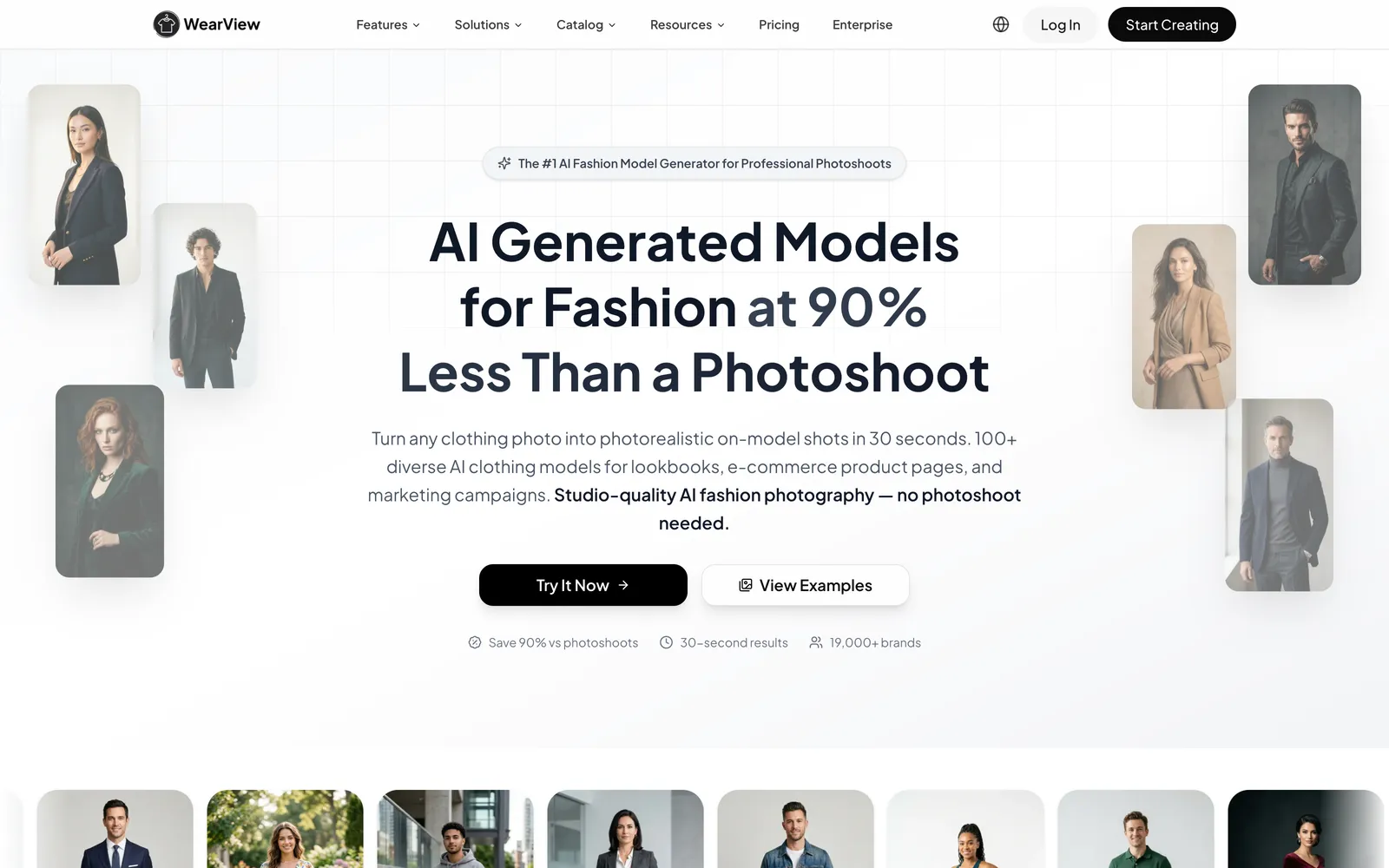
WearView sits at the very end of the design process rather than the start. Once a design is finished (a sample photo, a flat-lay, or a rendered mockup), it lets you see that piece on a realistic model, so you can judge how the concept reads as a real marketing image before committing to a production run. For a designer that's genuinely useful: you can show a buyer the look on a body, try a colorway on a model, or build launch imagery for a drop that hasn't shipped yet, all without booking a photographer.
It's worth being clear about what this is: an AI on-model visualization tool, not a design program. WearView doesn't draft patterns, generate prints, or build the garment for you. You bring the finished design, and it creates the on-model imagery around it, along with the odds and ends a launch needs like ghost-mannequin cleanup, consistent models across a range, and short social clips. The payoff is seeing your design on a real body early, without a shoot. If you want a wider view of how AI is reshaping on-model visualization and marketing imagery for apparel brands, our guide to AI tools for fashion brands covers more of that ground.
Best for: Designers who want to visualize and pressure-test a finished design on realistic models before sampling or producing it.
Key features:
- On-model AI photos from a single garment image in about 30 seconds
- 100+ diverse models with control over pose and background
- Product-to-model, ghost-mannequin cleanup, and consistent models across a catalog
- AI video generator for social clips from static product photos
- Output sized for Shopify, Amazon, Etsy, and other storefronts
Pricing: Plans start at $29/mo for the Lite tier (50 credits), or about $24/mo billed annually; the popular Pro tier runs $49/mo (200 credits). It's credit-metered, and there's no free plan or trial. The paid Lite tier is the cheapest way to start.
Pros:
- Turns a finished design into believable on-model imagery fast
- Genuinely useful for concept validation and pre-launch marketing shots
- Covers stills and short video without a photographer or studio
Cons:
- Not a pattern maker, 3D CAD tool, or graphic generator. You have to design the garment elsewhere first
- No free plan or trial. The cheapest option is the paid Lite tier ($29/mo), and output is metered by a credit system
2. CLO3D
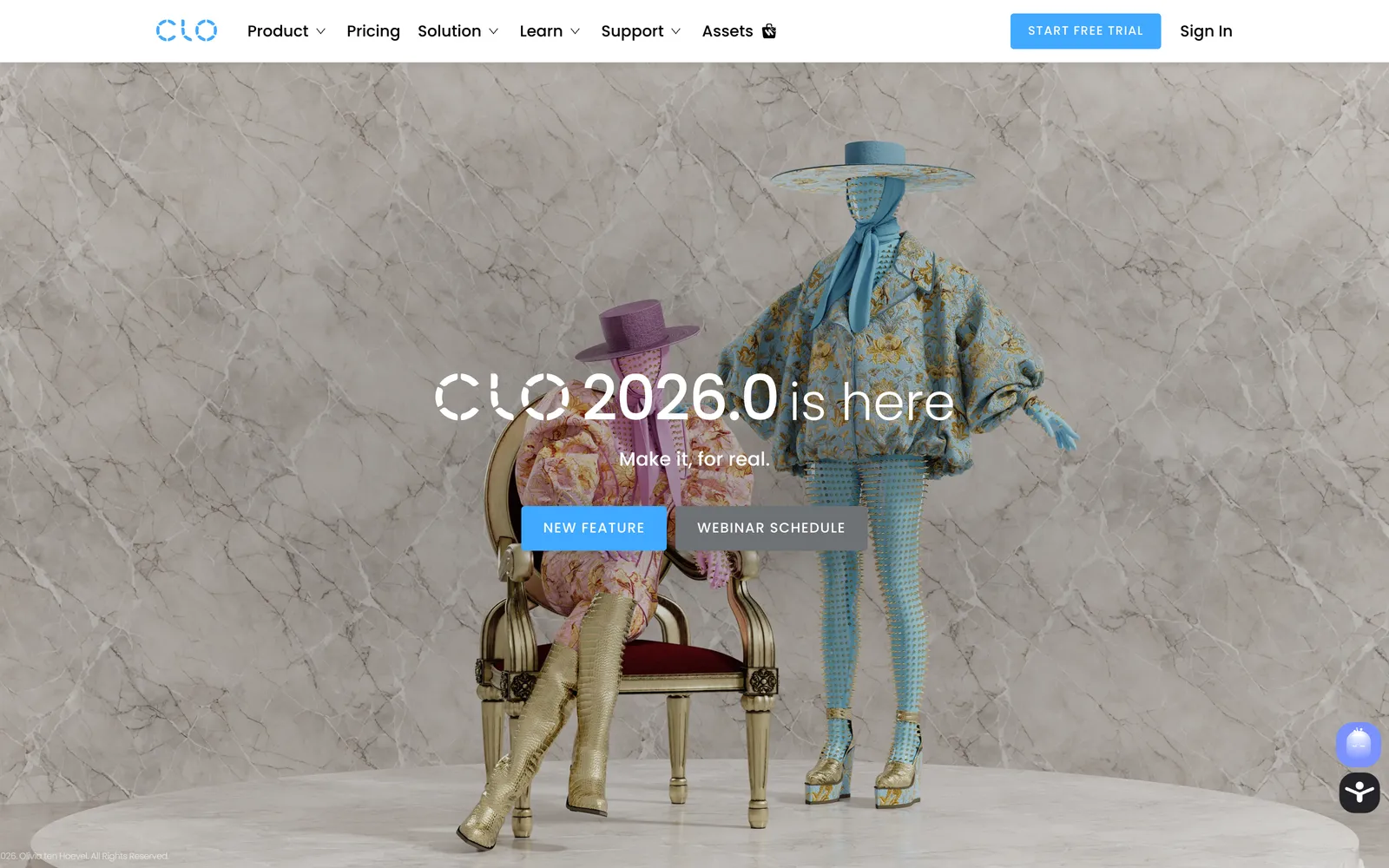
CLO3D is where a flat pattern becomes a garment you can rotate and inspect. You import or draft 2D pattern pieces, stitch them digitally, assign fabric properties, and the software simulates how the cloth drapes on an avatar. That means you can judge fit, ease, and silhouette without cutting a physical sample, which saves real money when you'd otherwise iterate through several rounds of toiles. It's the go-to for independent designers and small studios who want 3D fidelity without an enterprise contract. The learning curve is real, and patternmaking fundamentals help a lot, but once it clicks the sample-reduction payoff is hard to match.
Best for: Designers and patternmakers who want true 3D garment construction and fit simulation.
Key features:
- 2D-to-3D pattern stitching with live drape simulation
- Fabric property controls for weight, stretch, and stiffness
- Avatars with adjustable measurements for fit checks
- Export options for handoff to production and rendering
Pricing: CLO publishes a flat individual plan at about $50/mo (or $450/year), with a free 30-day trial; larger studios have enterprise and standalone options. Confirm current tiers on CLO's site.
Pros:
- Cuts down on physical sampling rounds
- Strong fabric simulation for fit and drape decisions
- Approachable pricing relative to enterprise platforms
Cons:
- Steep learning curve, especially without patternmaking basics
- Hardware-hungry for complex simulations
3. Browzwear
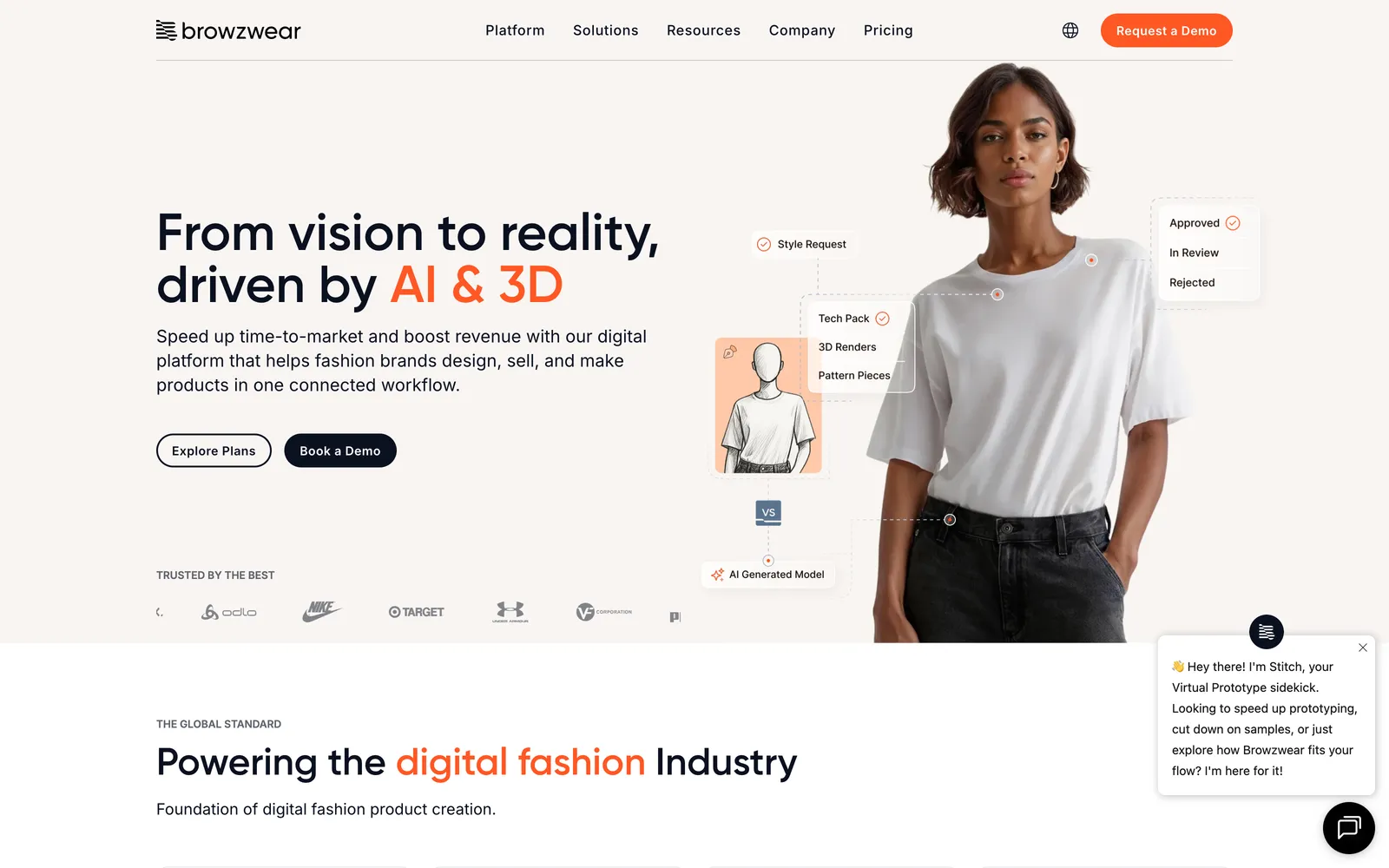
Browzwear plays in the same 3D space as CLO3D but leans enterprise. Its tools (VStitcher for 3D design and development, plus Lotta and Stylezone for collaborative line-building and merchandising) are built for teams that need design, development, and production to share one connected pipeline. If you're a brand pushing many styles per season and want digital assets to flow from the design room through to sourcing and sales, this is the workflow it's built for. As of 2026 the pricing model has broadened: Browzwear now publishes self-serve plans, Freelancer from $75/mo and a Teams plan at $3,950/year, alongside a custom-quoted Enterprise tier. The full platform still fits established brands that need integration and support more than a solo designer casually testing an idea.
Best for: Brands and teams that need connected 3D apparel design and development at scale.
Key features:
- VStitcher for detailed 3D garment design and development
- True-to-life fabric digitization and simulation
- Assets that carry through to merchandising and production
- Integrations aimed at team and enterprise workflows
Pricing: Self-serve plans now start from $75/mo for freelancers, with a Teams plan at $3,950/year; the full Enterprise platform is custom-quoted.
Pros:
- Built for design-to-production continuity across a team
- Strong fabric and material digitization
- Scales with a growing product line
Cons:
- Complex and overkill for hobbyists or very small studios
- Full platform value only unlocks at the pricier Teams and Enterprise tiers
4. Adobe Illustrator
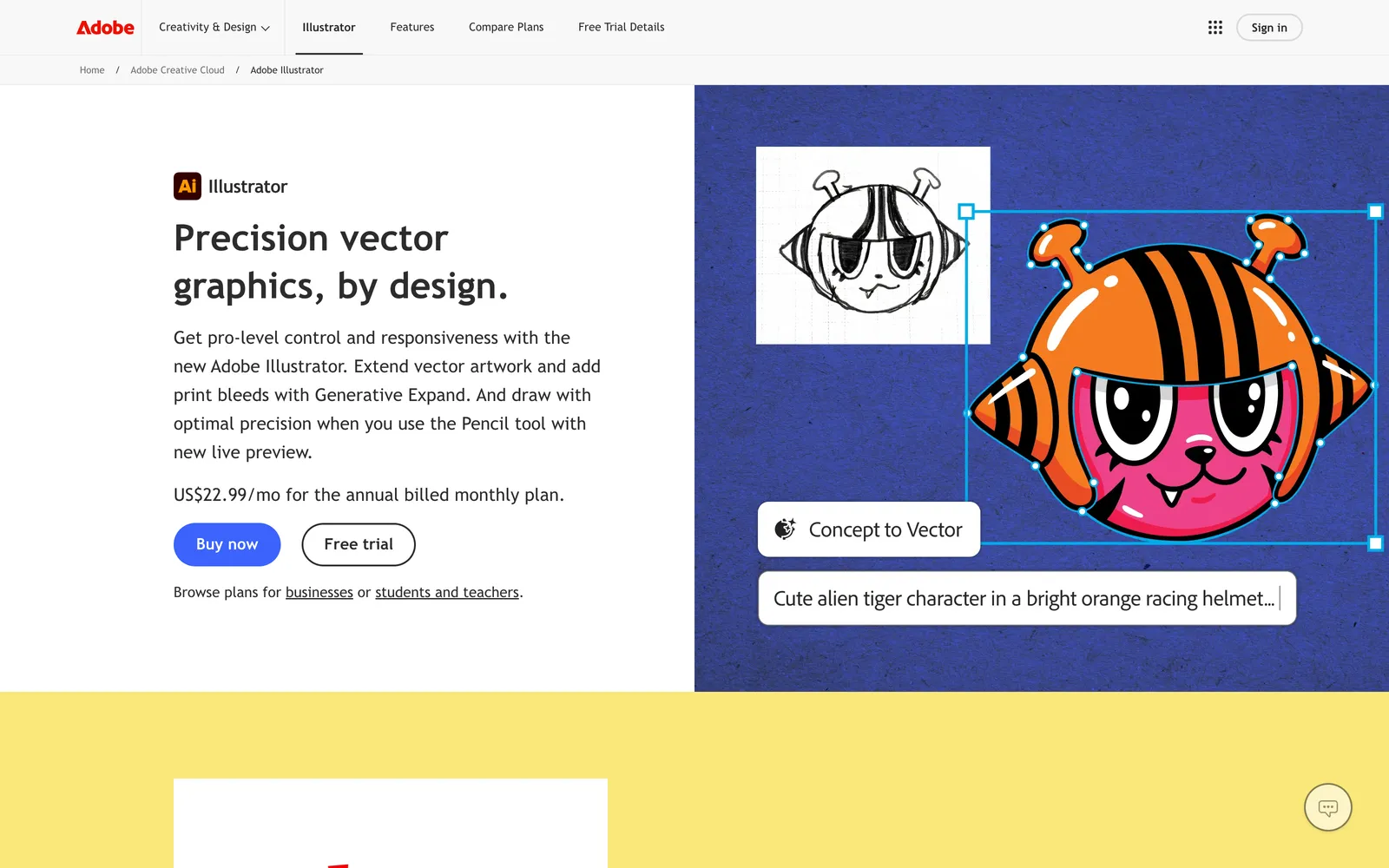
Illustrator remains the default for the 2D side of clothing design: technical flats, colorways, callouts, and print-ready artwork. The reason it endures is boring and practical: factories speak .ai files. When your tech pack needs clean vector flats and specs a manufacturer can open without friction, this is still the safest common language. Pair it with a tech-pack tool like Techpacker and a spreadsheet, and a small label can spec its first styles without buying anything heavier.
It's a vector illustration app, not a fashion-specific CAD suite, so patternmaking and 3D fit live elsewhere. For flats, prints, and production documentation, though, it's hard to beat.
Best for: Technical flats, tech-pack artwork, and print files that need to reach a factory cleanly.
Key features:
- Precise vector drawing with the pen and shape tools
- Artboards for organizing flats, colorways, and specs
- Export to production-ready SVG, PDF, and EPS
- Plugins and integrations for tech-pack workflows
Pricing: About $23/mo for the single app, or bundled into a Creative Cloud subscription.
Pros:
- Universal file compatibility with manufacturers
- Precise, scalable vector output for flats and prints
- Deep ecosystem of plugins and templates
Cons:
- No native patternmaking or 3D fit tools
- Subscription-only, and the learning curve is nontrivial
5. Procreate
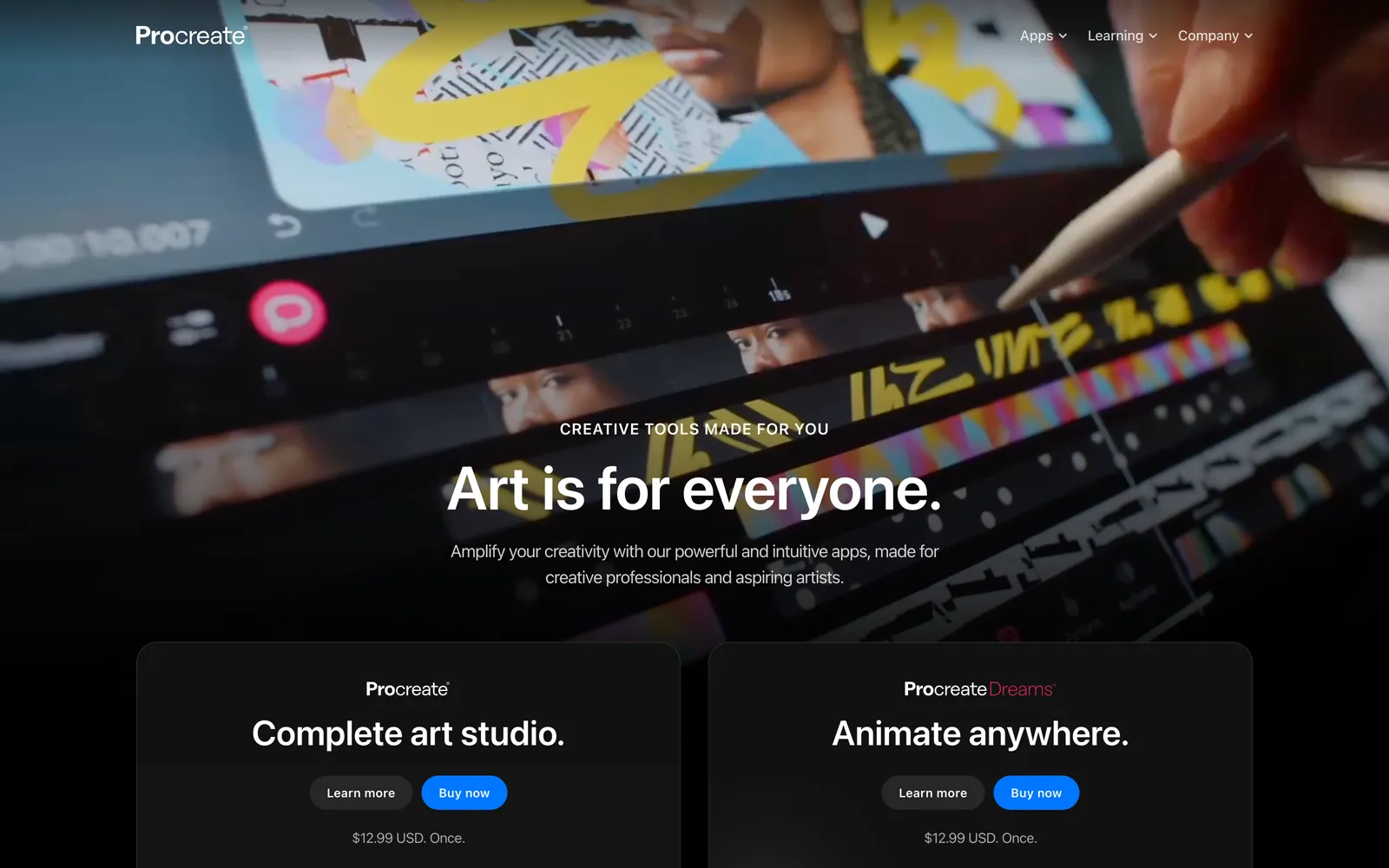
For the early, expressive stage of design (mood, silhouette, quick concept sketches), Procreate is a favorite for a reason. It turns an iPad and Apple Pencil into a responsive sketchbook with pressure and tilt sensitivity that feels close to drawing on paper. Designers use it to rough out ideas, build croquis, illustrate prints by hand, and present concept boards before anything moves into vector or 3D.
The pricing is refreshingly simple: one payment, no subscription, free updates. The catch is that it's iPad-only and it's a drawing app, so it won't produce production specs or grade a pattern.
Best for: Fast, hand-drawn concepting and fashion illustration on iPad.
Key features:
- Pressure- and tilt-sensitive Apple Pencil drawing
- Large brush library plus custom brushes for texture and fabric
- Layers, masks, and export to common image formats
- Page Assist for multi-page concept decks
Pricing: About $12.99 one-time on the iPad App Store; no subscription.
Pros:
- One-time cost with a full illustration toolkit
- Natural, tactile sketching for early ideation
- Owns the file, no recurring fees
Cons:
- iPad-only, so no desktop workflow
- Not built for tech packs, vectors, or patterns
6. Kittl
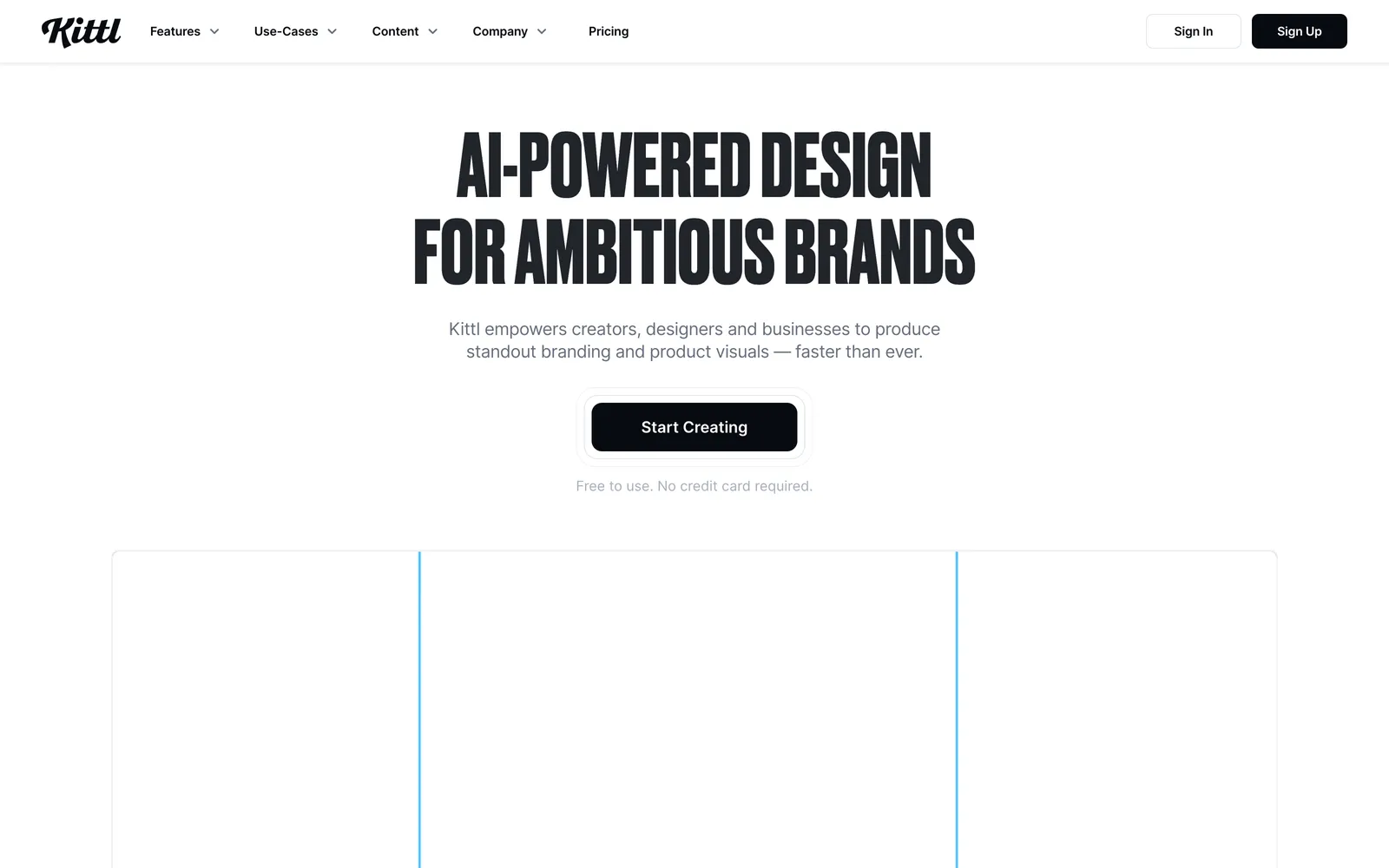
Kittl is aimed squarely at the graphics side of apparel: the typography, badges, and illustrations that go on the garment rather than the garment itself. It's especially popular with print-on-demand sellers and small streetwear labels who need premium-looking type and vector art without a deep Illustrator skill set. Templates and AI-assisted tools get you to a clean design fast, and Pro exports crisp SVGs that scale to any print size.
Think of it as a bridge between "I have an idea for a graphic tee" and a print-ready file. It won't help with construction or fit, but for surface graphics and brand consistency across a product line, it's efficient.
Best for: Apparel graphics, T-shirt typography, and print-on-demand design.
Key features:
- Typography and vector tools with a large template library
- SVG export that scales cleanly for print
- AI-assisted design generation for quick starts
- Commercial licensing suitable for POD products
Pricing: Free tier available; Pro runs about $15/mo (about $10/mo billed annually), with a higher Expert tier (about $30/mo, or about $24/mo billed annually) for heavy POD use.
Pros:
- Fast, polished results without steep vector expertise
- Strong typography and clean SVG output
- Commercial license covers POD and client work
Cons:
- Focused on surface graphics, not garment construction
- Template-driven work can look generic if you don't customize
7. Ideogram
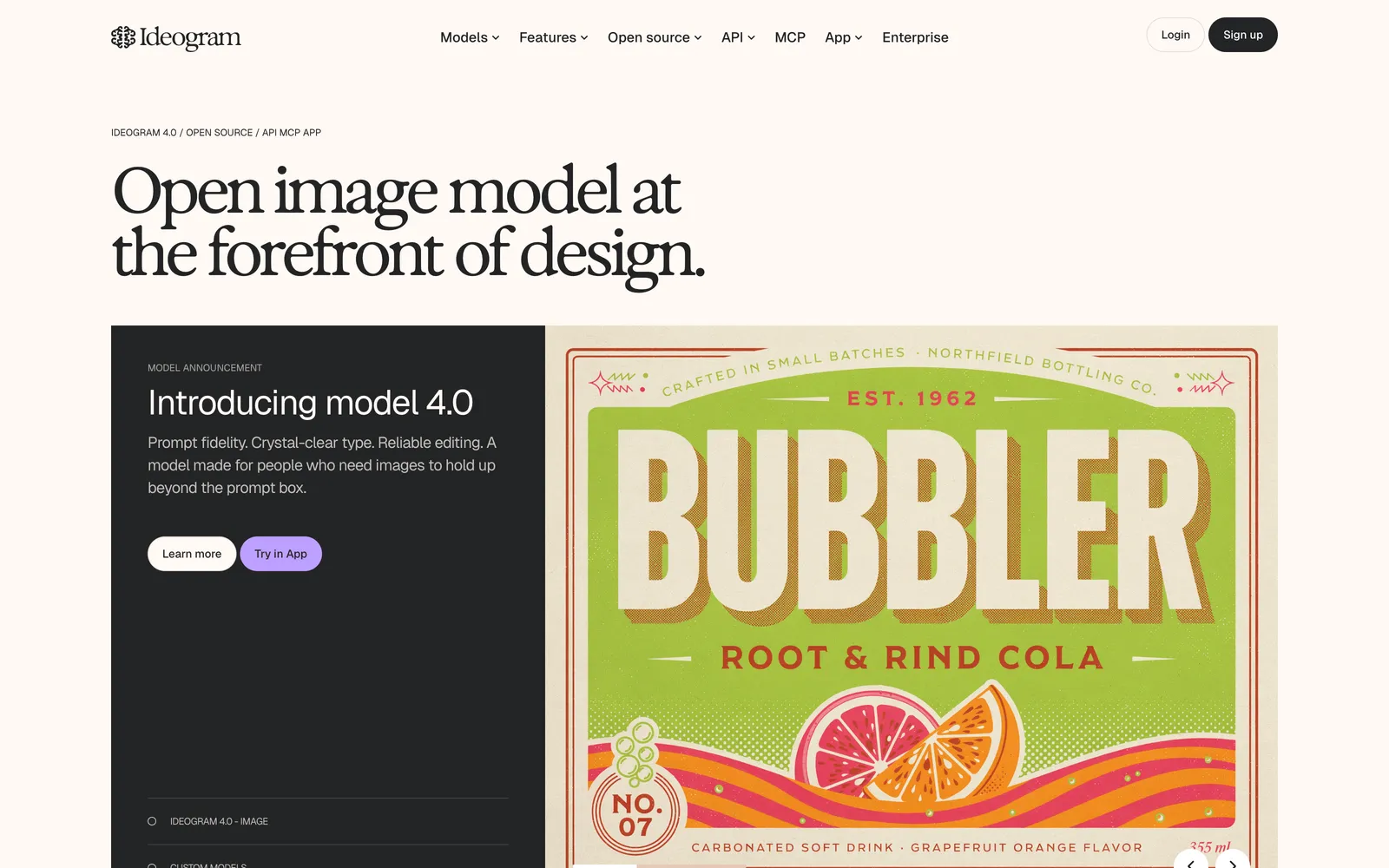
If your design hinges on a print, slogan, or graphic, Ideogram is the AI image tool that renders text correctly, which most image generators still botch. That makes it useful for concepting all-over prints, placement graphics, logos, and typographic tees, where a misspelled word ruins the whole file. You describe what you want, iterate on variations, and pull the results into Illustrator or Kittl to prep for production. It's a generation tool, so treat outputs as raw material: you'll usually vectorize and refine before print, and you should sanity-check commercial-use and originality questions for your market.
Best for: Generating print and graphic concepts, especially text-heavy designs.
Key features:
- High text-rendering accuracy compared with general image models
- Fast variation generation for prints and placement graphics
- Style controls for different aesthetics
- API access on higher tiers for automated workflows
Pricing: Free tier with limited daily generations; paid plans start from about $8/mo, with higher tiers for volume and API use.
Pros:
- Reliable text-in-image output for slogans and logos
- Quick, cheap ideation for prints and graphics
- Usable free tier to test the fit
Cons:
- Outputs need cleanup and vectorizing before production
- Not a precise design tool; verify commercial-use terms
8. Design Doll
Design Doll solves a narrow but persistent problem: getting a pose right when you sketch. It gives you a fully customizable 3D figure you can pose from any angle, adjust in proportion, and use as croquis reference so your fashion illustrations sit on a believable body. Designers who draw their concepts by hand, often in Procreate, lean on it to avoid stiff or anatomically off figures.
It's a reference tool, not a garment tool. It won't design or drape clothing; it poses the model you draw over. For that single job, it's inexpensive and effective.
Best for: Pose and figure reference for hand-drawn fashion illustration.
Key features:
- Fully poseable 3D human models
- Adjustable body proportions and camera perspective
- Export poses and models for use alongside drawing apps
- Community model library on the Pro license
Pricing: Free version with unlimited posing; a one-time about $79 Pro license adds OBJ export and extras.
Pros:
- Cheap, focused fix for figure and pose reference
- Highly adjustable proportions for stylized croquis
- Free version is genuinely usable
Cons:
- Does nothing for the garment itself
- Interface feels dated next to newer pose tools
How to choose
Start from the part of the process you're actually stuck on. If you're drafting patterns and worried about fit, a 3D tool like CLO3D (or Browzwear for a team) pays for itself by cutting sample rounds. If you're speccing styles for a factory, Illustrator is still the common language, and it pairs with a tech-pack tool. For the creative front end (sketching and prints), Procreate, Kittl, and Ideogram each own a slice, and they're cheap enough to combine. WearView belongs at the validation and marketing stage: after the design exists, when you want to see it on a model and build launch imagery. Most working designers end up using two or three of these together rather than one app for everything, much the same way most ecommerce teams stack several point tools instead of relying on one platform for everything, as covered in our roundup of the best AI tools for ecommerce.
Where AY Automate fits
We are not a tool: we place AI engineers who use tools like these to generate revenue for your brand, that is the offer. Once a design is finished, an AY Automate engineer can automate the handoff, generating on-model visualization, tech-pack files, and launch assets from the same source file instead of someone doing it by hand for every style. Whether the bottleneck is turning a finished CLO3D or Illustrator file into launch-ready marketing assets, or wiring WearView-style visualization into a repeatable pipeline, that handoff is where the manual hours pile up. Start with AI engineer placement or AI agent development.
FAQ
Do I need CAD software to design clothing, or can I just sketch? You can start with sketching. Many designers concept in Procreate or Illustrator and only move to 3D CAD like CLO3D when fit and drape become critical or they want to reduce physical samples. If you're producing at any scale, though, you'll eventually need vector flats and a tech pack a factory can read.
Can AI actually design a garment from scratch? Not the garment itself. AI tools are strong at surface graphics and prints (Ideogram) and at visualizing a finished design on a model (WearView), but the construction (patterns, grading, fit) still comes from CAD software or a patternmaker. Treat AI as an accelerator for specific steps, not a replacement for the whole process.
What's the cheapest way to start designing clothing? A one-time Procreate purchase (about $12.99) for sketching, plus free tiers on Kittl and Ideogram for graphics, gets you a long way for under $15. Add Illustrator when you need factory-ready tech packs, and a 3D tool later if fit simulation becomes worth the cost.
Where does WearView fit? Can it replace my design app? No. WearView is for the visualization step, not designing the garment. You bring a finished design or sample, and it produces on-model photos and video to validate the concept and market it. Pair it with a real design or CAD app; it won't draft patterns or generate original artwork.
Continue Reading
AI Invoice Automation: What It Catches and Where Humans Still Matter (2026)
What AI invoice automation actually does (extraction, three-way matching, anomaly detection), where a human still needs to be involved, and how to evaluate a system.
7 Best AI Code Review Tools for Development Teams (2026)
A comparison of GitHub Copilot code review, CodeRabbit, Qodo, Greptile, Graphite Diamond, Sourcegraph Cody, and Gitar, what each is built for, and how to pick one.
How to Become a GTM Engineer: Skills, Path, and Salary (2026)
The real path into GTM engineering: the skills to build, where to actually learn them, how to search for the job, and sourced salary ranges. No fake certifications.
Book a Free Strategy Call
Building this in production?
Walid runs a 30-min call to map your AI engineering team. Free, no slides.
Free weekly brief
Steal our production automations
The exact n8n flows, Claude Code setups, and prompts we ship for clients, broken down step by step. No spam, unsubscribe anytime.

Taha builds and ships custom AI agents and workflow automations for AY Automate clients across SaaS, finance, and professional services.