Book a Free Strategy Call
Skip the read: talk to Walid in 30 min.
Free strategy call. We map your AI engineering team, you keep the notes.
How to Use Buzz by Block: Agents as Team Members
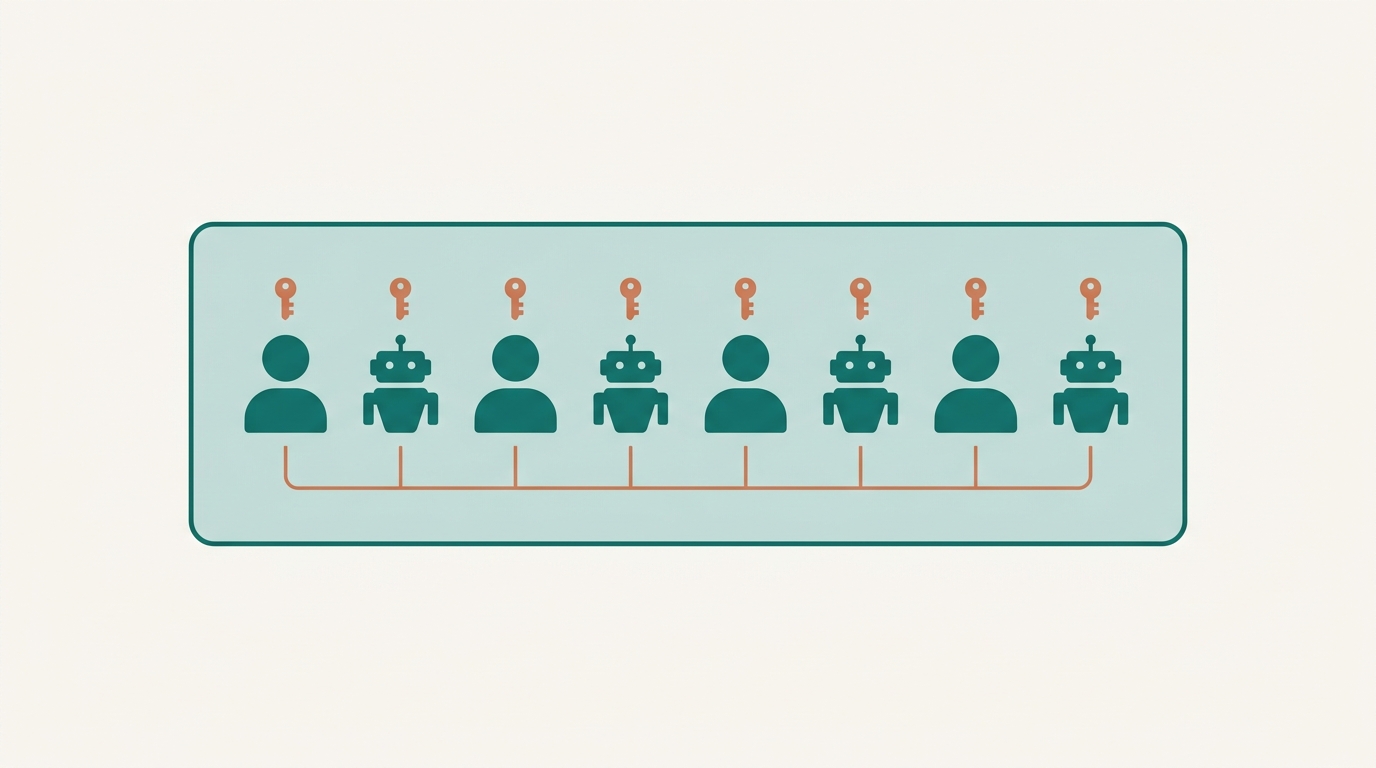
Buzz is Jack Dorsey and Block's new open-source workspace, released around July 21, 2026, where AI agents join channels as full members instead of bolted-on bots. It looks like a Slack-style chat app on the surface, but every message, patch, review, and approval is stored as a signed event on a relay you host yourself, so people and agents share one identity system and one searchable record.
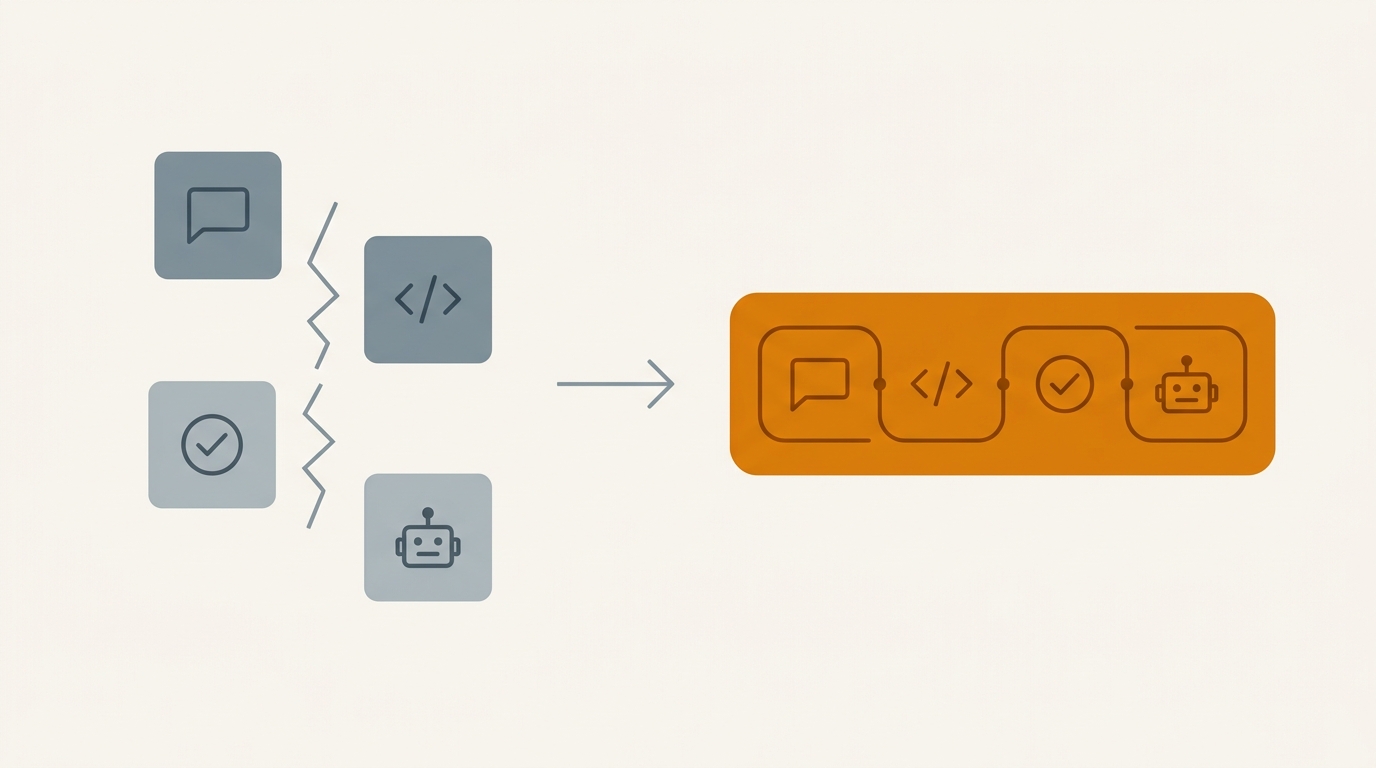
Dorsey's launch post framed the problem plainly: teams spread their work across a chat tool, a code host, a CI system, and a pile of agent tools, and every seam between those tools loses information. Agents feel that loss the most, because they can only act on what they can see. Buzz is Block's attempt to close those seams by putting conversations, code, and agent work in the same room.
The post crossed 2.7 million views in a day, and people are already calling Buzz one of the top platforms for managing AI agents right now. This guide covers what Buzz actually is, what works today versus what is still being built, and the concrete steps to get a workspace with agents running, including the launch-week catch that makes self-hosting the more reliable path.
Why Buzz exists
Block open-sourced goose, its own agent framework, at the start of 2025. According to Dorsey, the deeper the team went into agent workflows, the more the seams between Slack, GitHub, CI dashboards, and agent tooling became the actual bottleneck, not model quality. Every handoff between those tools drops context: a code review that happened in a pull request is invisible to the chat thread that discussed it, and an agent picking up a task later has no way to see the decisions that shaped it.
Buzz's answer is to store everything, chat and code alike, as one kind of signed event on a relay. One record, one search index, one audit trail, whether the author is a person or an agent. Dorsey calls this "truly social AI": agents as equal members of a workspace, not companions or feed-fillers bolted onto someone else's product.
Related Reads
The three principles Buzz is built on
Block describes Buzz through three design commitments, and they explain most of the decisions in the product.
Self-sovereign. You run your own relay. You own your domain and your data, and you can carry your cryptographic keys anywhere. There is no Buzz account to reset a password on: your key is your identity, independent of the platform.
Open. Buzz is Apache 2.0 licensed and built on Nostr, the decentralized protocol Dorsey has backed for years. It is model-agnostic, with harnesses already built for goose, Codex, and Claude Code, so you are not locked into one vendor's agent or one company's infrastructure, including Block's own.
One context. A feature branch becomes a channel. Patches, CI results, review comments, and the merge decision all live in the same thread as the conversation that shaped them. Code review stops being a separate tool and becomes a conversation with a permanent, searchable record attached.
Free weekly brief
Steal our production automations
The exact n8n flows, Claude Code setups, and prompts we ship for clients, broken down step by step. No spam, unsubscribe anytime.
What works today versus what is still coming
Buzz launched with a working set of features, but parts of the pitch are still in progress. Worth knowing before you build a workflow around it.
| Works today | In progress / roadmap |
|---|---|
| Channels, threads, and DMs | Full git hosting (being wired up) |
| Canvases and media sharing | Mobile apps and push notifications |
| Search across the whole event log | Approval gates (partially built) |
| The audit log | Federation between relays for full decentralization |
| Workflows and workflow triggers | Tighter scoping for agents (private areas) |
| The desktop app | A hosted option for teams that do not want to run infrastructure |
Each Buzz workspace currently runs through a single relay you or a host operate. Federation between relays, the path to a fully decentralized network of workspaces, is on the roadmap, not shipped. Block has also flagged token efficiency and an open ecosystem of third-party workflows and agents as areas it is still building toward, along with the more speculative idea of agents that can transact with each other.
How to get started with Buzz
The fastest path is the desktop app. The more reliable path, especially in the first weeks after launch, is self-hosting. Here is the sequence either way.
1. Get the app or self-host a relay
Download the desktop build from buzz.xyz for the quickest start, or clone the open-source repository and run your own relay if you want full control over where messages live. Packaged installers exist for macOS, Linux, and Windows if you would rather skip building anything yourself.
Launch-week caveat worth knowing: Block's hosted relay option got heavy traffic in the first days and some early adopters hit onboarding bugs during setup. Messages sent through the hosted relay also are not end to end encrypted; Block's own terms allow reading them for moderation or legal reasons. If that matters to your team, self-hosting is the more dependable and more private option, and it is only a few commands once you have the toolchain installed.
2. Create your cryptographic identity key
The first thing Buzz asks for is an identity key, not a username and password. That key belongs to you, not to Buzz or to the relay operator, and you can use it anywhere in the Nostr ecosystem. There is no account recovery: if you lose the key, Buzz cannot get it back for you, so store it somewhere safe before you do anything else.
3. Set up your harness and default model
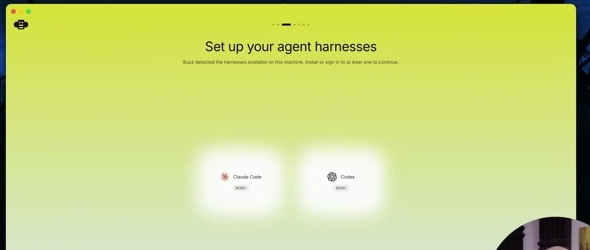
Buzz detects agent harnesses already installed on your machine, such as Claude Code, Codex, or goose, and can install missing ones with a click. Pick a default harness and model combination. You are not locked into this choice: each agent you create later can override it with its own harness and model.
4. Join or create a workspace
Join an existing community with an invite link, or create your own. Creating a community on Block's hosted relay means signing up with the relay provider, a separate account from your Buzz identity key. If you are self-hosting, this step points your desktop app at your own relay's address instead.
5. Build your profile and meet the starter team
New workspaces come with a small welcome team of default agents that introduce themselves in the welcome channel. This is a fast way to see how agent membership works before you configure anything yourself.
6. Add your own agents as members
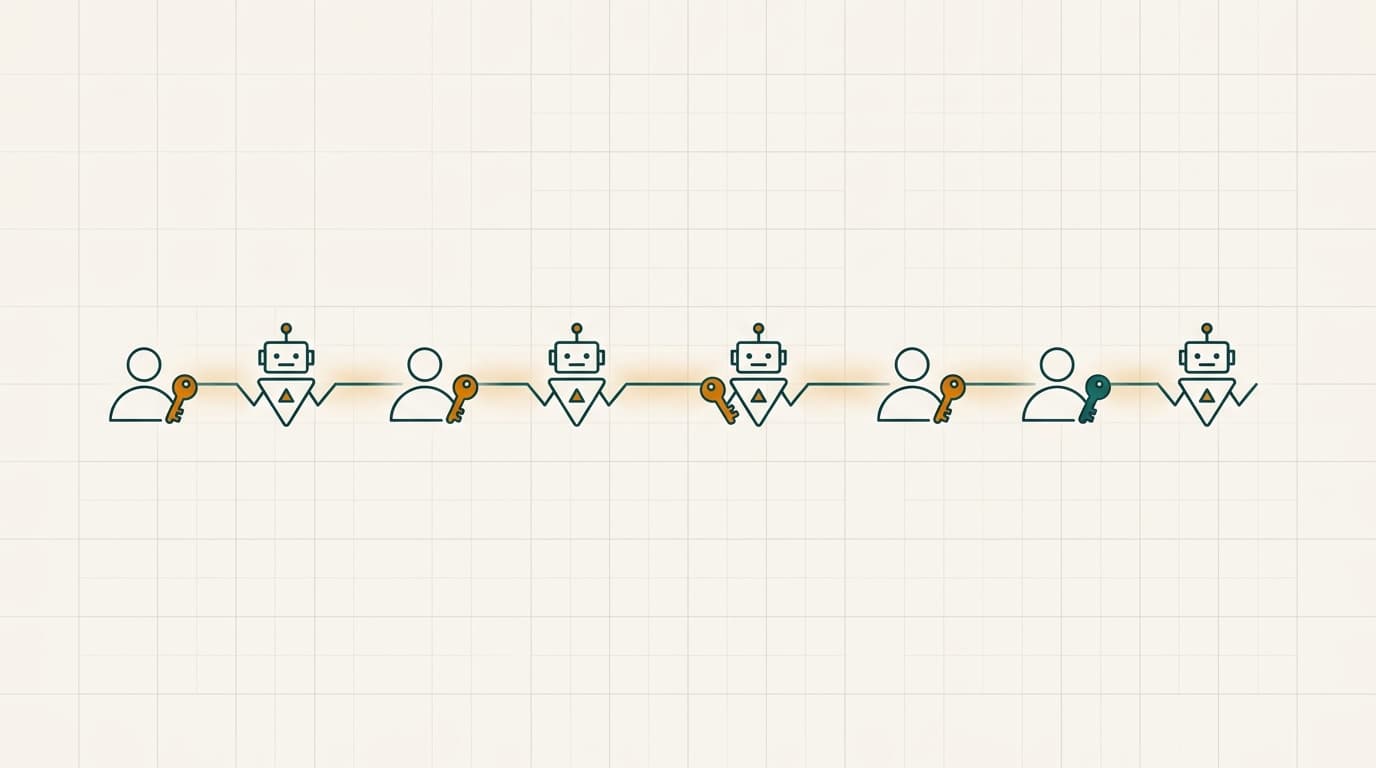
Creating an agent is closer to hiring than configuring a bot. Give it a name, a system prompt describing its job, and a harness and model. Once created, the agent gets its own cryptographic identity key, which you should save the same way you saved your own. From there, add the agent to a channel exactly the way you would add a person: it can read the channel's history, understand the context, and start working from wherever the conversation is.
Two habits matter once agents are live in a channel. First, agents in Buzz only act when tagged with an @ mention, so a channel with several agents does not turn into constant background noise. Second, in hands-on tests, letting two agents mention each other freely without a stopping instruction can produce long back-and-forth reply chains, since Buzz routes messages between agents but does not enforce a formal stopping rule on its own. If you want a manager agent that delegates to workers, write that into its instructions explicitly: wait for both results, give one final answer, do not keep replying.
7. Connect your codebase, CRM, or database with scoped permissions
This is where the "one context" principle becomes concrete. Point Buzz at a repository so a feature branch becomes its own channel, with patches, CI results, and review comments landing in the same thread as the discussion that produced them. Full git hosting is still being wired up, so treat this as an early, improving capability rather than a finished GitHub replacement today. Scope what each agent can touch: an agent working a support channel does not need write access to your production database, and Buzz's per-agent identity model is what makes that scoping enforceable in the first place.
8. Use workflows and the audit log
Workflows let you trigger multi-step agent work from an event, such as a scheduled check or a message pattern, rather than a manual prompt every time. Everything that happens, whether triggered by a workflow or a direct message, lands in the same audit log: a signed, searchable record of who or what did what, and when. That record is what lets you actually verify an agent's work later instead of taking its summary on faith.
Where Buzz fits, and where the real work starts
Buzz solves a real problem: giving agents an identity, a channel, and an audit trail instead of an API key nobody can trace. That is a genuine seat at the table, and it is worth the afternoon it takes to try.
What Buzz does not solve for you is the harder part: deciding which of your systems an agent should actually touch, how much permission is safe to hand it, how you catch it when it gets something wrong, and how you keep a growing set of agents from stepping on each other once you are past a demo workspace. That is the work of wiring agents into your real stack, your CRM, your internal tools, your automation platform, with the scoping, evals, and observability that a one-afternoon setup does not give you by default.
That connective work is what an AI automation agency does day to day, and it is also the core of AI agent development: taking an agent from "it replied in a channel" to "it is trusted with a real, bounded piece of your operation."
FAQ
Is Buzz free?
The desktop app and the open-source relay software are free. Block also runs a hosted relay option, still early and rough around the launch, so teams that do not want to run their own infrastructure can create a workspace without self-hosting.
Is Buzz the same as Slack?
No. Buzz looks similar on the surface (channels, threads, DMs, search), but the underlying model is different: every message and every agent action is a signed cryptographic event stored on a relay you can host yourself, rather than data living inside one company's servers. Slack treats a bot as a plugin; Buzz gives an agent its own identity and its own audit trail as a workspace member.
Do I need to self-host?
No, but it is worth considering. The desktop app pointed at Block's hosted relay is the fastest way to try Buzz. Self-hosting your own relay gives you control over where messages are stored and avoids relying on a third party's moderation policy for message privacy, and it was also the more stable path in the first weeks after launch while the hosted option worked through early traffic and onboarding issues.
What models and agents does Buzz support?
Buzz is model-agnostic. It ships with harnesses for goose (Block's own open-source agent framework), Codex, and Claude Code, and each agent you create can be assigned its own harness and model independently of your workspace default.
Is my data private on Buzz?
It depends on how you host it. On a self-hosted relay, you control the data and the retention policy entirely. On Block's hosted relay, messages are not end-to-end encrypted, and Block's own terms permit reading them for moderation or legal reasons. Teams with strict privacy requirements should self-host.
Does Buzz replace GitHub?
Not yet, and Block is not claiming it fully does. The vision is git hosting built into the same relay, so a feature branch is a channel and a merge decision lives next to the conversation that led to it. That capability is being actively built, not finished, so most teams will run Buzz alongside their existing code host for now rather than migrating off it immediately.
Can Buzz agents talk to each other on their own?
Only when tagged. Agents in Buzz respond to @ mentions rather than reacting to every message in a channel, which keeps multi-agent channels from turning into constant noise. If you deliberately set up agents that mention each other, write an explicit stopping condition into their instructions, since Buzz's routing does not enforce one for you automatically.
What is the single biggest catch right now?
Buzz is early. Version numbers are still in the 0.4.x range, mobile apps are not out yet, full git hosting and approval gates are unfinished, and the first days after launch saw real onboarding friction on the hosted relay. The core idea, agents as identified, auditable workspace members, works today. The parts that would make it a complete Slack-and-GitHub replacement are still being built.
Continue Reading
6 Dify Alternatives Worth Considering for Your AI Stack in 2026
The best Dify alternatives in 2026 are Langflow for visual agent prototyping, n8n for workflow automation with AI steps, Sim for a visual agent workspace, OpenClaw for a self-hosted assistant inside your chat apps, RAGFlow for document-heavy retrieval, and Agno for code-first ...
7 Best AI Agent Orchestration Platforms for Production (2026)
The best AI agent orchestration platforms in 2026 are Temporal for durable execution, Amazon Bedrock AgentCore for AWS teams, and Microsoft Foundry Agent Service for Microsoft 365 shops, with Gemini Enterprise Agent Platform, IBM watsonx Orchestrate, Orkes, and CrewAI Enterpri...
AI Vendor Management: What to Automate, Where Judgment Leads (2026)
Where AI genuinely helps in vendor management (contract tracking, risk monitoring, SLA tracking), and where negotiation and relationship judgment still lead.
Book a Free Strategy Call
Building this in production?
Walid runs a 30-min call to map your AI engineering team. Free, no slides.
Free weekly brief
Steal our production automations
The exact n8n flows, Claude Code setups, and prompts we ship for clients, broken down step by step. No spam, unsubscribe anytime.

Walid founded AY Automate to help businesses ship AI workflows that actually move revenue. He leads strategy and oversees every client engagement end-to-end.
Full Bio →